AOC 27-Inch QD Review: Cheapest QD-OLED Comes With Burn-In Warranty
November 5, 2026
The AOC 27" QD arrives at $369.99 as a 27-inch QHD QD-OLED that promises infinite blacks, wide-gamut color and a three-year warranty that explicitly covers burn-in. That price puts it below the closest rival QHD OLED gaming monitors.
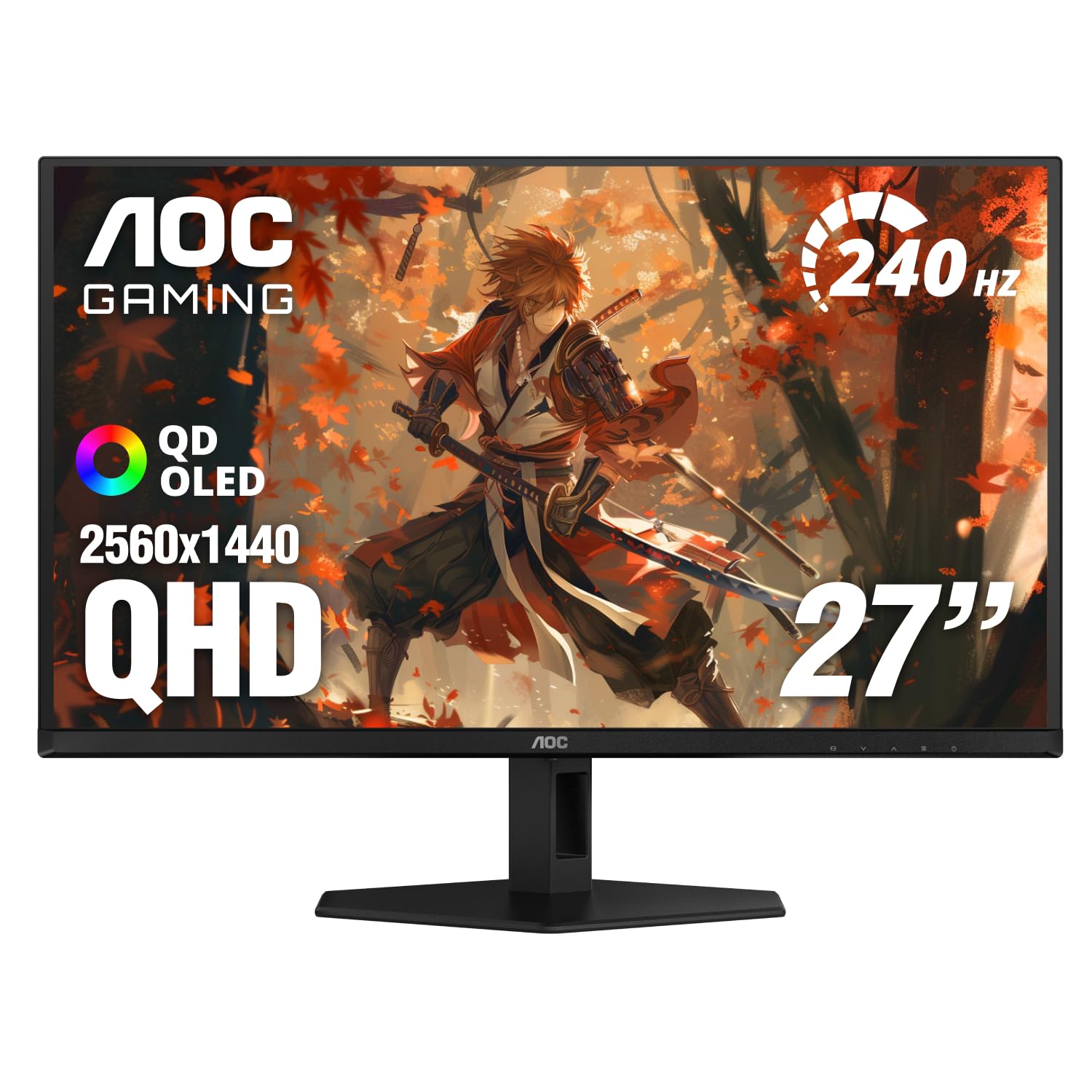
The AOC 27" QD arrives at $369.99 as a 27-inch QHD QD-OLED that promises infinite blacks, wide-gamut color and a three-year warranty that explicitly covers burn-in. That price puts it below the closest rival QHD OLED gaming monitors. Reviewers who spent time with it came away with a clear impression: this is the cheapest way into QD-OLED, and the usual OLED risk is cushioned by the warranty. The compromises are real, mainly modest HDR brightness, but the core picture and motion performance leave little on the table.
Quick Verdict
Buy it if you want OLED contrast, saturated color and fast motion without paying the usual OLED premium. At $369.99 the AOC 27" QD earns an overall 4.5/5 from us. Its strongest argument is near-reference accuracy out of the box on a panel that handles motion as well as far pricier OLEDs. Its weakest point is HDR brightness, which independent testing found modest.
Rating and Pros/Cons
| Aspect | Rating |
|---|---|
| Image Quality | 4.5/5 |
| Gaming Performance | 4.5/5 |
| Connectivity | 4/5 |
| Build and Ergonomics | 4.5/5 |
| HDR | 3/5 |
| Value | 5/5 |
| Overall | 4.5/5 |
Pros
- QD-OLED color that covers over 108% of DCI-P3 in Native mode
- Infinite blacks and high contrast from a self-lit panel
- Near-perfect factory accuracy, with a calibration data sheet in the box
- Solid, fully adjustable stand with no play or wobble
- Four-port USB hub, so peripherals plug straight into the monitor
- Three-year warranty that explicitly covers burn-in under normal use
Cons
- HDR peaks at only about 250 nits in independent testing, with no variable brightness
- Peak HDR mode crushes some shadow detail
- Gamma presets are too far apart to land exactly on 2.2
- No speakers, no KVM, no LED lighting, no black frame insertion and no anti-flicker mode
Specs at a Glance
| Specification | Detail |
|---|---|
| Price | $369.99 |
| Panel | QD-OLED, third generation |
| Size | 27 inches, flat |
| Resolution | 2560 x 1440 (QHD), 109 ppi |
| Refresh Rate | 240 Hz native, not overclocked (independent testing); manufacturer press material cites 280 Hz |
| Response Time | 0.03 ms GtG (manufacturer figure) |
| Variable Refresh Rate | G-Sync and FreeSync (NVIDIA G-SYNC Compatible) |
| Color Gamut | Over 108% DCI-P3 (Native mode) |
| HDR Peak Brightness | About 250 nits measured in Display HDR and Peak HDR; manufacturer claims 1000 nits at a 3% window |
| HDR Certification | VESA DisplayHDR True Black 400 (manufacturer) |
| Picture Modes | Seven, default Standard |
| Color Spaces | Native, sRGB, DCI-P3 |
| Video Inputs | 1x DisplayPort 1.4, 2x HDMI |
| HDMI Version | HDMI 2.0 in independent testing; manufacturer material lists HDMI 2.1, so check the listing |
| USB Hub | 4x USB 3.2 downstream (2 on the right side, 2 on the bottom), 1 upstream |
| Audio | 3.5 mm headphone jack, no speakers |
| KVM | None |
| Height Adjustment | 5.1 inches |
| Swivel | 30 degrees |
| Tilt | 5 degrees forward, 23 degrees back |
| Pivot | 90 degrees (portrait mode) |
| VESA Mount | 100 mm |
| OLED Care | Eight combinable panel-care settings, Pixel Refresh |
| Gaming Aids | Shadow Control, Dial Point, Sniper Scope (3 magnification levels), Frame Counter, timers |
| Lighting | No LED lighting |
| In the Box | HDMI, DisplayPort, USB and IEC power cables, calibration data sheet |
| Power Supply | Internal |
| Warranty | Three years, covering burn-in when used per guidelines |
Panel and Image Quality

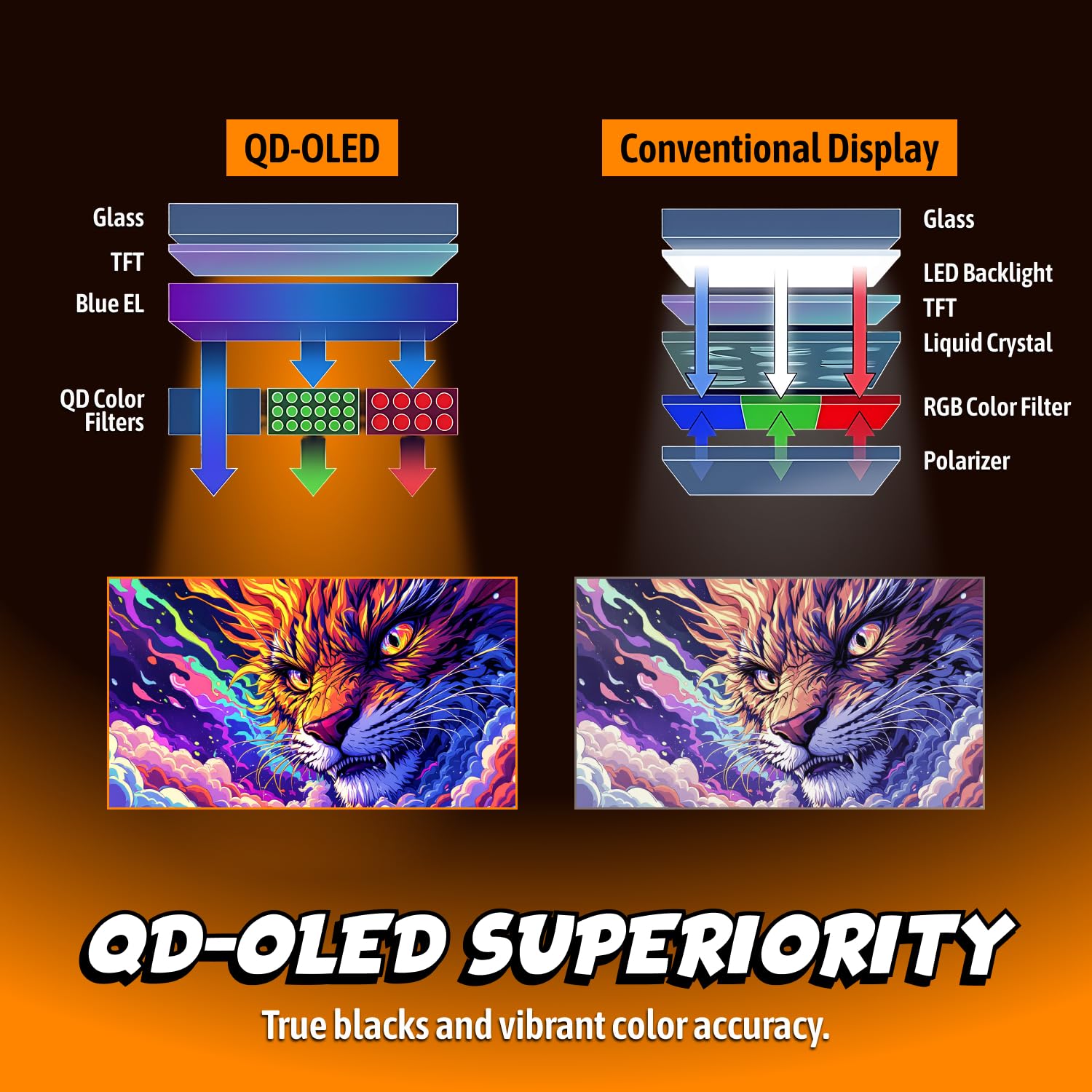
The AOC 27" QD uses a third-generation QD-OLED panel at QHD resolution, which works out to 109 pixels per inch on a flat 27-inch face. That density is a good fit for this size: it is sharp enough for desktop work and gaming without the GPU cost of 4K. Because each pixel lights itself, black is truly black, and contrast is effectively unlimited in a dim room. Dark scenes in games keep their depth rather than lifting into the gray haze an LCD produces.
Color is where the quantum-dot layer earns its keep. Reviewers measured coverage of over 108% of DCI-P3 in Native mode, and described the colors as noticeably more vivid than a non-QD OLED or a wide-gamut LCD. Reds, greens and blues are rich without looking cartoonish when the right color space is selected, and the sRGB and DCI-P3 modes tame the gamut for accurate work.
There are small blemishes in the tuning. Gamma measured a tad light in independent testing, and the presets sit too far apart to hit 2.2 exactly. The reviewer settled on the 2.15 preset as the closest fit. If you care about this, it is a one-time setting change rather than a deal-breaker.
HDR performance
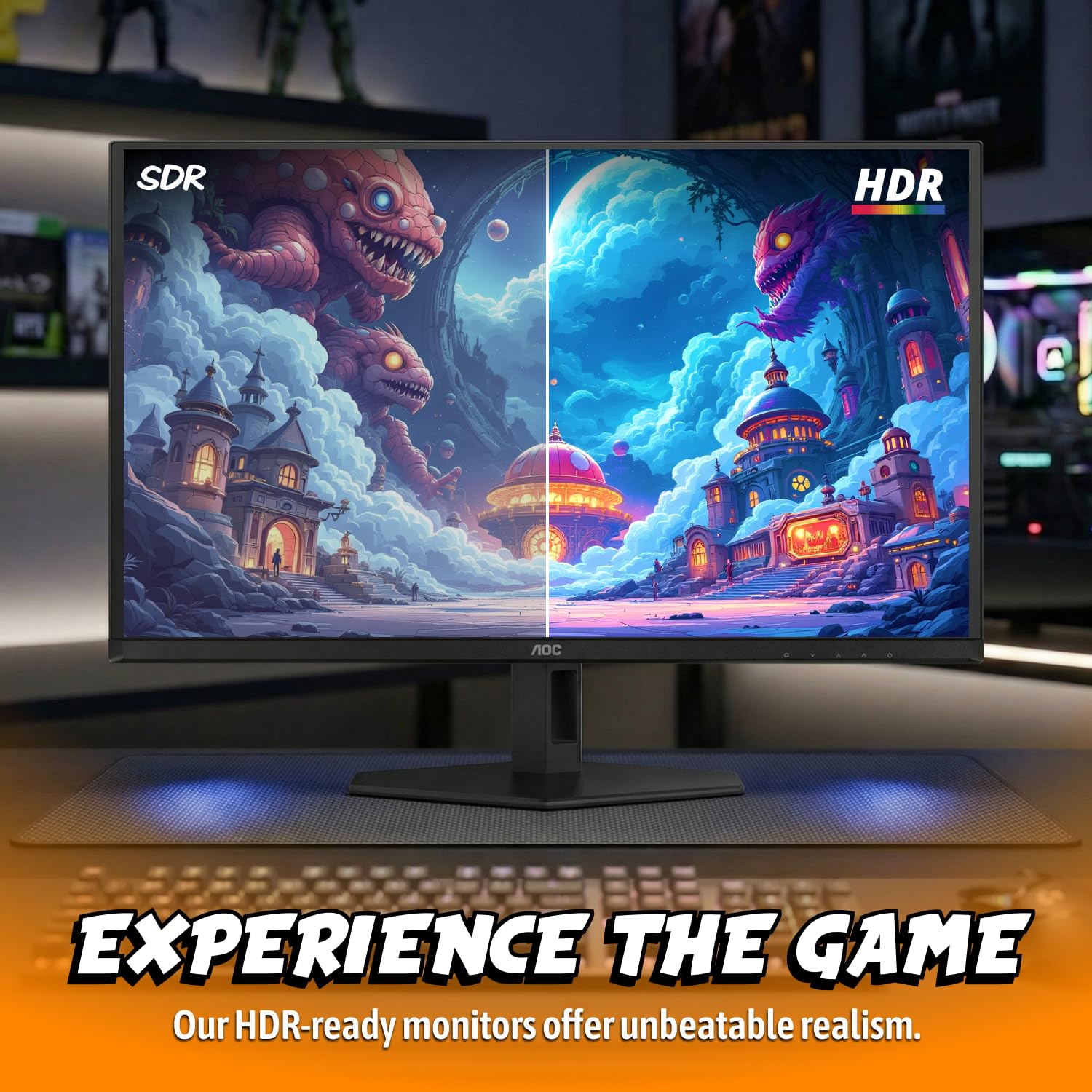
HDR is the weakest part of the package. Independent measurements put both the Display HDR and Peak HDR modes at about 250 nits, and the monitor has no variable brightness. Display HDR tracks the standard very well in both color and luminance overall, so what the screen does show is accurate. Peak HDR, however, crushes some shadow detail, so most buyers will prefer Display HDR.
HDR color also has a quirk: it is slightly undersaturated in red, falling short of full DCI-P3 red in HDR mode even though it can exceed that in SDR. The reviewer suggested a firmware update could fix it. AOC itself markets the monitor with a far higher HDR claim, citing 1000 nits at a 3% window and VESA DisplayHDR True Black 400 certification. Treat the independent measurement as the guide to what you will see in bright, full-screen HDR scenes, and the manufacturer figure as the ceiling for small highlights.
Three HDR emulation modes make SDR content look like HDR. They depart from the industry gamma standard, so they are for personal taste, not accuracy. They are fun for games and wrong for color-critical work.
Gaming Performance
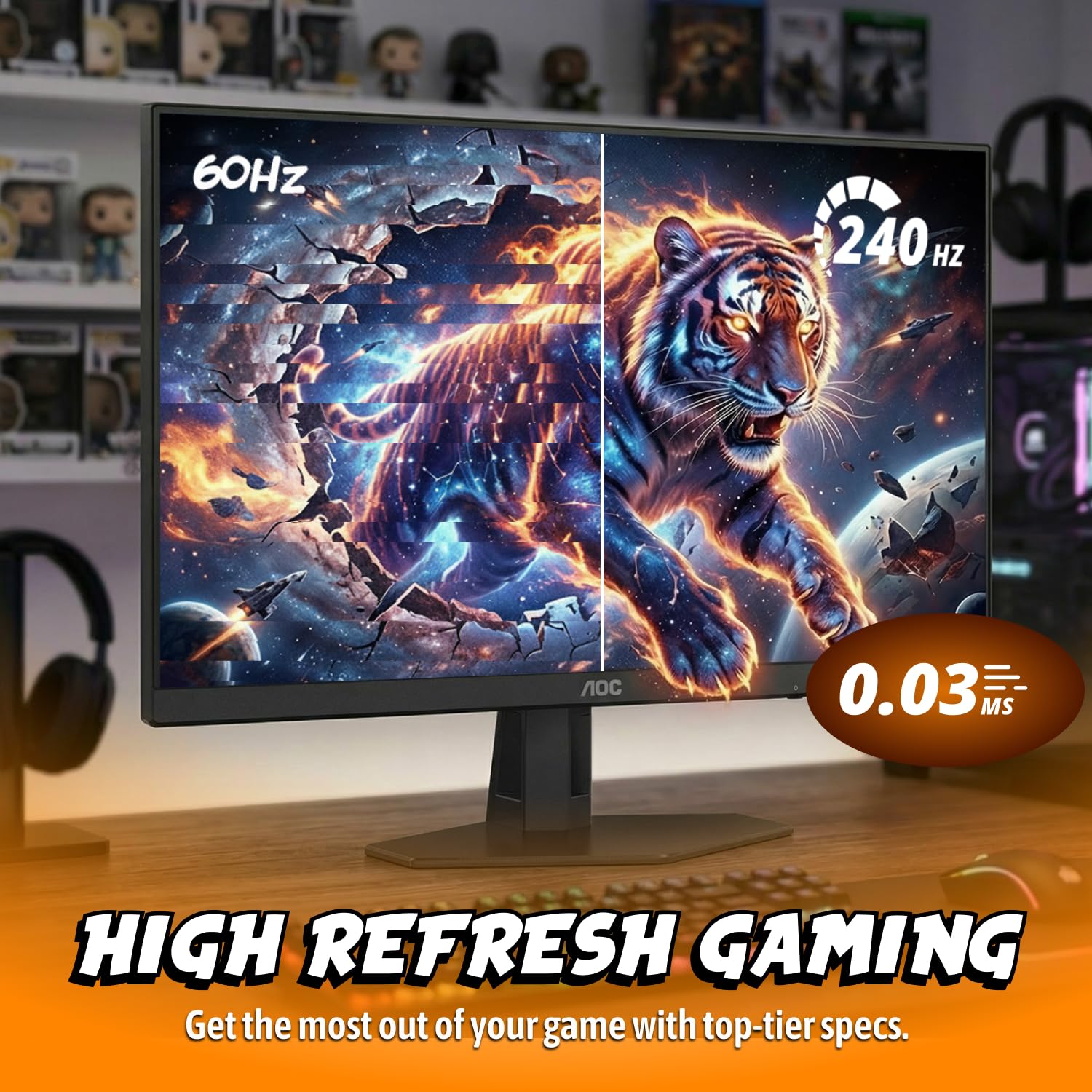
Motion is where QD-OLED panels separate themselves from LCDs, and this model delivers. The manufacturer quotes a 0.03 ms GtG response time, and the reviewer found motion resolution and response on par with other OLEDs, summing it up with the line that you will not get better just because you spend more money. At its native 240 Hz refresh rate, which the reviewer confirmed was not overclocked, the games they played held a constant frame rate, and control response felt perceptually free of lag.
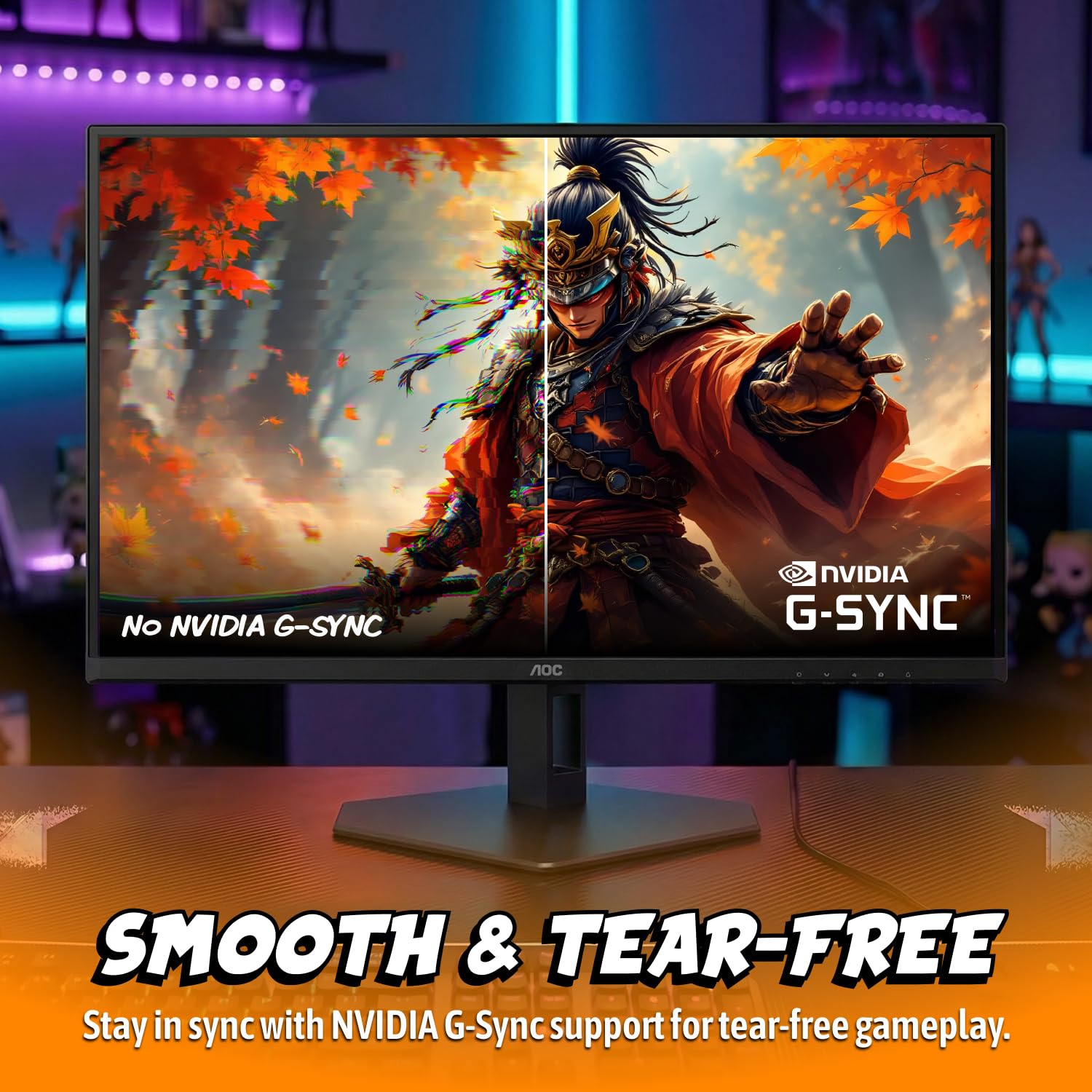
Variable refresh rate worked well. G-Sync and FreeSync both operated seamlessly in testing, and AOC lists the monitor as NVIDIA G-SYNC Compatible. An Adaptive-Sync toggle sits in the menu if you need to switch it off.
Built-in gaming aids
The on-screen menu packs in more gaming extras than most monitors at this tier:
- Shadow Control brightens dark areas to help you spot enemies.
- Dial Point is an aiming reticle that can be a fixed color or shift in contrast with the background.
- Sniper Scope offers three magnification levels.
- Frame Counter can be moved to any corner of the screen.
- Timers are included for pacing sessions or objectives.
Missing are black frame insertion, an anti-flicker mode and variable brightness. The reviewer said they did not miss BFI or anti-flicker given how clean the motion already looks. Competitive players who rely on strobing-style clarity tools should note the absence, but most gamers will not.
The single DisplayPort 1.4 input is the natural connection for a gaming PC and carries the panel's full QHD signal. Two HDMI ports cover a console or a second source.
Connectivity and Ergonomics
The video inputs are one DisplayPort 1.4 and two HDMI ports, plus a 3.5 mm headphone jack. There are no built-in speakers, so you will need headphones or external audio, and volume and mute are handled in the on-screen menu. The monitor lists no USB-C input and has no KVM switch in the menu, so laptop users hoping for single-cable docking will need to look elsewhere.
What it does have is a proper USB hub. Four USB 3.2 downstream ports are split between the right side and the bottom edge, fed by one upstream connection. That makes it easy to plug in a keyboard, mouse and a flash drive and keep them tied to the monitor.
Stand and design
The stand is a highlight. Reviewers found no play or wobble, and adjustment is generous: 5.1 inches of height, 30 degrees of swivel, 5 degrees of forward tilt and 23 degrees of backward tilt, and a 90 degree pivot for portrait mode. If you prefer an arm, a 100 mm VESA mount is built in.
The styling is premium and a little bold. The back is angular with no curves or taper, finished with red trim and a large red ring at the rear mount. An offset cable hole is a new styling element that hides what is behind it when viewed from the front. The front is restrained, with just a small "AOC Gaming" logo, and there is no LED lighting at all. Assembly is tool-free and the panel snaps on.
Packaging is a clamshell box with molded pulp instead of foam, which is easy on the environment and easy to open. Inside you get HDMI, DisplayPort and USB cables plus an IEC power cable, since the power supply is internal.
The menu is a three-column tree operated by four control buttons. There is no joystick, which the reviewer missed, as navigation is slower with buttons alone. Once set up, though, you rarely return to it.
Color Accuracy and Calibration
AOC includes a calibration data sheet in the box, and the result shows. Independent testing rated out-of-box accuracy as nearly perfect, with neutral tones running a tad warm. For most buyers that means you can plug in, pick a mode and get on with it, without buying a colorimeter.
Seven picture modes are available, with Standard as the default. Color space choices are Native, sRGB and DCI-P3. This matters for creators: only Native keeps every picture adjustment available, while sRGB and DCI-P3 are accurate but allow brightness changes only. Native is the mode that hits that over 108% DCI-P3 coverage. Use sRGB when you are working on web content and want colors held to the standard, and DCI-P3 for wide-gamut video work. Use Native for gaming and general viewing, where punchy saturation is the point.
The gamma behavior described earlier is the main accuracy wrinkle, and the 2.15 preset gets closest.
Living with an OLED
The usual worry with OLED is burn-in, and AOC addresses it two ways. First, there are eight panel-care settings that can be combined. The reviewer uses only pixel orbiting and has never seen burn-in on their OLEDs, and recommends running Pixel Refresh every few days. Second, the three-year warranty explicitly covers burn-in when the monitor is used per guidelines. That is a genuine safety net at this price and a strong reason to choose this model over an unprotected alternative. Normal mixed use, with a changing desktop and some screen-off time, is exactly what the guidelines contemplate.
Value for Money
At $369.99, the AOC 27" QD undercuts the closest 27-inch QHD OLED gaming monitors by a clear margin, and independent testing placed it below every competitor it was compared against. Rivals sit at a noticeably higher tier, and they do not move faster or look better in motion. You give up some HDR brightness, USB-C and a few niche extras, and you gain the burn-in warranty, a strong stand and a full USB hub. For gamers and general users, that trade is easy to justify.
Who Should (and Shouldn't) Buy This
Buy it if you are a budget-minded gamer or creator who wants OLED color, contrast and speed. If you play on a PC over DisplayPort, value the burn-in coverage and want a sturdy adjustable stand with a USB hub, this is the right choice because it delivers the core OLED experience for less.
Skip it if HDR is your priority, since the independently measured peak is modest and Peak HDR crushes shadows. Skip it too if you need USB-C docking, a built-in KVM or speakers, or if you depend on black frame insertion for strobed clarity.
Bottom Line
The AOC 27" QD is a strong-value QD-OLED with excellent color, fast motion and near-reference accuracy out of the box, backed by a burn-in warranty that makes the OLED leap less risky. Dim HDR and a light feature set are the caveats. For $369.99, it is easy to recommend.
OLED used to mean paying extra and worrying about longevity. This monitor shows how far that has moved, and the warranty is the detail that tips it for us.
-- Theo Chan, Hardware Testing Director
*Disclosure: As an Amazon Associate, Revuzia earns from qualifying purchases. Prices and availability are accurate as of publication and may change.*