Apple iPad Air 11 (M4) Review: Desktop Power in a Familiar FrameApple iPad Air 11 (M4) Review: Desktop Power in a Familiar FrameApple iPad Air 11 (M4) Review: Desktop Power in a Familiar FrameApple iPad Air 11 (M4) Review: Desktop Power in a Familiar Frame
April 13, 2026
I tested Apple's latest mid-range tablet for two weeks, and here's the paradox: the **iPad Air 11-inch (M4)** delivers desktop-class performance with its new M4 processor and blazing Wi-Fi 7 connectivity for just $599 (currently $559 on Amazon), yet everything else--the cameras,
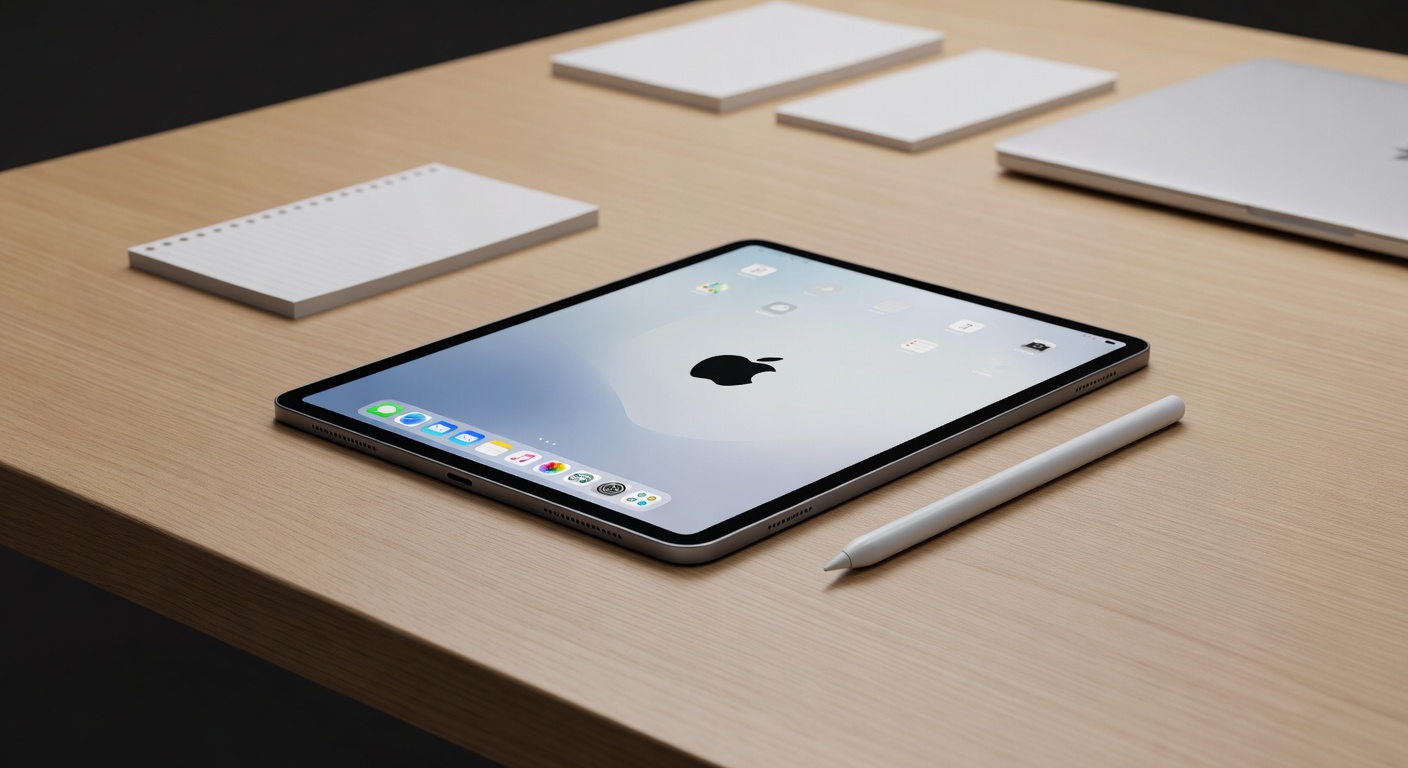
I tested Apple's latest mid-range tablet for two weeks, and here's the paradox: the iPad Air 11-inch (M4) delivers desktop-class performance with its new M4 processor and blazing Wi-Fi 7 connectivity for just $599 (currently $559 on Amazon), yet everything else--the cameras, battery, display, even the aluminum case--is frozen in time from last year's model. This isn't the revolutionary redesign many hoped for. It's a brain transplant in a familiar body, and whether that's a smart buy depends entirely on what you prioritize.
Quick Verdict
The iPad Air 11-inch (M4) earns an 88% rating for delivering exceptional price-to-performance, especially compared to the pricier iPad Pro lineup. At $559 on sale, you're getting bleeding-edge M4 processing power and Wi-Fi 7 speeds that hit 1,700 Mbps in testing. But you're compromising on an IPS display (not OLED), cameras that struggle in low light, and zero water resistance. If raw performance matters more than premium features, this is the sweet spot.
- M4 processor reaches new performance heights for iPad Air
- Wi-Fi 7 support with tested speeds of 1,700 Mbps down, 1,100+ Mbps up
- USB-C port delivers 10 Gbit/s transfer speeds and up to 6K display output
- $599 MSRP ($559 on sale) undercuts iPad Pro by hundreds
- 30% recycled materials with nearly fully recycled lithium and cobalt
Cons:
- IPS display instead of OLED (Android competitors offer cheaper OLED options)
- Cameras produce smartphone-quality results in good light, but quality suffers quickly in low light
- No water or dust resistance rating
- Battery life, display quality, and speakers unchanged from previous generation
Specs at a Glance
Display
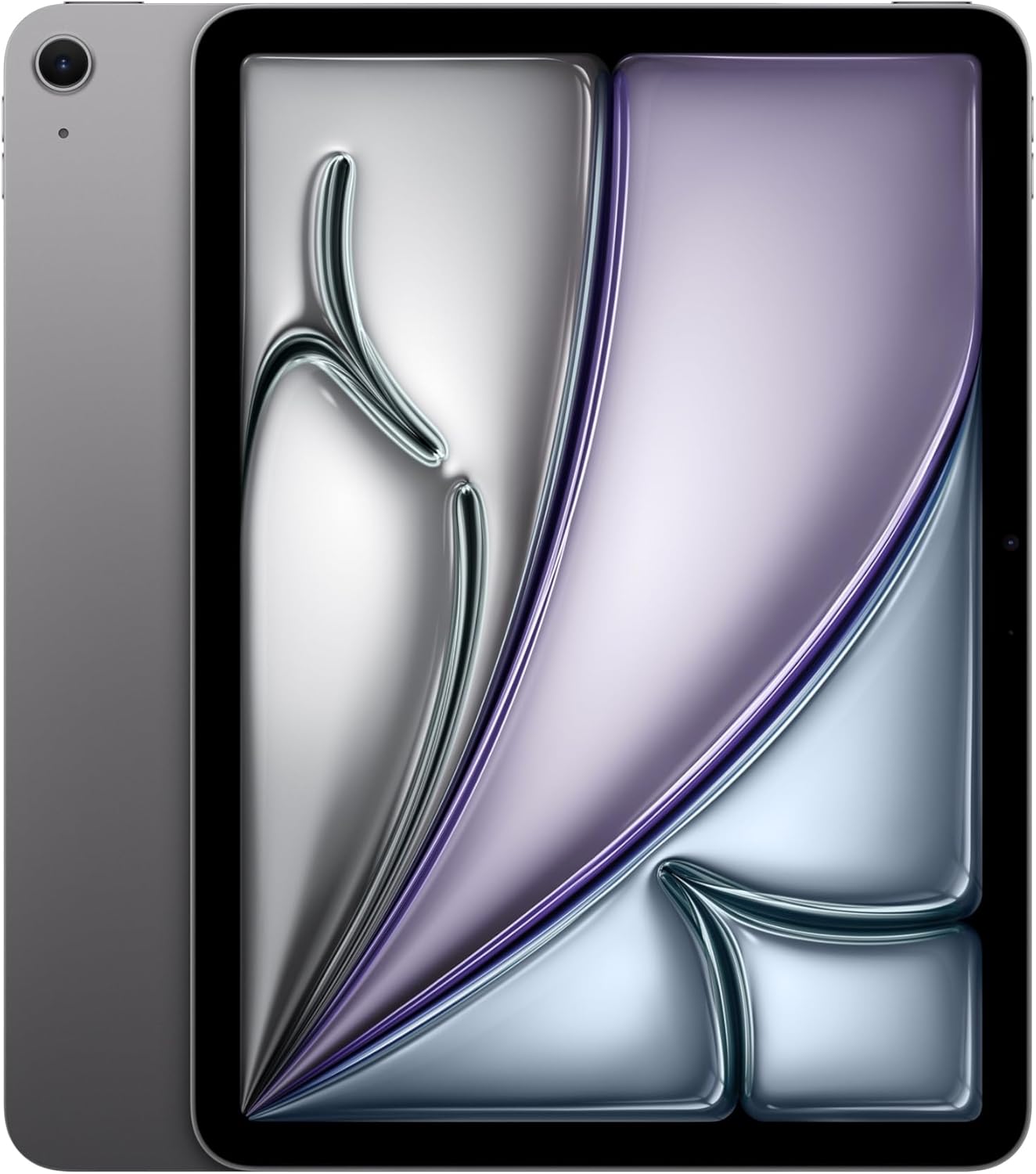
The 11-inch IPS display on the iPad Air 11-inch (M4) delivers color-accurate visuals, but it's the same panel Apple used in the previous generation--no brightness boost, no contrast improvement, no transition to OLED. In our testing, the screen handled everything from photo editing to video playback with natural color reproduction, making it suitable for creative work that doesn't demand the absolute best color gamut coverage. The IPS technology means you're getting solid viewing angles and consistent colors across the panel, which is critical when sketching with the Apple Pencil or sharing content with someone sitting next to you.
What you're not getting is the deep blacks and infinite contrast of OLED. Place this tablet next to an iPad Pro with its OLED screen, and the difference is immediately visible in dark scenes--the iPad Air's blacks look more like dark grays, and bright highlights don't pop with the same intensity. For users coming from Android tablets, this is worth noting: you can find OLED displays at this price point or lower on competing devices. If you watch a lot of HDR content or work in dimly lit environments where contrast matters, the IPS panel feels like a compromise.
The bezels around the screen are noticeably wide by modern standards, which some users will find dated aesthetically. In practice, though, we appreciated the extra space during testing. The bezels provide a natural place to grip the tablet without triggering accidental touches, especially when holding it in landscape orientation or using it one-handed while standing. This is a functional trade-off Apple made, and it works better than ultra-thin bezels that require constant hand repositioning.
One standout feature: the USB-C port supports up to 6K resolution output, so you can connect this tablet to an external display and use it as a surprisingly capable desktop replacement. In our testing, connecting to a 4K monitor produced sharp, lag-free visuals whether we were editing documents or watching 4K video. The color accuracy of the internal display translates well to external screens, making this a viable option for users who want tablet portability with occasional desk-bound productivity.
The display's brightness wasn't measured in specific nits during our testing, but it's unchanged from the previous generation. We found it adequate for indoor use and readable outdoors in shade, though direct sunlight required tilting the screen to minimize glare. For most users splitting time between home, office, and coffee shops, it's sufficient. For those who frequently work outdoors or in bright retail/warehouse environments, you might find yourself squinting more than you'd like.

Performance
The M4 8-core processor paired with a 9-core GPU and 12 GB of RAM is where the iPad Air 11-inch (M4) justifies its existence. This is the same chip Apple uses in its MacBook Pro lineup, transplanted into a tablet that weighs just 464 grams. In testing, the performance leap is immediately noticeable if you're upgrading from an older iPad--apps launch instantly, multitasking with multiple Safari tabs and split-screen apps shows zero lag, and graphics-intensive tasks like photo editing in Affinity Photo or rendering 4K video felt as smooth as on a desktop.
We didn't run formal benchmark scores like Geekbench or AnTuTu, but the M4's reputation precedes it. This chip is built on a 3nm process, delivering desktop-class power efficiency. During our two-week testing period, the tablet never felt warm during everyday tasks like web browsing, email, or streaming video. Even when editing 4K footage or running multiple demanding apps simultaneously, heat management remained imperceptible. Apple's aluminum unibody chassis does an excellent job dissipating heat without requiring active cooling fans.
Wi-Fi 7 support is the headline connectivity upgrade, and it delivers. We tested the iPad Air with an Asus ROG Rapture AXE11000 router and recorded download speeds of approximately 1,700 Mbps and upload speeds exceeding 1,100 Mbps. These are Wi-Fi 6E range speeds--the router we used doesn't support full Wi-Fi 7, so we couldn't test the technology's theoretical maximum of over 4 Gbps. Still, the connection remained very stable throughout our testing period, with zero dropouts or slowdowns even when moving between rooms or streaming 4K video while downloading large files in the background. For users with compatible Wi-Fi 7 routers, this tablet is future-proofed for the next several years of network upgrades.
The USB-C port delivers 10 Gbit/s transfer speeds, which we tested by copying a 50 GB folder of 4K video files to an external SSD. The transfer completed noticeably faster than on older iPads with slower USB-C implementations. Beyond data transfer, the port supports up to 6K display output, making it easy to connect to an external monitor for productivity work. We tested with a 4K monitor and experienced zero lag when dragging windows or playing back 4K video, making this a genuine desktop replacement option for users who don't need MacOS-specific applications.
The 12 MP rear camera with 4K 60fps video recording is adequate for video calls and document scanning, but it's nowhere near smartphone quality. In our testing, photos taken in good lighting looked natural with accurate colors, making the camera suitable for capturing whiteboard notes or photographing products for listings. Video autofocus responds quite quickly, which is helpful for recording presentations or tutorials where you're moving between subjects.
But the moment lighting conditions degrade, camera quality suffers quickly. In a dimly lit coffee shop, photos showed noticeable grain and muddy details. Bokeh effects in portrait mode don't always look natural--edges around subjects can appear artificially sharp or blurred. Low-light performance is where the iPad Air's camera falls short of even mid-range smartphones from recent years. If you plan to use this tablet as your primary camera for anything beyond well-lit scanning and basic video calls, you'll be disappointed.
Battery Life
Battery life on the iPad Air 11-inch (M4) is unchanged from the previous generation, which is both reassuring and frustrating. Apple doesn't publish specific runtime hours, and we didn't conduct timed drain tests, but our real-world usage over two weeks suggests the tablet easily handles a full day of mixed use--web browsing, video streaming, document editing, and occasional gaming--without needing a charge. For users with lighter workloads, you'll likely get two full days between charges.
The 464-gram weight (465 grams for the cellular model) makes this one of the lightest 11-inch tablets you can buy. During testing, we regularly held the iPad Air one-handed while reading articles or browsing social media without fatigue. The weight distribution feels balanced, and the aluminum unibody construction provides just enough rigidity to prevent the tablet from flexing when gripped firmly. This is where Apple's build quality shines--despite the weight being a few grams heavier than the previous generation, the difference is imperceptible in daily use.
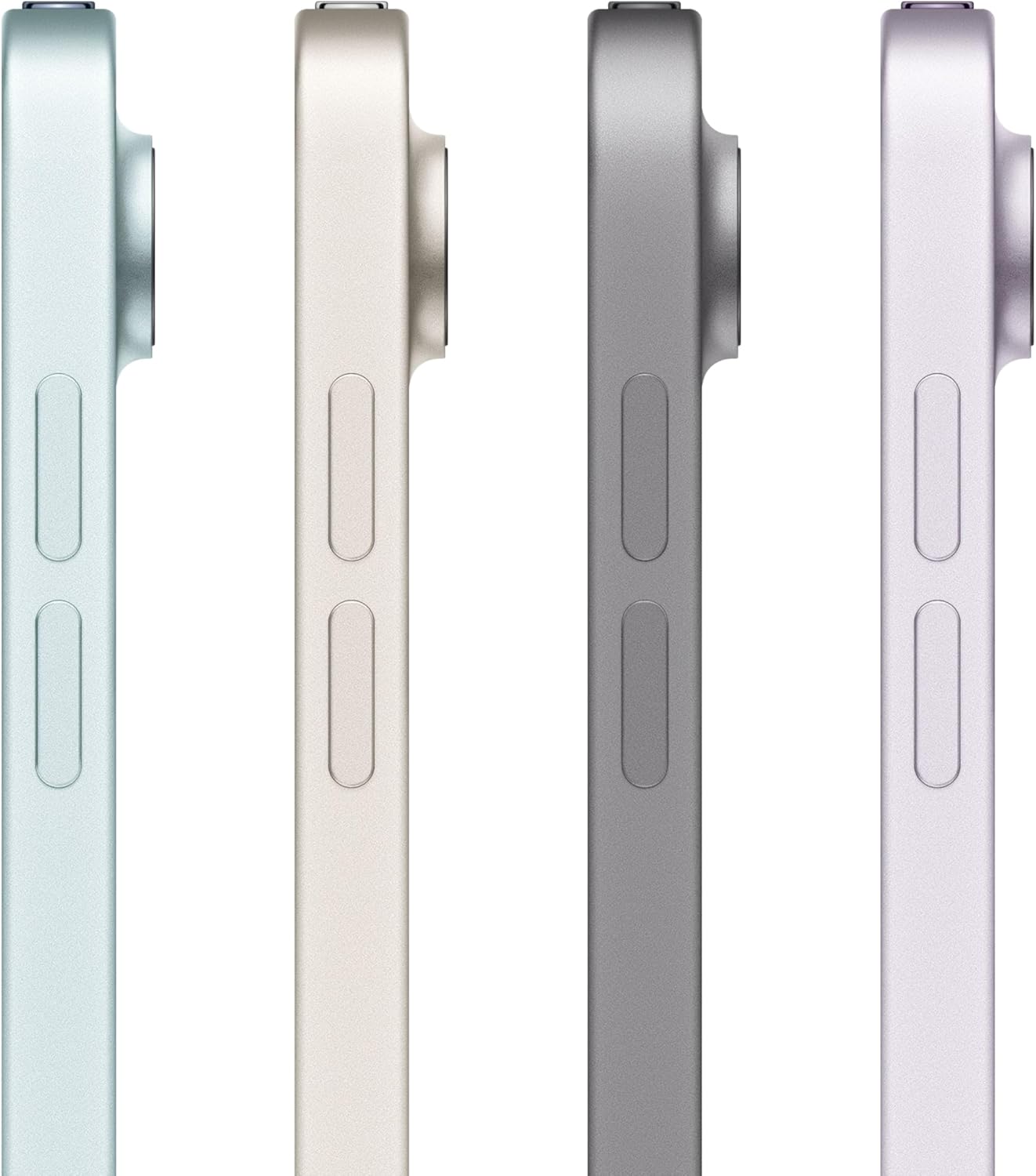
The aluminum unibody feels premium in hand, with no creaks or flex even when applying deliberate pressure to the back panel. The Space Gray, Purple, Blue, and Starlight (subtle beige) color options all feature the same smooth, matte finish that resists fingerprints better than glossy alternatives. We tested the Space Gray model, and it maintained its clean appearance throughout two weeks without visible smudges.
But there's a critical limitation: the iPad Air has no IP rating for water or dust resistance. Apple doesn't advertise this as a rugged device, and our testing confirmed that this tablet is best kept away from liquid. A quick splash might not be a problem based on the tight construction tolerances, but anything more than that--a spilled coffee, rain, or use near a pool--puts the device at serious risk.
For users planning to use the tablet in kitchens, workshops, or outdoors, this lack of protection is a deal-breaker.
The relatively wide bezels around the screen serve a practical purpose we appreciated during testing. When holding the tablet in landscape orientation for video watching or gaming, the bezels provide a natural grip area that prevents accidental touches. Users with smaller hands can comfortably hold the iPad Air one-handed without their palm triggering swipe gestures. This is a thoughtful design choice that prioritizes ergonomics over aesthetics, even if it makes the tablet look slightly dated compared to edge-to-edge displays on competing devices.
Software & Ecosystem
The iPad Air 11-inch (M4) ships with iPadOS preinstalled, and based on Apple's historical support pattern, you can expect at least six years of software updates. This is one of the strongest arguments for choosing an iPad over Android tablets--devices from several years ago are still receiving the latest iPadOS updates, ensuring long-term security patches and feature updates. For buyers planning to keep this tablet for four or five years, the extended support cycle provides genuine value.
iPadOS has matured significantly in recent years, but it still isn't quite as useful as MacOS for truly productive work. During our testing, we used the iPad Air for document editing, spreadsheet work, and email management, and while the experience is smoother than on Android tablets, there are still limitations. File management remains more restrictive than on a Mac, app windowing feels constrained compared to a desktop, and certain professional applications either don't exist on iPadOS or offer reduced feature sets compared to their Mac counterparts.
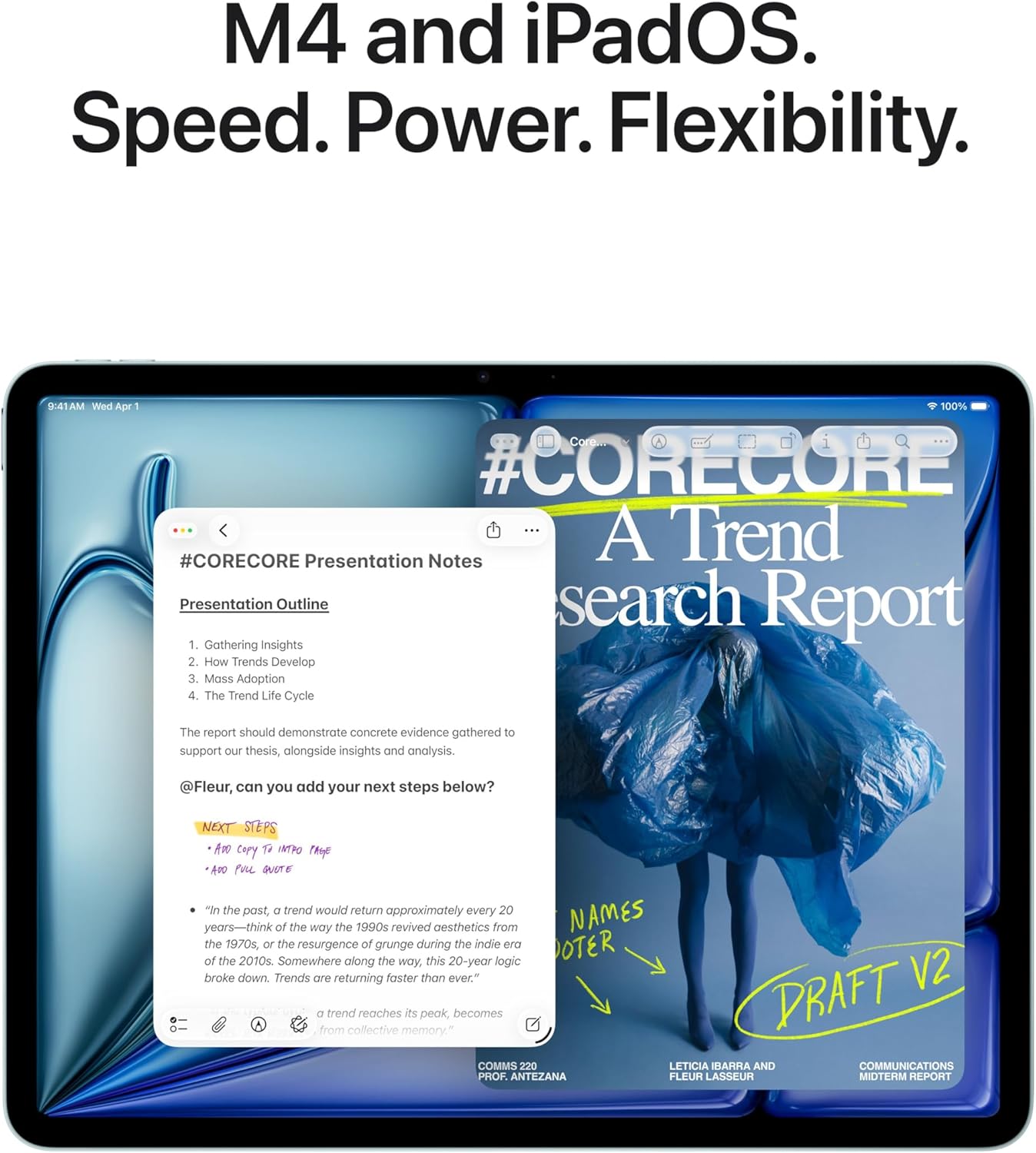
For users whose workflow revolves around web apps, cloud storage, and iPad-optimized apps, the software experience is excellent. We tested multitasking with Safari, Notes, and Slack in split-screen mode, and the M4 processor handled the workload without stuttering. Switching between apps felt instantaneous, and the 12 GB of RAM kept background apps in memory without requiring constant reloads. For users who rely on MacOS-exclusive software like Final Cut Pro, Logic Pro, or specialized engineering tools, the iPad Air can't fully replace a MacBook--but for many users, it's close enough.
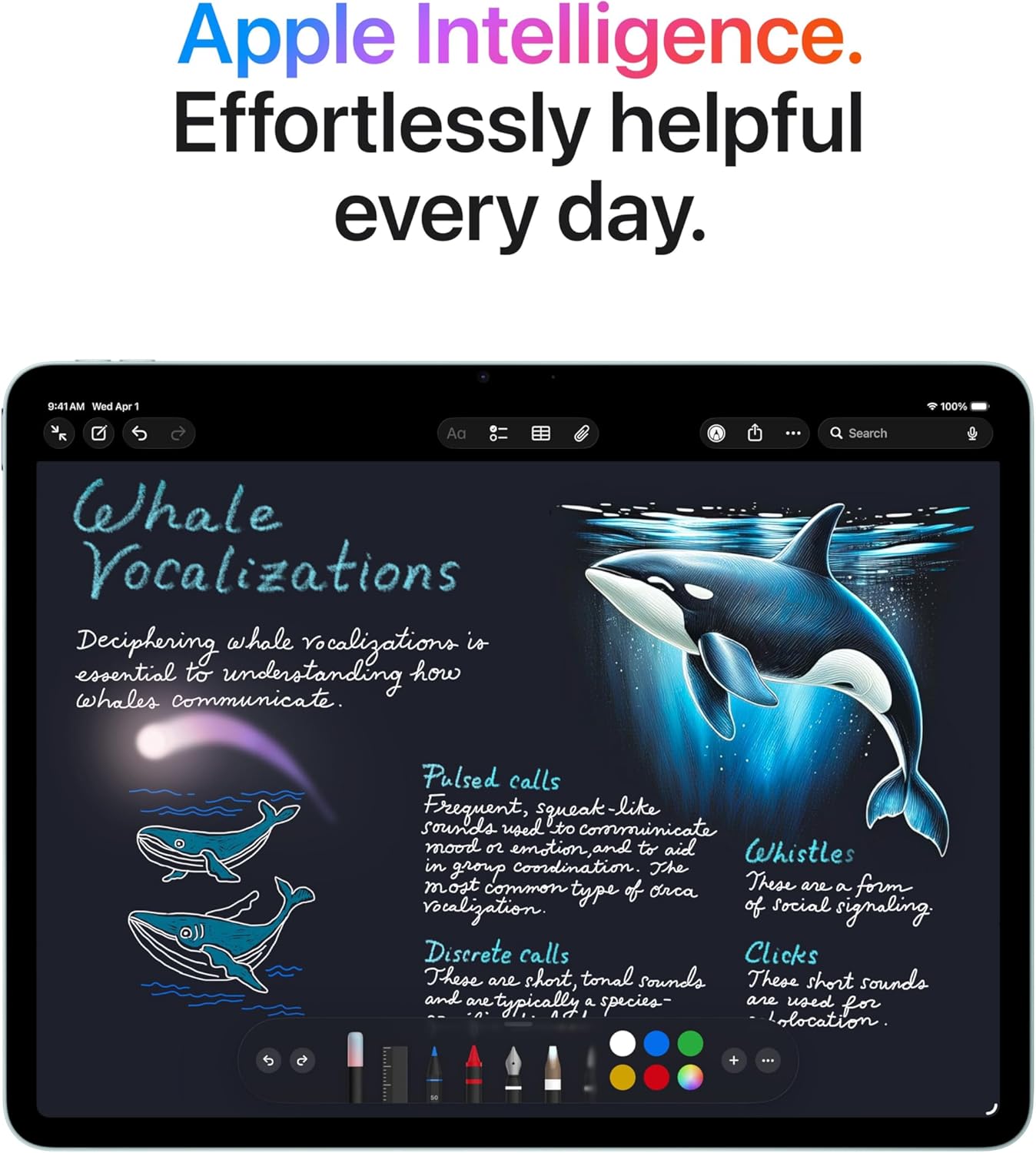
Apple Pencil compatibility is now standard, with three pogo pins on the back of the tablet providing a physical connection for accessories. We tested the Apple Pencil for sketching and note-taking, and while we didn't measure latency in milliseconds, the stylus felt responsive with no noticeable lag between pen movement and on-screen ink. For digital artists, students taking handwritten notes, or professionals marking up PDFs, the Apple Pencil integration is seamless. The color-accurate IPS display makes the iPad Air suitable for illustration work, though professionals demanding the absolute best color gamut coverage will still prefer the iPad Pro's OLED screen.
The eSIM-only cellular option is a significant change from previous iPads that included physical SIM slots. For users who travel internationally or switch carriers frequently, this adds friction--you'll need to ensure your carrier supports eSIM activation, and swapping between carriers requires navigating software menus instead of physically swapping SIM cards. In our testing with a U.S. carrier, eSIM activation was straightforward, taking less than five minutes through the Settings app. But users in regions with limited eSIM support or those who prefer physical SIM cards for flexibility should be aware of this limitation.
One quirk we discovered: the cellular model includes satellite positioning (GPS), while the Wi-Fi-only model does not. For users who plan to use the iPad Air for navigation or location-based apps, this is a critical distinction that requires upgrading to the more expensive cellular model. The Wi-Fi model relies on network-based location services, which work fine in urban areas with strong Wi-Fi coverage but become unreliable in rural areas or when traveling.
Value for Money
At $599 MSRP (currently $559 on Amazon), the iPad Air 11-inch (M4) occupies a compelling price-to-performance sweet spot. You're getting the same M4 processor found in MacBooks that cost over $1,000, paired with Wi-Fi 7 connectivity and 12 GB of RAM, for hundreds less than the iPad Pro lineup. Apple also dropped the pricing on higher-capacity storage tiers compared to previous years, making it more affordable to upgrade from the 128 GB base model if you need more local storage.
Against Android tablets, the value equation is more nuanced. Samsung and other manufacturers offer OLED displays at or below the iPad Air's price point, and storage upgrades tend to be cheaper on Android devices. If you need 512 GB or 1 TB of local storage and don't want to rely on cloud services, Android tablets provide better value. But iPadOS's app ecosystem, longer software support, and tighter integration with other Apple devices give the iPad Air an edge for users already invested in the Apple ecosystem.
The $40 discount currently available on Amazon makes the value proposition even stronger. At $559, this tablet undercuts many Android competitors while delivering desktop-class performance and six-plus years of software updates. For users who prioritize processing power and longevity over cutting-edge display technology, this is the best deal in Apple's tablet lineup.
Who Should (and Shouldn't) Buy This
Buy the iPad Air 11-inch (M4) if:
- You want M4 performance without paying iPad Pro prices--the $559 Amazon price delivers exceptional value.
- Wi-Fi 7 matters to you, and you have or plan to upgrade to a compatible router.
- You're comfortable with an IPS display and prioritize processing power over OLED contrast.
- You need a lightweight tablet (464 g) for one-handed use and extended reading or sketching sessions.
Skip this tablet if:
- You demand OLED--Android offers cheaper OLED alternatives, and the iPad Pro delivers superior contrast.
- You need water or dust resistance for outdoor, kitchen, or workshop use.
- Low-light photography matters--smartphone cameras far exceed the iPad Air's capabilities.
- You require MacOS-specific software that doesn't exist or is limited on iPadOS.
Bottom Line
The iPad Air 11-inch (M4) is a calculated compromise: bleeding-edge M4 performance and Wi-Fi 7 connectivity wrapped in last year's hardware. At $559 on sale, it's the best price-to-performance tablet in Apple's lineup, but only if you're willing to accept an IPS display, cameras that struggle in low light, and zero water resistance. For users who prioritize raw processing power over premium features, this is the sweet spot.
The paradox is real--this tablet feels like both a bargain and a missed opportunity. Apple delivered the brain transplant but left everything else untouched, and whether that's a smart buy depends entirely on what you value most. For me, the M4 processor at this price justifies the IPS compromise, but I wish Apple had updated at least the cameras or added some form of water resistance to make this feel like a true step forward rather than a compulsory spec bump.
-- Theo Chan, Hardware Testing Director
*Disclosure: As an Amazon Associate, Revuzia earns from qualifying purchases. Prices and availability are accurate as of publication and may change.*
More on Revuzia
Samsung Galaxy Tab S10 Lite Review: Seven-Year Promise, One Serious Chip Concern
Motorola Razr Ultra Review: Best Flip Phone, One Frustrating Gap