Asus Vivobook S 14 OLED Review: Battery Life That Beats the MacBook AirAsus Vivobook S 14 OLED Review: Battery Life That Beats the MacBook AirAsus Vivobook S 14 OLED Review: Battery Life That Beats the MacBook AirAsus Vivobook S 14 OLED Review: Battery Life That Beats the MacBook Air
May 7, 2026
At $549.99, the Asus Vivobook S 14 OLED is pitching itself as something that rarely holds up at this price: a genuinely premium panel experience in a thin, light, all-day laptop. OLED displays, sub-3-pound chassis, and Copilot+ PC certification have typically lived a full tier
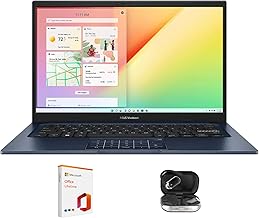
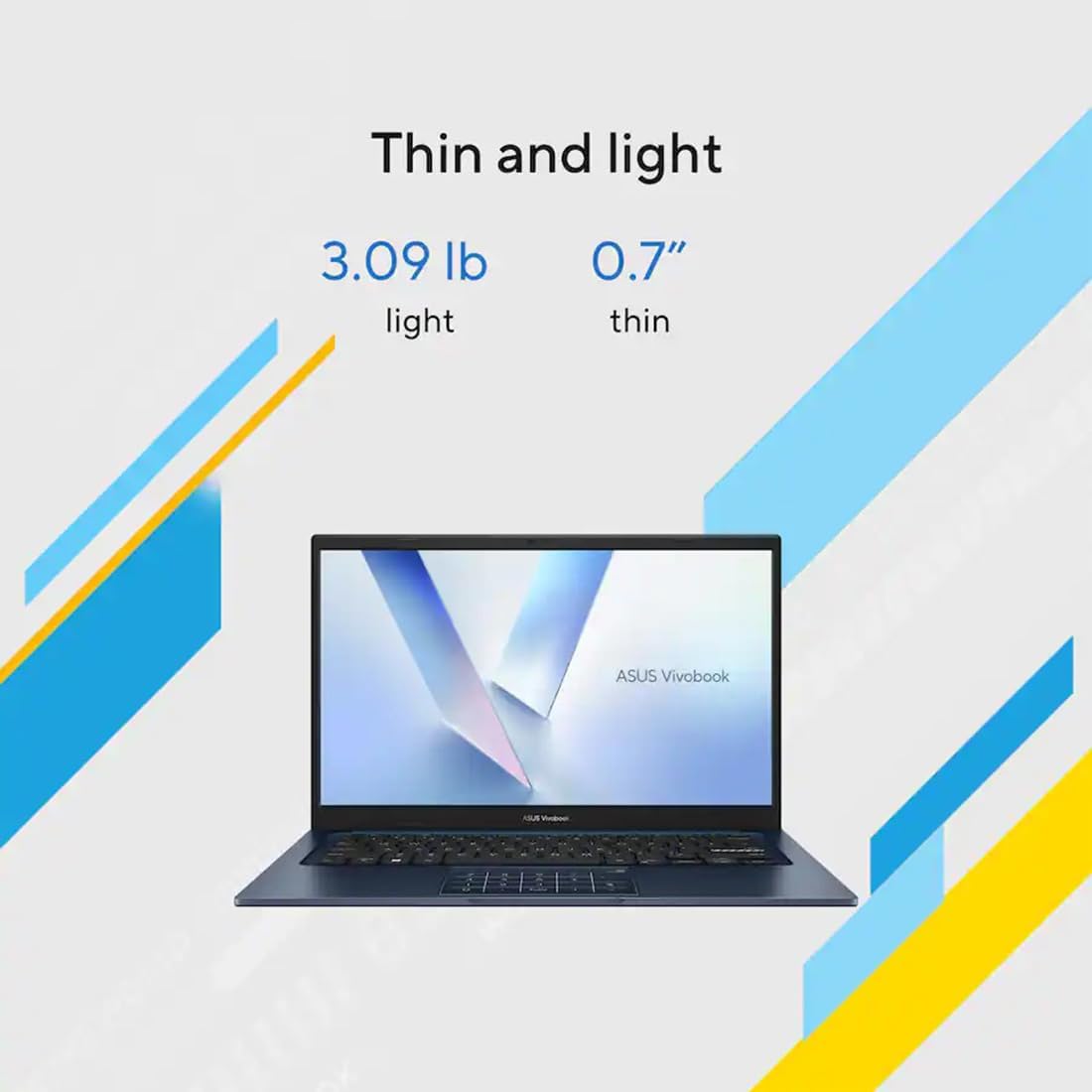
At $549.99, the Asus Vivobook S 14 OLED is pitching itself as something that rarely holds up at this price: a genuinely premium panel experience in a thin, light, all-day laptop. OLED displays, sub-3-pound chassis, and Copilot+ PC certification have typically lived a full tier above the mid-range. So when we pulled the Vivobook S 14 out of its box, we were prepared to find out exactly which corners Asus cut to get here. The matte black unibody chassis felt more expensive than its price tag suggests. At 2.87 pounds, it disappeared into our bag without ceremony. The 14-inch OLED display looked immediately, viscerally better than anything with an IPS panel near this price. After a week of daily use and a full run of benchmarks, the answer on the corners Asus cut is: a few of them matter, most of them don't. This is a well-considered machine for the right buyer.
Quick Verdict
The Asus Vivobook S 14 OLED earns a strong recommendation at $549.99 on the strength of three things: battery life that outran every competitor we compared it against, an OLED panel with color accuracy that rivals displays costing twice as much, and a build quality that doesn't feel like a compromise. Multithreaded CPU performance and a rubbery trackpad hold it back from a clean five stars. For students, remote workers, and frequent travelers, it is one of the most compelling ultraportable values available right now. We give it 4 out of 5.
| Category | Rating |
|---|---|
| Display | ⬪ 4.5/5 |
| Performance | ⬪ 3.5/5 |
| Battery Life | 5/5 |
| Keyboard & Trackpad | 4/5 |
| Design & Build | ⬪ 3.5/5 |
| Value | ⬪ 4.5/5 |
| Overall | 4/5 |
Pros
- Battery life of 17 hours 40 minutes in our testing, outlasting both the M3 MacBook Air and Lenovo Yoga Slim 7X
- OLED display with 116% sRGB coverage and a Delta-E of 0.22, rivaling panels at significantly higher prices
- Solid metal unibody chassis at just 2.87 pounds
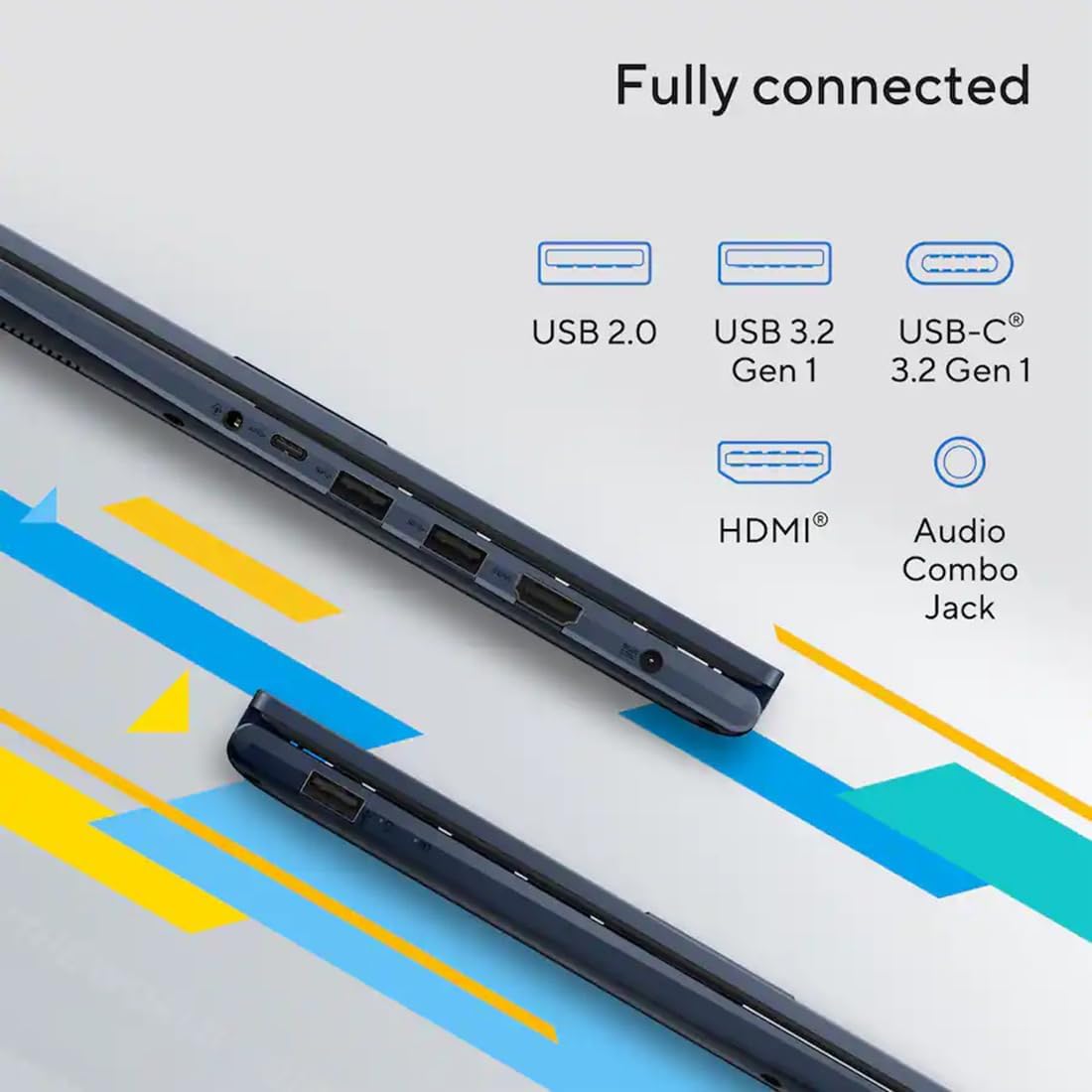
- Comprehensive port selection: 2x USB-A, 2x Thunderbolt 4, HDMI 2.1, microSD reader, and 3.5mm jack
- Fast charging to 80% in just over one hour, HD webcam with physical privacy shutter, and Copilot+ PC certified
Cons
- Measured brightness of 367 nits falls far short of the 600-nit stated specification
- Glossy, reflective display with no anti-glare coating
- Rubbery trackpad surface instead of glass; no haptic feedback
- Power button wedged awkwardly in the keyboard row between PrtSc and Delete
Specs at a Glance
| Specification | Detail |
|---|---|
| Price | $549.99 |
| CPU | Intel Core Ultra 5 226V (Lunar Lake, Series 2) |
| RAM | 16GB (base config) |
| Storage | 512GB SSD (base config) |
| Display | 14-inch OLED, 1920x1200, 60Hz, 16:10, 600 nits (stated) |
| GPU | Intel Arc integrated graphics |
| AI | Copilot+ PC certified (NPU onboard) |
| Ports | 2x USB-A, 2x Thunderbolt 4/USB-C, HDMI 2.1, microSD, 3.5mm |
| Webcam | HD, Windows Hello face recognition, physical privacy shutter |
| Keyboard | Chiclet, 1.7mm key travel, single-zone RGB, Copilot key |
| Battery | Fast charge to 80% in just over 1 hour |
| Dimensions | 12.22 x 8.74 x 0.55 inches |
| Weight | 2.87 pounds |
| Color | Neutral black (matte, unibody metal) |
| Touchscreen | No |
Display
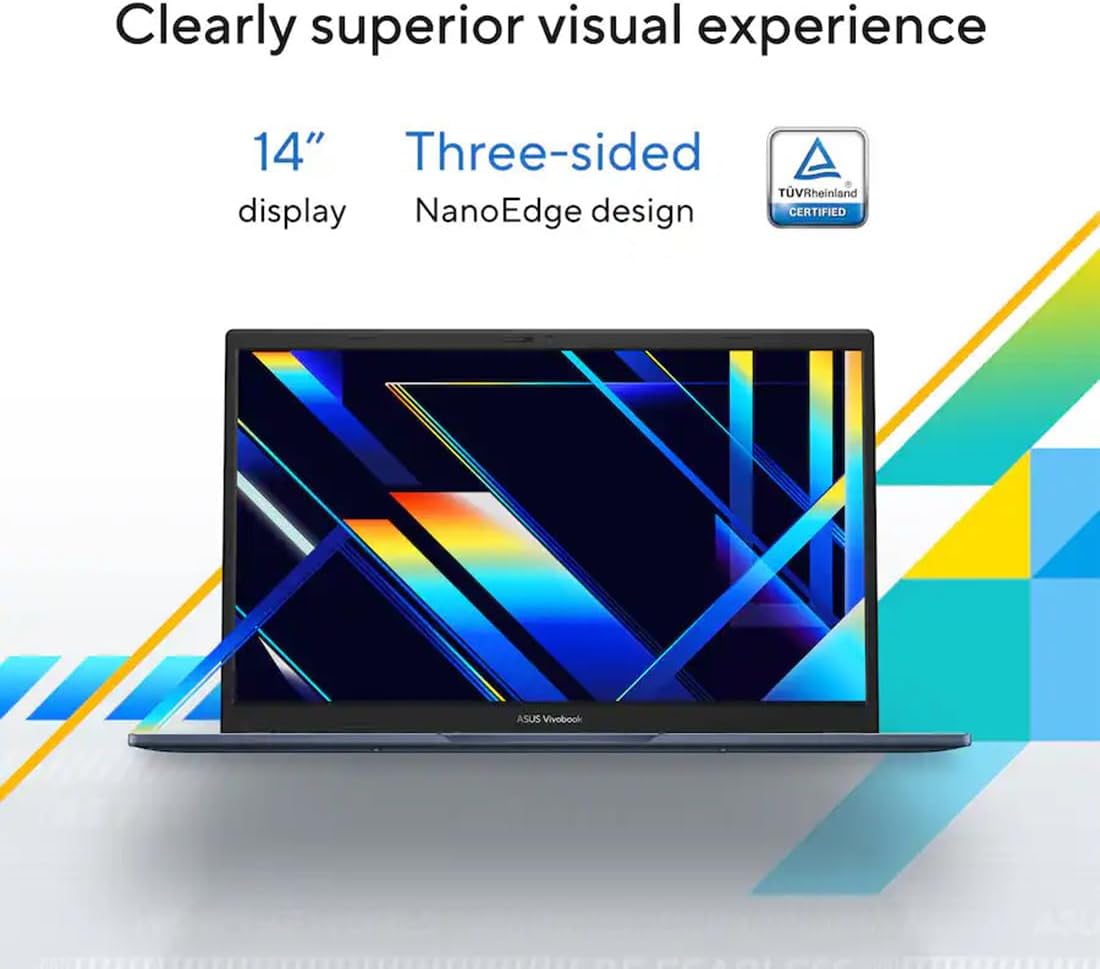
The display is the reason you consider the Vivobook S 14 OLED over every other laptop at this price, and after a week of use it largely justifies that reasoning. The 14-inch OLED panel runs at 1920x1200 resolution with a 16:10 aspect ratio, which gives you more vertical real estate than a traditional 16:9 screen. That extra height matters every time you are working in a document, reading a long email, or browsing a web page.
In our colorimeter measurements, the Vivobook S 14 OLED hit 116% of the sRGB color gamut and 81.9% of DCI-P3. Those are strong numbers for any laptop, and exceptional at this price. Colors look genuinely vivid and saturated without crossing into oversaturated, cartoonish territory. The Delta-E color accuracy score of 0.22 is particularly impressive. A Delta-E below 1.0 is considered accurate; below 0.5 is excellent. At 0.22, this panel is essentially indistinguishable from a perfectly calibrated reference display to the naked eye.
There is a meaningful asterisk on brightness. Asus states a peak of 600 nits. We measured 367 nits in our testing. That is a significant gap, and it has practical consequences. In a dim room or controlled office environment, the display looks gorgeous. Take it to a window seat in a coffee shop, and that reflective glossy panel combined with sub-400-nit brightness creates a legitimately frustrating experience. There is no anti-glare coating. The glass over the OLED panel reflects everything behind you with full fidelity. This is the one display weakness that cannot be overlooked for buyers who work frequently in variable lighting conditions.
The 60Hz refresh rate is the other tradeoff. For web browsing, document work, and video, 60Hz is perfectly fine. For anyone used to a 90Hz or 120Hz display, the lower refresh rate will feel slightly less fluid in everyday scrolling. The 60Hz ceiling enables the exceptional battery life we measured, but it is worth knowing before you buy. There is no touchscreen option on this configuration, which some buyers will miss for Windows 11 touch navigation.
The OLED panel delivers the contrast characteristics the technology is known for: blacks are genuinely black, not dark grey, and the contrast between dark and bright elements on screen is striking. Watching video on this display is a noticeably better experience than any IPS panel at this price.
Performance
The Vivobook S 14 OLED we tested runs on the Intel Core Ultra 5 226V, part of Intel's Lunar Lake family (Core Ultra Series 2). Asus also offers configurations with the Core Ultra 7 Series 2, Core Ultra 9 Series 1, and an AMD Ryzen AI 9 365 for buyers who want more headroom. The 226V is the entry point, and the benchmarks reflect that positioning.
In Geekbench 6, the Vivobook S 14 OLED scored 10,160. That is a solid single-core performance number, which translates to snappy application launches, responsive browser tabs, and smooth day-to-day productivity. Where the 226V shows its limits is sustained multithreaded workloads. Our Handbrake video conversion test completed in 6 minutes 53 seconds. That is workable for occasional video tasks, but buyers who regularly process video, compile code, or run demanding creative workflows will feel the ceiling. The Core Ultra 7 or Ryzen AI 9 configurations will suit those users better.
The Intel Arc integrated graphics handles light content creation and casual gaming with reasonable capability. In Civilization VI Gathering Storm at 1080p, we recorded 51.4 frames per second. That is playable for a turn-based strategy title with moderate graphical demands. Do not expect the Arc GPU to handle fast-paced shooters or recent AAA releases at comfortable frame rates, but for the category of gaming that aligns with this laptop's positioning, the result is acceptable.
SSD performance came in at 1,376 MBps in our transfer rate testing. Application loads are fast and file transfers move at a pace you will not find yourself waiting on for everyday tasks. The 512GB base storage does fill up faster than some users expect, and the 1TB upgrade option is worth considering if you keep a large media library on-device.
The Vivobook S 14 OLED carries Copilot+ PC certification, meaning the onboard NPU meets Microsoft's threshold for AI-accelerated features including live captions with real-time translation and other Windows 11 AI tools. The certification signals that this hardware will remain eligible for AI feature updates as the Windows platform evolves.
Under sustained load, the chassis surface reached 102 degrees Fahrenheit in our measurements. The heat concentrates on the underside and the upper-center of the keyboard deck. During streaming video in our lap testing, the warmth became noticeable and mildly uncomfortable over extended periods. The machine manages itself without throttling in typical productivity use, but it is not a laptop you will want resting on your thighs during a long video export.
Battery Life
Battery life is where the Vivobook S 14 OLED makes its most compelling argument, and the numbers are genuinely remarkable for a Windows laptop at any price, let alone $549.99.
In our standard battery rundown test, running the display at a fixed brightness with a looping web browsing and productivity workload, the Vivobook S 14 OLED ran for 17 hours and 40 minutes before shutting down. A separate standardized benchmark recorded over 20 hours under its testing conditions. Real-world mixed use, which includes video calls, browser tabs, document editing, and occasional YouTube, landed in the 10-to-12-hour range across our test week. That means a full workday on a single charge with meaningful headroom for evening use.
To put those numbers in context: the Asus Zenbook 14 lasted 15 hours and 52 minutes in our standard test. The M3 MacBook Air, which has set the benchmark for thin-and-light battery life on the consumer market, came in at 15 hours and 13 minutes. The Lenovo Yoga Slim 7X reached 14 hours and 13 minutes. The Vivobook S 14 OLED outlasted all three by a meaningful margin. Beating the MacBook Air on battery life is not a result you see often from a Windows laptop, and doing it at $549.99 is an achievement worth calling out directly.
The 60Hz display and the efficiency characteristics of the Lunar Lake processor are the primary drivers of this result. Intel specifically designed the Core Ultra Series 2 architecture with aggressive power management, and the Vivobook S 14 benefits from that engineering in ways the raw benchmark scores do not fully capture.
Fast charging adds practical value on top of the raw battery life numbers. The included adapter charges the battery to 80% in just over one hour. On mornings where you are rushing out the door, a 45-minute charge while you get ready will carry you through most workdays. Full charge from flat takes longer, as expected, but the 80% fast-charge capability is genuinely useful and not something every laptop at this price offers.
Keyboard, Trackpad & Ports
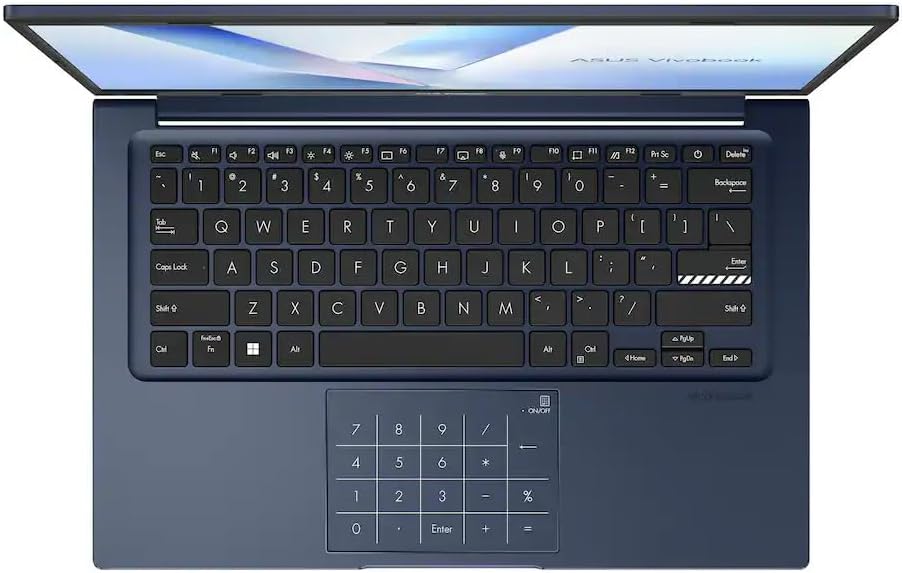
The keyboard on the Vivobook S 14 OLED is better than this price point typically delivers. The chiclet-style keys have 1.7mm of travel, which gives each keystroke a satisfying depth and a clear tactile response. Extended typing sessions felt comfortable, and we did not notice fatigue or the shallow, mushy feedback that cheaper keyboards often produce. The single-zone RGB backlight defaults to blue and is adjustable through Asus's software.
One layout choice will frustrate some users consistently: the power button sits in the keyboard row between the PrtSc and Delete keys. The placement is disruptive enough that we accidentally triggered it twice during the test week. It is not a dealbreaker, but it is a recurring annoyance that Asus should reconsider in a future revision. The keyboard also includes a dedicated Copilot key, which launches Windows 11's AI assistant directly.
The trackpad is functional but it is the clearest sign that Asus had to make tradeoffs to hit this price point. The surface is rubbery rather than glass, which creates more friction under fast swipes and does not match the smooth, consistent glide of a glass trackpad. There is no haptic feedback mechanism, a feature found on premium-tier competitors that makes a noticeable difference in daily navigation feel. The Vivobook's trackpad gets the job done reliably, and cursor tracking is accurate, but the surface texture is an everyday reminder that you are not at the premium tier.
The port selection is genuinely comprehensive. On the Vivobook S 14 OLED you get two USB-A ports for legacy peripherals and storage, two Thunderbolt 4/USB-C ports for high-speed data transfer and external display output, one HDMI 2.1 for direct monitor connection, a microSD card reader, and a 3.5mm headphone jack. You will not need a hub for most working setups.
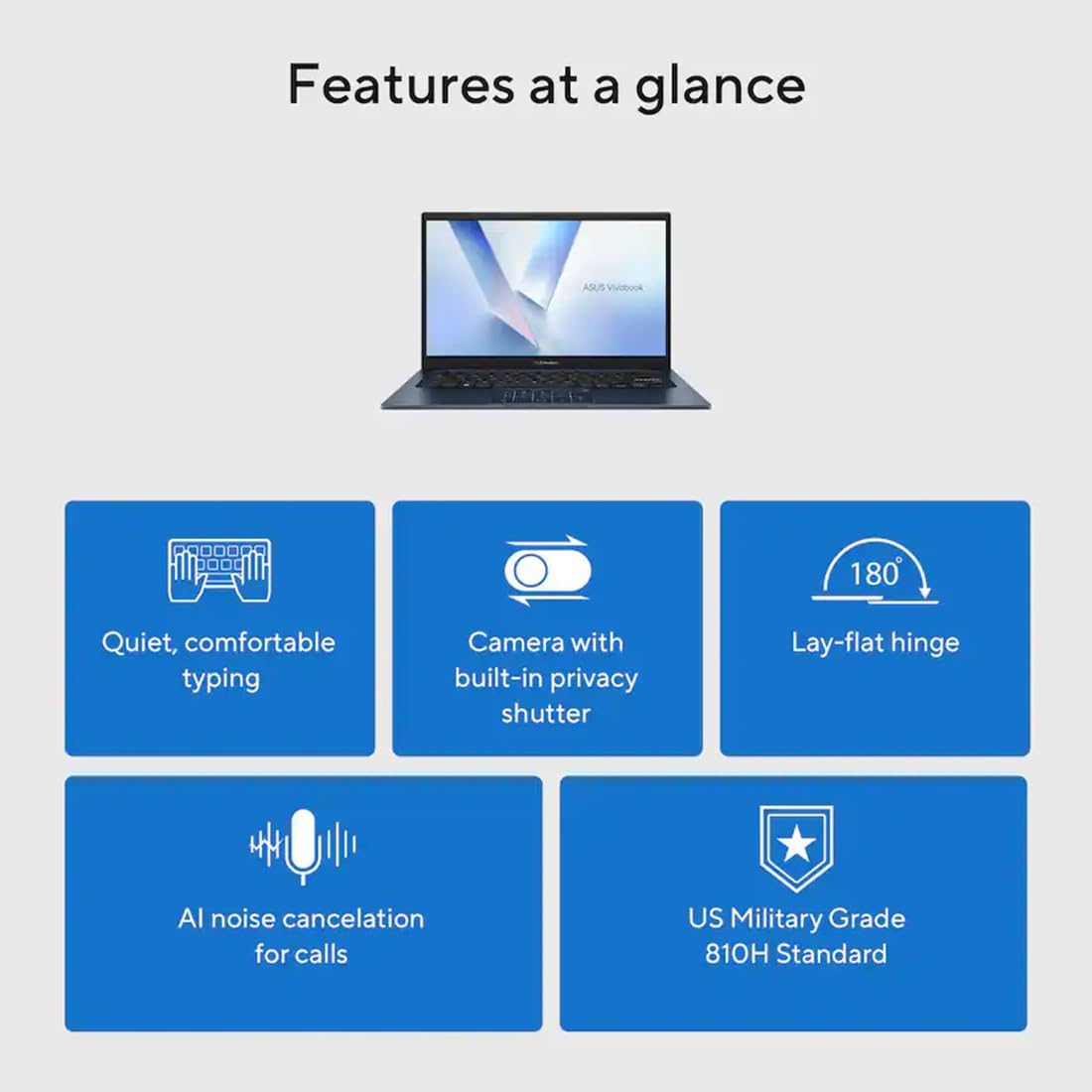
The HD webcam handles video calls competently in good light. Windows Hello face recognition works quickly and reliably in our testing. The physical privacy shutter is a sliding cover over the camera lens: you close the shutter and the camera is physically blocked. Simple, effective, and preferable to software-only solutions.
Value for Money
At $549.99, the Vivobook S 14 OLED is competing against a lot of IPS-paneled, plastic-chassis laptops that cannot match what it offers. An OLED display with near-reference color accuracy, a metal unibody chassis, Thunderbolt 4, Copilot+ PC certification, and battery life that outlasts the M3 MacBook Air would be a strong feature set at a significantly higher price point. Getting all of it at $549.99 means buyers are trading on the compromises we described: a rubbery trackpad, a reflective panel, and multithreaded performance that hits a ceiling. For buyers to whom those tradeoffs matter less than the core strengths, this is one of the best value propositions in the ultraportable category right now. The MacBook Air offers a more refined overall experience but at a substantially higher price. The Asus Zenbook 14 is a closer competitor in positioning, but the Vivobook's battery advantage is real and relevant.
Who Should (and Shouldn't) Buy This
The Vivobook S 14 OLED is well-suited to students who carry a laptop between classes and study sessions all day, remote workers who move between home, coffee shops, and office spaces, and frequent travelers who need a machine that will last a long-haul flight and then some. The combination of a 2.87-pound chassis, 17-plus hours of battery, fast charging, and a display that makes content look genuinely good covers most of what those users need from a laptop.
Buyers who should look elsewhere include gamers who need a high-refresh display and discrete GPU, creative professionals who require a touchscreen for drawing or annotation workflows, and anyone who will spend most of their time in sustained multithreaded workloads like video rendering or 3D modeling. For those users, the Core Ultra 5 226V configuration will feel limiting, and the 60Hz non-touch screen will create friction in the workflow.
Bottom Line
The Asus Vivobook S 14 OLED earns its recommendation at $549.99 by delivering where it counts: an OLED panel with near-reference color accuracy, battery life that outlasts even Apple's best thin-and-light, and a chassis that does not feel like a budget machine. The rubbery trackpad, reflective panel, and multithreaded performance ceiling are real tradeoffs, but defensible ones for the target audience. For students, travelers, and productivity users, this is the ultraportable to beat at the price.
-- Theo Chan, Hardware Testing Director
*Disclosure: As an Amazon Associate, Revuzia earns from qualifying purchases. Prices and availability are accurate as of publication and may change.*
More on Revuzia
ASUS Vivobook S 14 OLED Review: $549.99 OLED with Battery Life That Outlasts the M3 MacBook Air
Motorola Razr Ultra Review: Best Flip Phone, One Frustrating Gap
Samsung OLED S90F Review: Flagship Picture Quality Without the Flagship Price