Best 27-Inch Computer Monitors: Five Picks From Budget 4K to QD-OLEDBest 27-Inch Computer Monitors: Five Picks From Budget 4K to QD-OLEDBest 27-Inch Computer Monitors: Five Picks From Budget 4K to QD-OLEDBest 27-Inch Computer Monitors: Five Picks From Budget 4K to QD-OLED
June 24, 2026
Five 27-inch monitors that each win a use case — from a $218 4K value champ to a QD-OLED gaming panel and a Thunderbolt pro display, with live Amazon prices.
A 27-inch monitor is the sweet spot for most desks — large enough for real multitasking, sharp at QHD or 4K, and the size nearly every manufacturer builds their best panels around. That popularity is also the problem: the 27-inch shelf is crowded with hundreds of models from $150 office panels to $700 color-calibrated professional displays, and the spec sheets blur together. Refresh rate, panel type, resolution, color coverage, HDR tier, and port selection each matter for a different kind of buyer.
This guide narrows the field to five 27-inch monitors that each win a specific use case — from an outstanding-value 4K panel under $220 to a QD-OLED gaming display and a Thunderbolt-equipped professional monitor. Every pick below is currently available, and we list the live Amazon price for each.
How We Picked
We built this list by comparing the published specifications of the current 27-inch market against aggregated professional reviews from display-focused outlets — RTINGS, PCMag, and Tom's Hardware among them — and weighting the metrics that actually change the experience: panel technology (IPS versus QD-OLED), native resolution, refresh rate and response time, color-gamut coverage, HDR certification, and connectivity. We prioritized monitors with a clear, defensible reason to exist for a specific buyer rather than ranking on spec-sheet maximalism. Prices shown are the live Amazon listing at publication; monitors move on price frequently, so confirm the current figure before buying. We may earn a commission on purchases made through the links below, which never affects which products we select or how we rank them.
Our Top Picks at a Glance
Best Overall: Dell 27 Plus 4K Monitor (S2725QS)
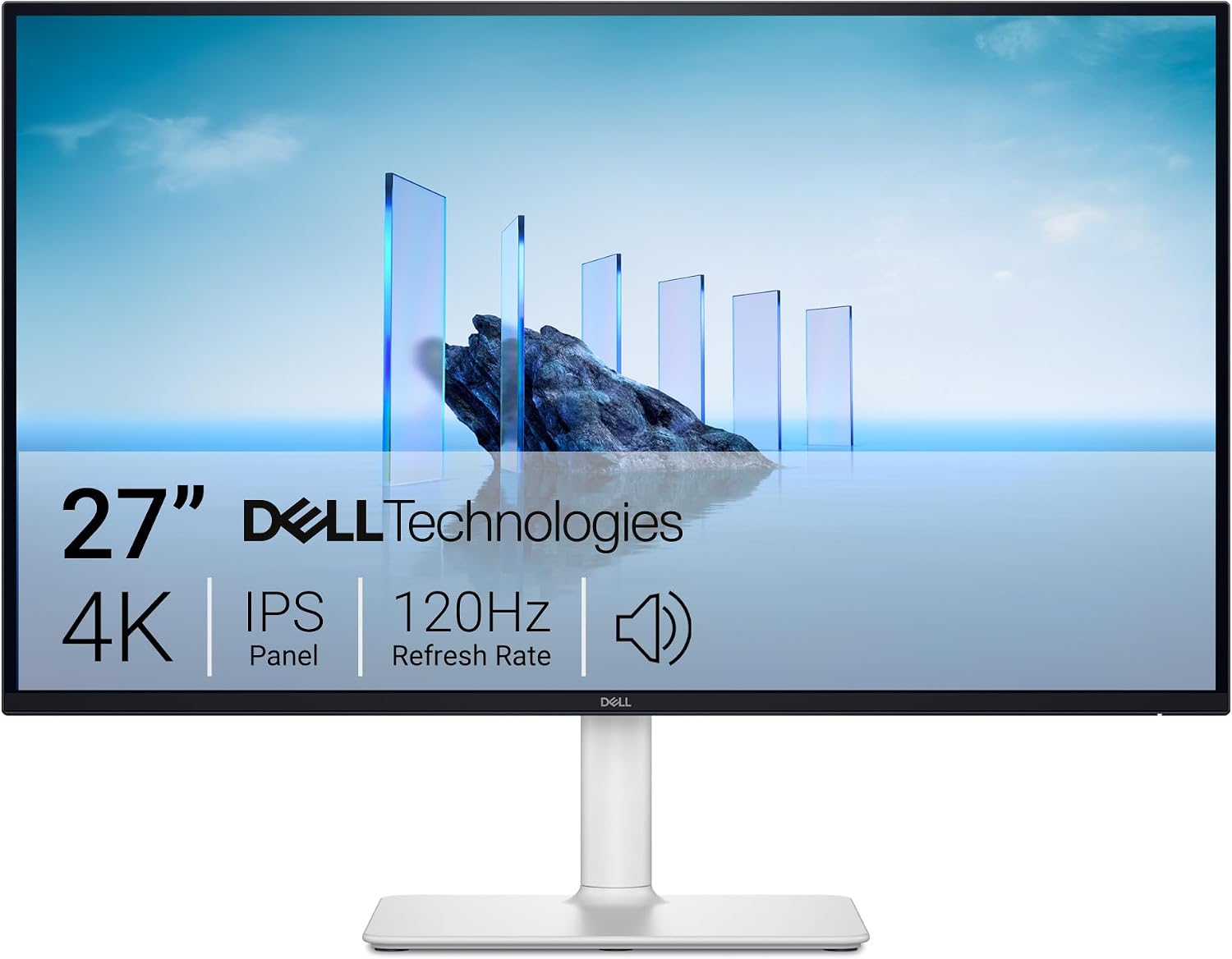
The Dell 27 Plus 4K makes the "best overall" call easy because it delivers a genuine 4K experience at a price most 1440p monitors charge. You get a 27-inch 3840 x 2160 IPS panel running at 120Hz — double the 60Hz that most budget 4K monitors top out at — with AMD FreeSync Premium and a 0.03ms response time for tear-free motion. Color coverage is 99% sRGB with a 1500:1 contrast ratio, and Dell's ComfortView Plus cuts blue-light emissions at the hardware level rather than with a washed-out software filter. Integrated speakers and a clean Ash White design round it out.
For the overwhelming majority of buyers — work, streaming, media, and light gaming — this is the most monitor for the money on this list. The only things you give up versus the pricier picks are wide-gamut P3 color and a USB-C/Thunderbolt hub, neither of which most people actually need.
Pros:
- True 4K (3840 x 2160) at 120Hz — well above the 60Hz norm for budget 4K
- IPS panel with 99% sRGB and 1500:1 contrast
- AMD FreeSync Premium with a 0.03ms response time
- Hardware-level low-blue-light (ComfortView Plus) plus built-in speakers
- Exceptional value under $220
Cons:
- sRGB-only — no wide P3 gamut for serious color work
- No USB-C or Thunderbolt hub
- 120Hz is great for 4K but below the 180Hz gaming picks
Best for Gaming: Samsung Odyssey G50D 27" QHD (LS27DG500)
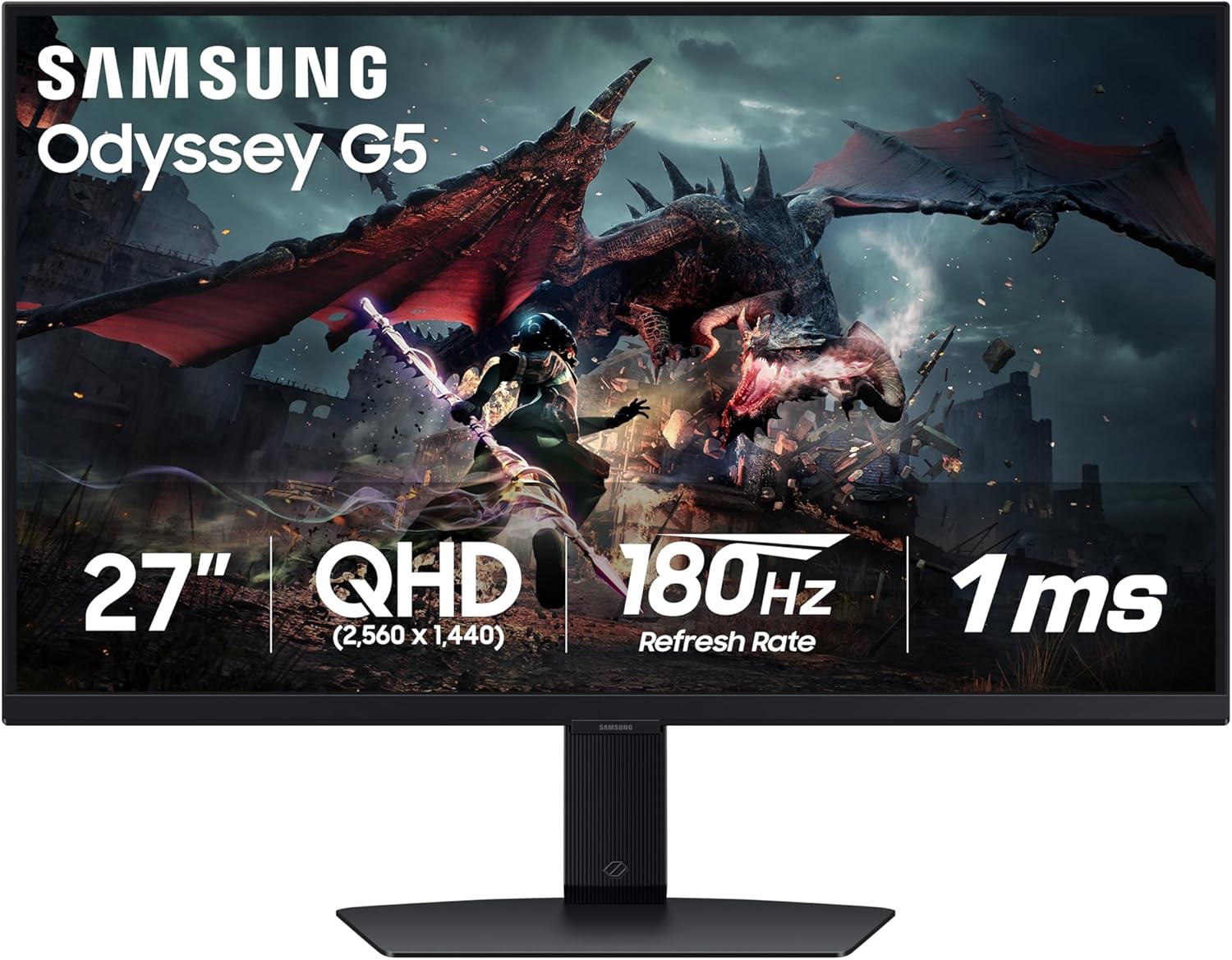
If your priority is fast, competitive gaming on a budget, the Samsung Odyssey G50D is the pick. It pairs a 27-inch QHD (2560 x 1440) Fast IPS panel — 1.7x the pixel density of 1080p — with a 180Hz refresh rate and a 1ms response time, plus NVIDIA G-Sync Compatible and AMD FreeSync support to eliminate tearing on either GPU brand. VESA DisplayHDR 400 adds real, if entry-level, HDR with deeper blacks and brighter highlights.
QHD at 27 inches is the resolution sweet spot for gaming: sharper than 1080p without the GPU tax of 4K, so mid-range cards can actually hit that 180Hz ceiling. For the price, this combination of resolution, refresh, and dual adaptive-sync certification is hard to beat.
Pros:
- 180Hz and 1ms on a Fast IPS QHD panel
- Both G-Sync Compatible and AMD FreeSync
- VESA DisplayHDR 400
- QHD is the ideal gaming resolution/performance balance
- Aggressive price under $240
Cons:
- DisplayHDR 400 is entry-level HDR
- IPS contrast can't match OLED black levels
- No USB hub
Best Budget Gaming: HP OMEN 27q G2 QHD
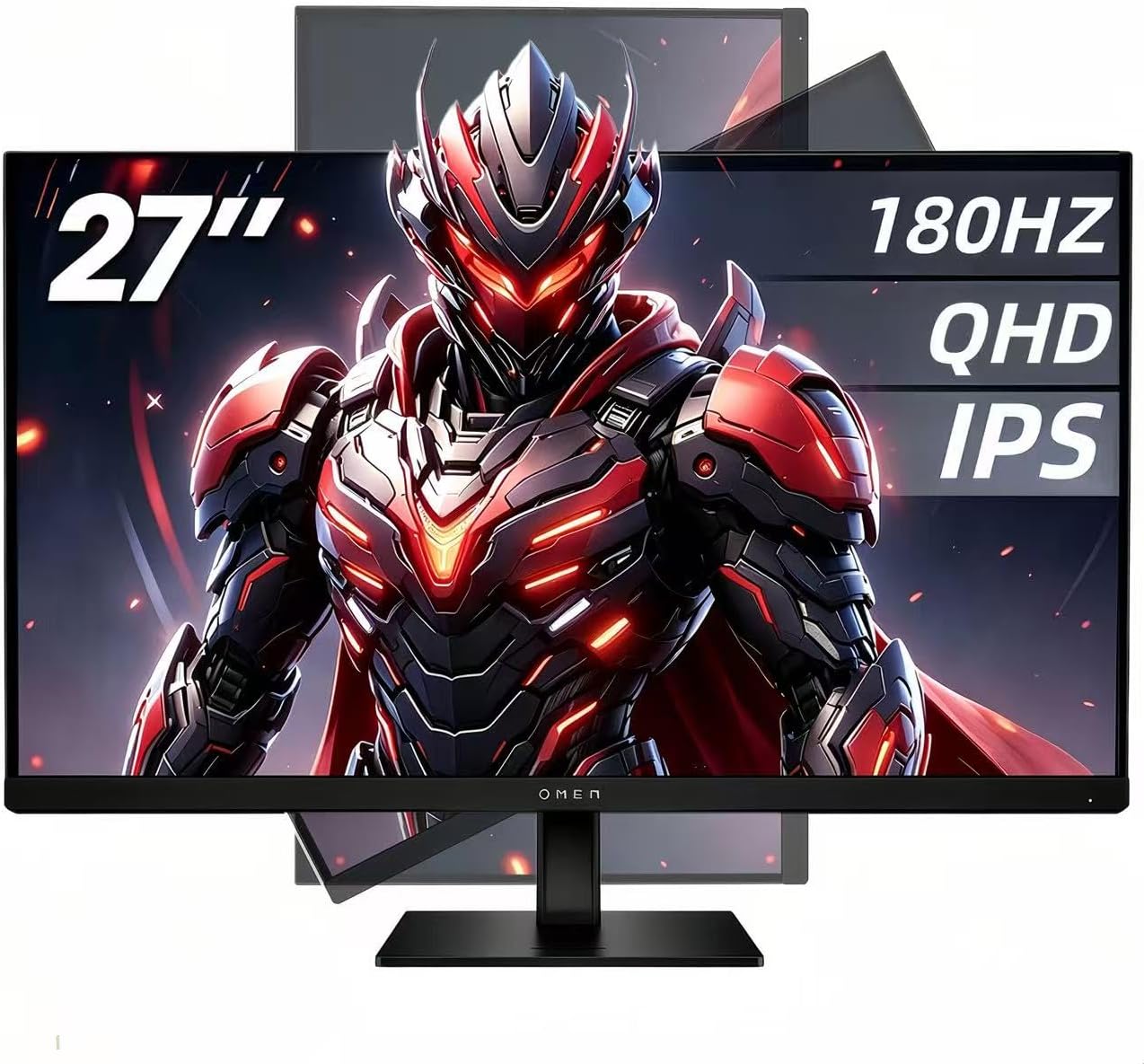
The HP OMEN 27q G2 covers the same 27-inch QHD, 180Hz, 1ms, IPS gaming brief as the Samsung, and earns its spot for buyers who want HP's OMEN build and gaming features. It runs 2560 x 1440 at 180Hz with a 1ms response time, AMD FreeSync for tear-free play, and an IPS panel for accurate color and wide viewing angles, with HP's Eye Comfort low-blue-light certification for long sessions.
It lands a bit above the Samsung on price, so it's the call if you specifically want the OMEN design, on-screen gaming overlays, or a build that's already in the HP/OMEN ecosystem. Performance-wise it's neck-and-neck with the G50D.
Pros:
- 180Hz and 1ms QHD IPS panel
- AMD FreeSync for tear-free gaming
- Eye Comfort low-blue-light certification
- OMEN gaming features and build quality
Cons:
- Pricier than the comparable Samsung G50D
- No G-Sync certification listed
- No USB-C connectivity
Best OLED / Premium: Samsung Odyssey OLED G5 27" (G50SF)
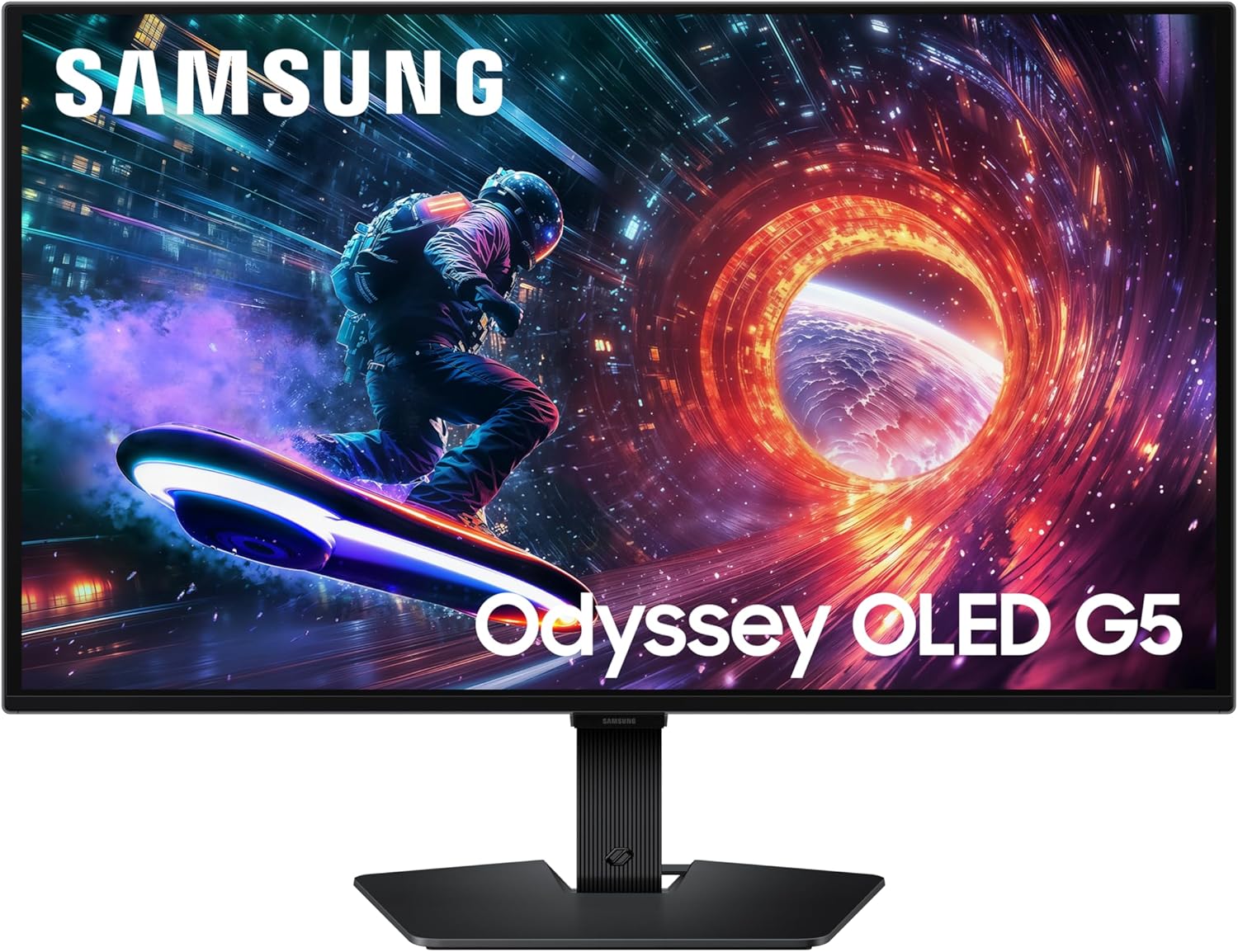
When you're ready to move from a good gaming monitor to a stunning one, the Samsung Odyssey OLED G5 is the most accessible QD-OLED on this list. QD-OLED delivers the per-pixel black levels, near-infinite contrast, and color volume that no IPS panel can match, on a 27-inch QHD panel running 180Hz with a 0.03ms (GtG) response time and G-Sync Compatible support. Samsung addresses OLED's two classic worries head-on: an OLED Safeguard thermal-modulation system actively helps prevent burn-in, and a Glare Free coating keeps reflections off the screen.
At well under the usual OLED premium, this is the pick if image quality is your priority and you want OLED contrast without crossing $400.
Pros:
- QD-OLED — black levels, contrast, and color volume IPS can't touch
- 180Hz with a 0.03ms (GtG) response time
- NVIDIA G-Sync Compatible
- Burn-in mitigation (OLED Safeguard) plus a glare-free coating
- Remarkable price for a QD-OLED panel
Cons:
- QHD rather than 4K
- OLED still rewards care over very long static-content sessions
- Entry-level OLED brightness versus premium OLED panels
Best for Professionals: Dell UltraSharp U2725QE 4K Thunderbolt
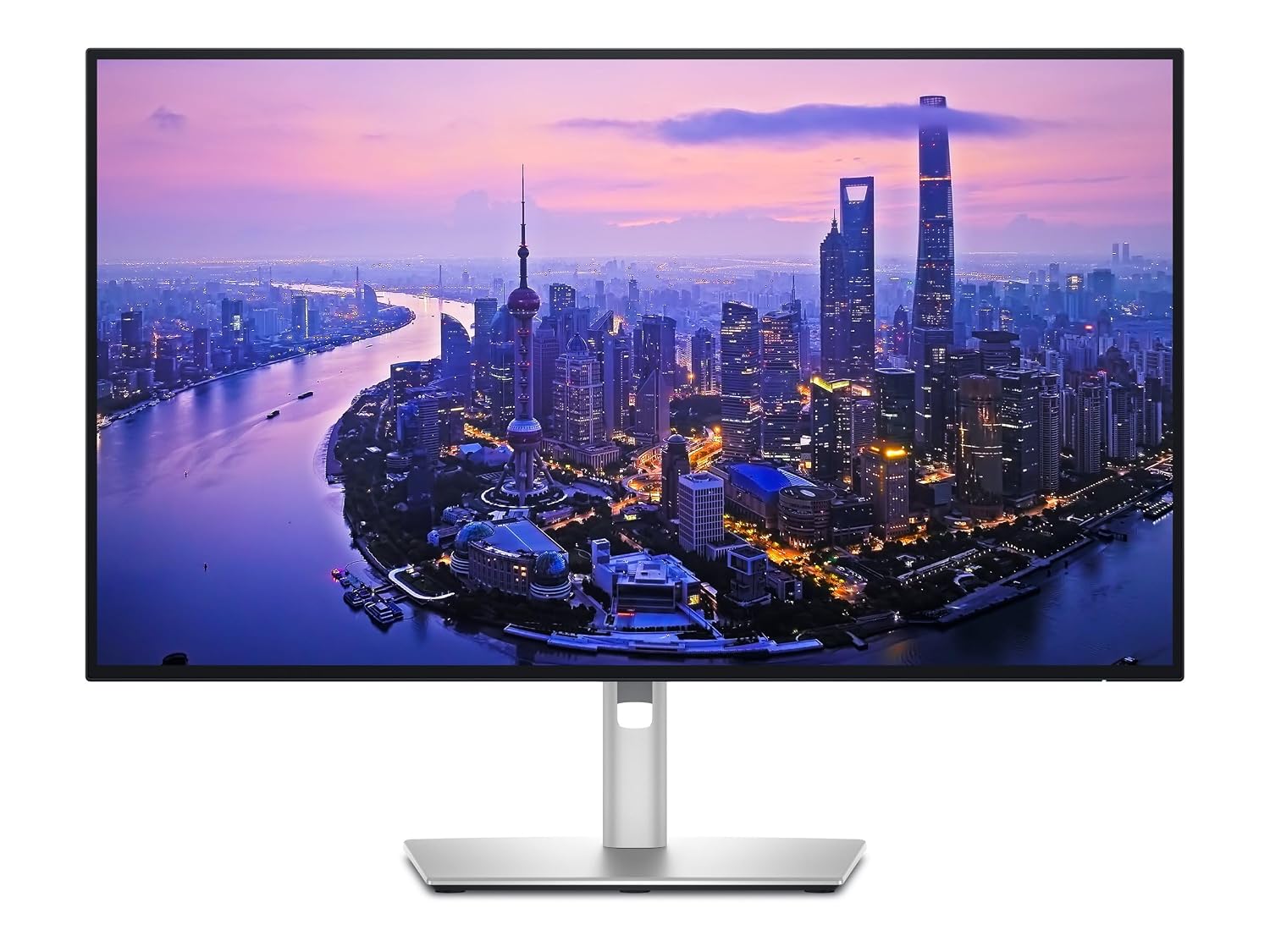
For creative professionals and anyone who lives in a single-cable, multi-device setup, the Dell UltraSharp U2725QE is the most capable monitor here. It's a 27-inch 4K UHD (3840 x 2160) panel with factory-calibrated color covering 100% of both sRGB and Display P3 — the wide gamut photo, video, and design work actually require — and a built-in Thunderbolt hub that supports daisy-chaining, high-speed data transfer, and single-cable connection with power delivery. A deep selection of USB-A, USB-C, and Thunderbolt ports turns the monitor into your desk's docking station.
This is the only pick that's overkill for casual use and exactly right for professional use. You pay a clear premium, but you're paying for color accuracy and connectivity, not just resolution.
Pros:
- 4K UHD with factory-calibrated 100% sRGB and 100% Display P3
- Built-in Thunderbolt hub with daisy-chain and single-cable power
- Extensive USB-A / USB-C / Thunderbolt port selection
- UltraSharp color pedigree for creative work
Cons:
- By far the most expensive here at $659
- Standard-refresh panel — not aimed at high-refresh gaming
- Overkill for general office or media use
The Bottom Line
For most people, the Dell 27 Plus 4K is the easy recommendation — a true 4K, 120Hz IPS panel under $220 is exceptional value and covers work, media, and casual gaming without compromise. Competitive gamers should start with the Samsung Odyssey G50D for 180Hz QHD at the lowest price, step up to the HP OMEN 27q G2 for the OMEN ecosystem, or reach for the Samsung Odyssey OLED G5 if image quality is the priority and OLED contrast is worth the premium. Creative professionals who need wide-gamut color and single-cable connectivity should go straight to the Dell UltraSharp U2725QE. Monitor prices move constantly, so confirm the live figure before you buy.