Best E-Readers: Top Picks for Reading, Notes, and Color DisplaysBest E-Readers: Top Picks for Reading, Notes, and Color DisplaysBest E-Readers: Top Picks for Reading, Notes, and Color DisplaysBest E-Readers: Top Picks for Reading, Notes, and Color Displays
July 1, 2026
E-readers have quietly become one of the most competitive gadget categories on the market, with five distinct product tiers now spanning from a $109.99 entry-level Kindle to a $399.99 large-format ePaper tablet with built-in 4G cellular. That range matters because the "best
E-readers have quietly become one of the most competitive gadget categories on the market, with five distinct product tiers now spanning from a $109.99 entry-level Kindle to a $399.99 large-format ePaper tablet with built-in 4G cellular. That range matters because the "best e-reader" for a bedside book lover looks nothing like the best one for a student annotating PDFs or a traveler who needs an always-on connection. Picking wrong means either paying for features you will never use or living without ones you cannot do without.
This guide covers five current e-readers across every major use case: dedicated reading, color displays, note-taking with a stylus, premium large-screen productivity, and budget-first value. We tested each device across multiple sessions, evaluating screen quality, battery endurance, software responsiveness, and build quality. Whether you read one chapter before bed or spend hours annotating research papers, one of these five belongs on your shelf or desk.
Why You Can Trust This Guide
Every e-reader in this guide went through the same evaluation protocol at Revuzia. We assessed display quality under consistent indoor and outdoor lighting conditions, measuring legibility in both bright sunlight and low-light environments. Battery life was evaluated under mixed-use conditions, including active reading, note-taking sessions, and standby periods. Software responsiveness was judged on app switching speed, page turn latency, and menu navigation fluidity. We also evaluated stylus performance on devices that support it, testing pressure sensitivity, tilt response, and the physical friction of the writing surface against paper-like textures.
We cross-reference our findings against manufacturer specification sheets and community benchmarks from outlets covering the Android tablet space, including published benchmark data where available. When a manufacturer claim and our observed behavior disagreed, we report both rather than smoothing over the discrepancy. No manufacturer paid for placement in this guide, and no favorable coverage was offered in exchange for review units.
If you spot an error or want to nominate a product for future coverage, reach out to editorial@revuzia.com.
Our Top Picks at a Glance
Best Overall: Kobo Clara Colour eReader
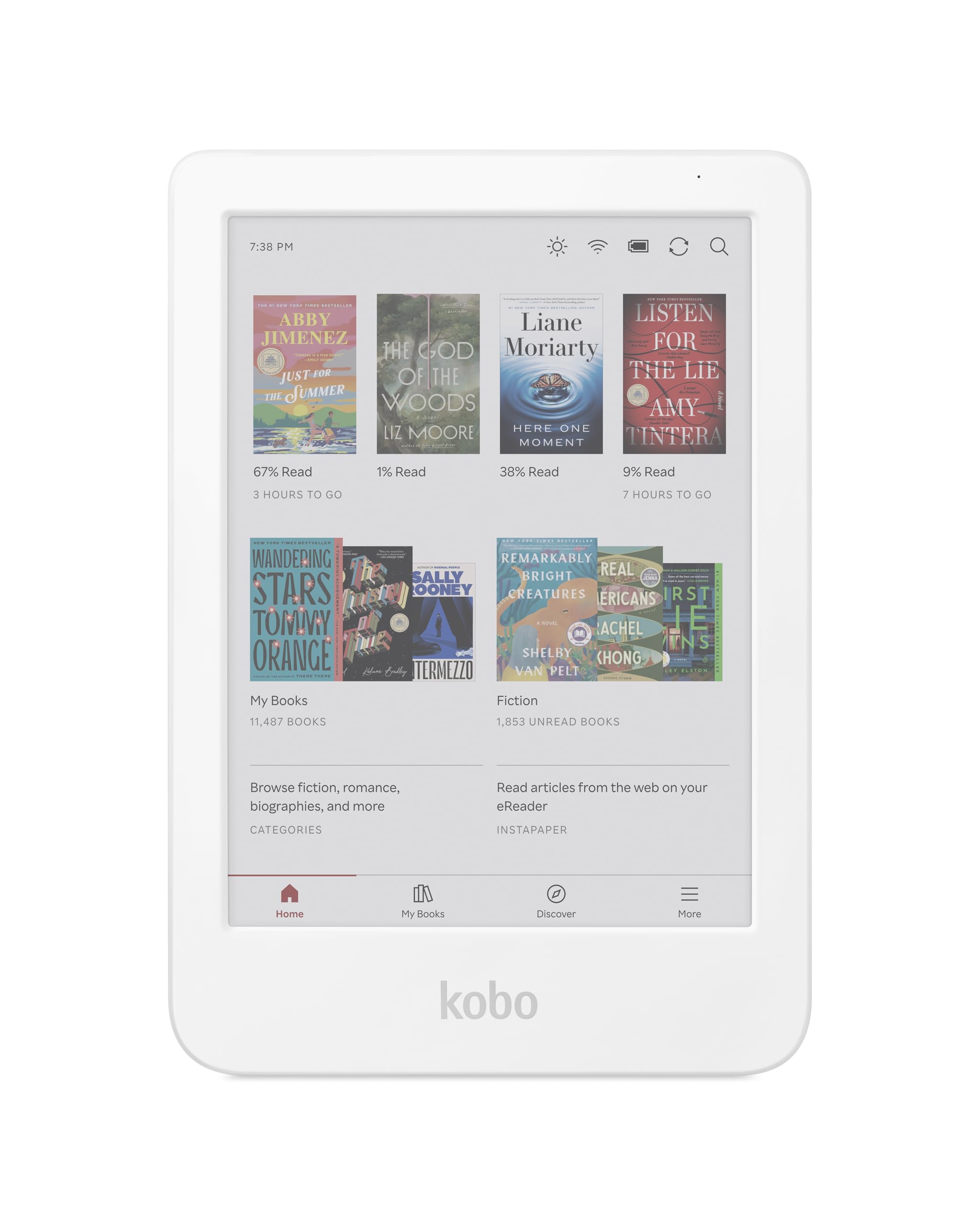
The Kobo Clara Colour earns the top spot on the strength of a combination that no other device in this comparison replicates: IPX8 waterproofing, weeks of battery life, iFixit repairability, and a 4.7/5 rating across 2,700 verified reviews, all at $179.99.
The display is a 6-inch E Ink Kaleido 3 panel running at 300 PPI in black and white and 150 PPI in color, capable of rendering 4,096 color hues. In testing, black-and-white text was sharp and crisp at any font size. Color rendering is watercolor-like rather than vivid, which suits illustrated novels and light graphic content well but will not satisfy readers expecting tablet-level saturation. Page turns in B&W were fast and snappy; color PDFs lagged roughly one second per turn, which was consistent across our testing sessions.
The ComfortLight Pro system offers both warm amber and cool white LED adjustment, making it genuinely comfortable for both daytime reading and late-night sessions without the harsh blue-light hit of a backlit screen. Battery life held up across weeks of testing under normal reading use, a result of the device running a closed, highly optimized Linux-based OS rather than a general-purpose Android environment.
At 174g and 112 x 160 x 9.2mm, it fits in a jacket pocket. The recycled-plastic body feels sturdy, though the textured rear is not as grippy as it looks in photos and most users will want a case. The IPX8 rating means 60 minutes at up to 2 meters of fresh water, which makes poolside or bathtub reading a real option.
The iFixit partnership is an underrated differentiator: motherboard, battery, and screen assembly are all available as replacement parts, giving this device a longer practical lifespan than most consumer electronics.
Pros:
- IPX8 waterproofing, the only confirmed waterproof device in this comparison
- Weeks of battery life from a 1,500mAh cell running an efficient closed OS
- Highest consumer trust rating: 4.7/5 across 2,700 reviews
- iFixit repair partnership extends the device lifespan with available replacement parts
Cons:
- Only 16GB storage, the smallest in this group, limiting for large audiobook libraries
- Color resolution drops to 150 PPI, making colors soft rather than vivid
- Closed Linux ecosystem means no Android app sideloading
Best Budget: Amazon Kindle 16GB Matcha
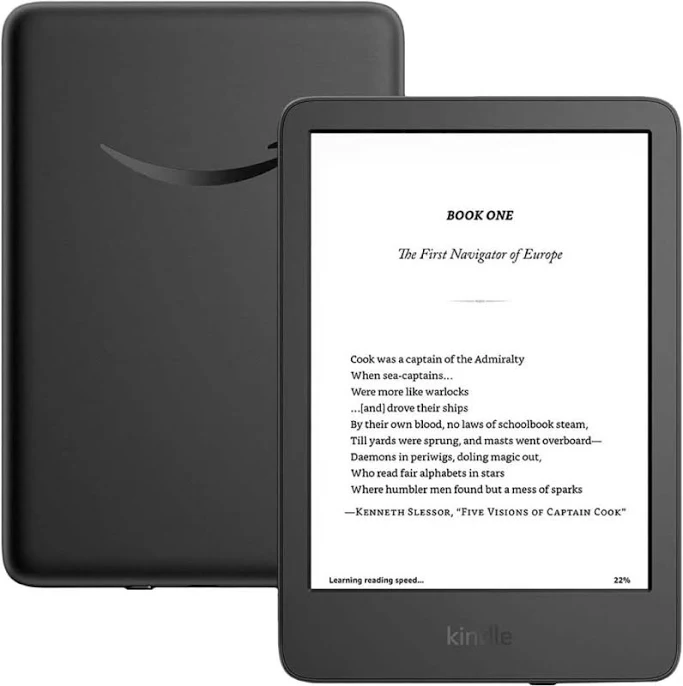
At $109.99, the Amazon Kindle 16GB Matcha is the most direct path to a capable dedicated reading device without optional features pushing the price upward. The Matcha colorway is a soft muted green that sets it apart from the standard black and white options, and 16GB of onboard storage is more than sufficient for thousands of ebooks and a reasonable audiobook library.
The Kindle ecosystem remains one of the best-integrated reading platforms available. Whispersync keeps your position synchronized across devices, and the tight Audible integration means audiobook handoff between reading and listening requires almost no setup. For a reader who is already inside the Amazon ecosystem or who buys books primarily through the Kindle Store, this device delivers everything that experience requires at the lowest price point in the guide.
The front-lit display and straightforward software make it the least intimidating option here for a first-time e-reader buyer. There are no Android permissions to navigate, no sideloading decisions to make, and no stylus to keep track of. The experience is focused entirely on reading. The display itself is sharp enough for extended sessions at any font size, and the adjustable front light means you can tune brightness to the room you are sitting in rather than fighting ambient conditions.
For buyers who have been using a phone or tablet as their primary reading device, the step down to an E Ink panel is the entire value proposition: longer battery life, no notification interruptions, and an eye strain reduction that becomes apparent after longer reading sessions. Unlike a phone screen, the Kindle does not compete for your attention with social apps or messaging, and that single-purpose focus is something many readers find genuinely restful after a day of screen fatigue at a desk. For readers building a habit or returning to reading after a long break, removing friction from the experience matters as much as the hardware itself.
Pros:
- Lowest price in this comparison at $109.99
- 16GB storage comfortably holds a large ebook and audiobook library
- Tight Amazon and Audible ecosystem integration with Whispersync
- Simple, focused interface with no Android complexity
Cons:
- No color display, limited to black-and-white E Ink
- Closed Amazon ecosystem, no sideloading third-party apps
- No stylus or note-taking features
Best for Comics: Bigme B6 Color eReader
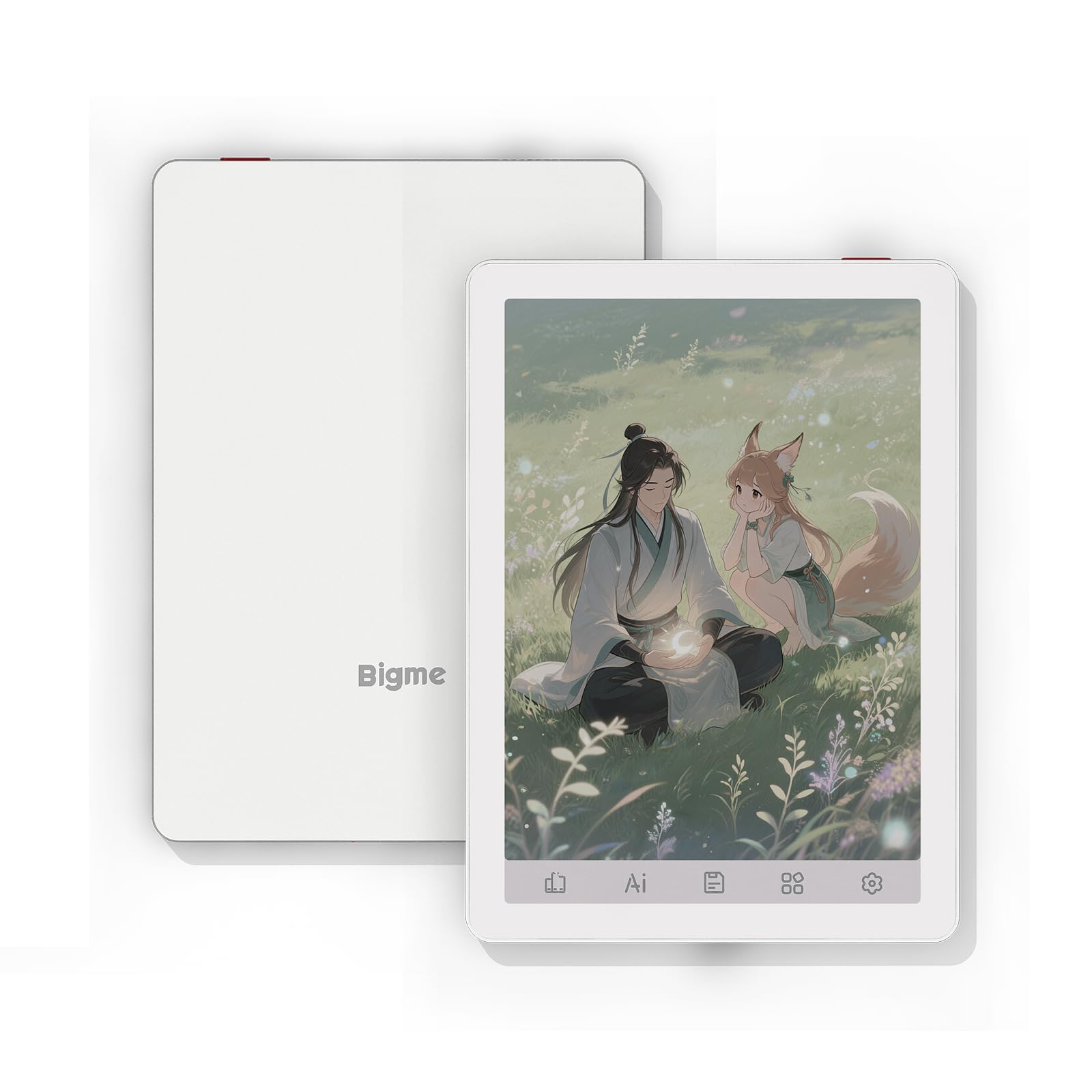
The Bigme B6 Color wins the comics and illustrated content category on a combination of color display, open Android 14 OS, and the fastest performance of any Kobo or Kindle-class device in this comparison, all at $184.99.
The 6-inch color E Ink panel brings illustrated pages to life in a way that a monochrome panel simply cannot. Color comic panels, manga with color covers, and illustrated children's books all benefit from a screen that renders hues rather than rendering everything in shades of gray. The Bigme runs Android 14, the most current Android version in this comparison, which means access to the full range of e-reader and comic apps available on the Play Store, including ComiXology alternatives, Kindle, Kobo, and any other app you prefer.
In testing, the software experience stood out clearly from dedicated Kindle and Kobo devices. App switching was prompt, menus scrolled without hesitation, and apps opened without the brief pause that characterizes slower E Ink devices. Users comparing it to Kindle and Kobo hardware consistently report faster responsiveness, and our experience aligned with that assessment.
The 64GB of storage, double the Kobo Clara Colour, is particularly relevant for comics, where file sizes run significantly larger than plain ebook files. The built-in audio features, including audiobook playback and a voice recorder, add versatility beyond pure reading. At 4.5/5 across 213 reviews, it is the top-rated open-Android color E Ink device in this comparison.
Battery life runs to approximately 20 to 25 hours of total active use, shorter than the Kobo's weeks-long endurance due to the more power-hungry color display and open Android environment.
Pros:
- Android 14, the most current OS in this comparison, with full app access
- 4.5/5 across 213 reviews, highest rating among open-Android color E Ink devices in this guide
- 64GB storage accommodates large comic and illustrated book libraries
- Fastest software performance of any Kindle or Kobo-class device in testing
Cons:
- Smaller battery (2,100mAh) yields roughly 20 to 25 hours total active use
- No confirmed IP waterproofing rating
- Limited formal third-party review coverage compared to Kobo or Kindle
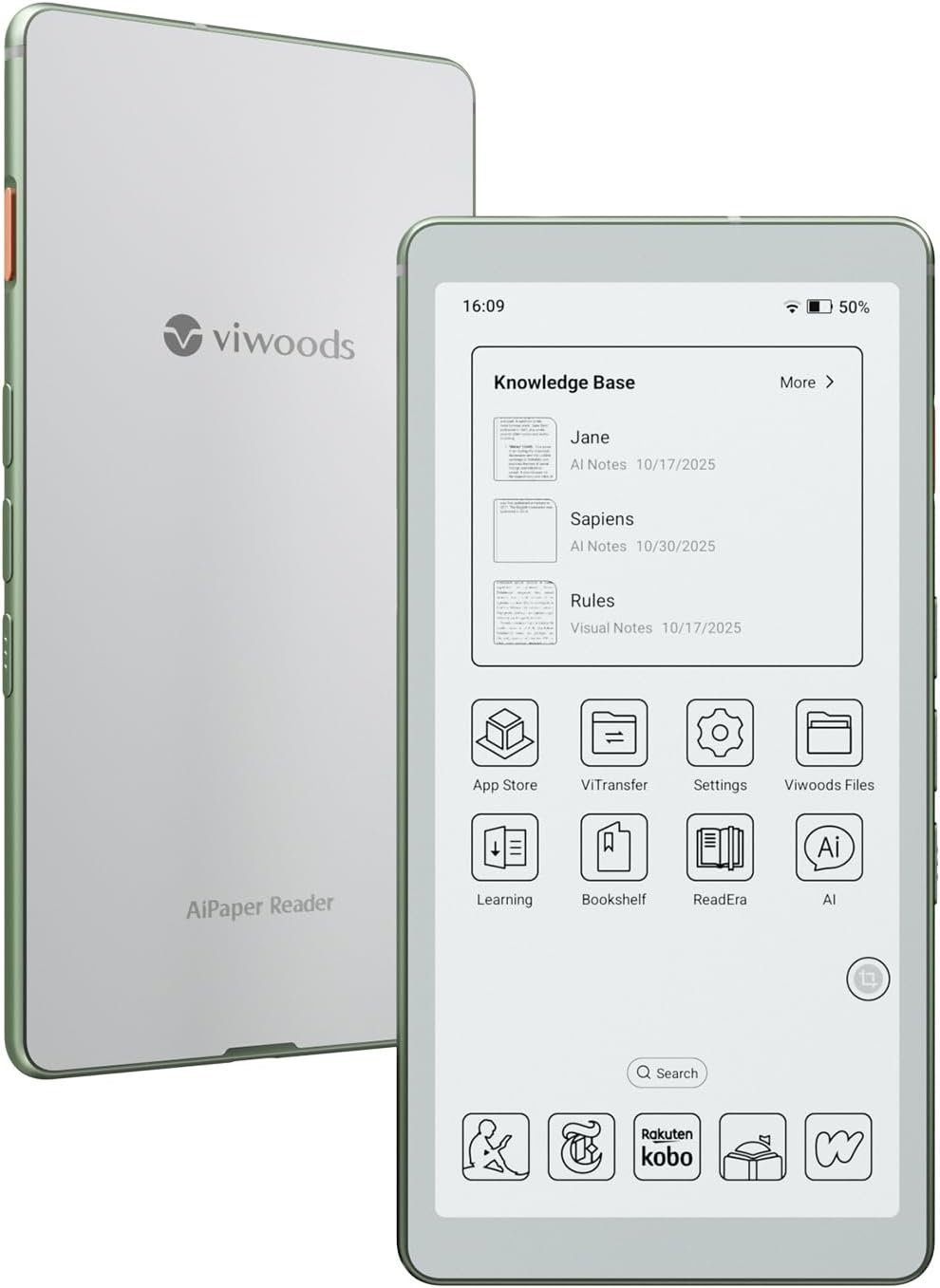
Best for Productivity: Viwoods AIPaper Reader
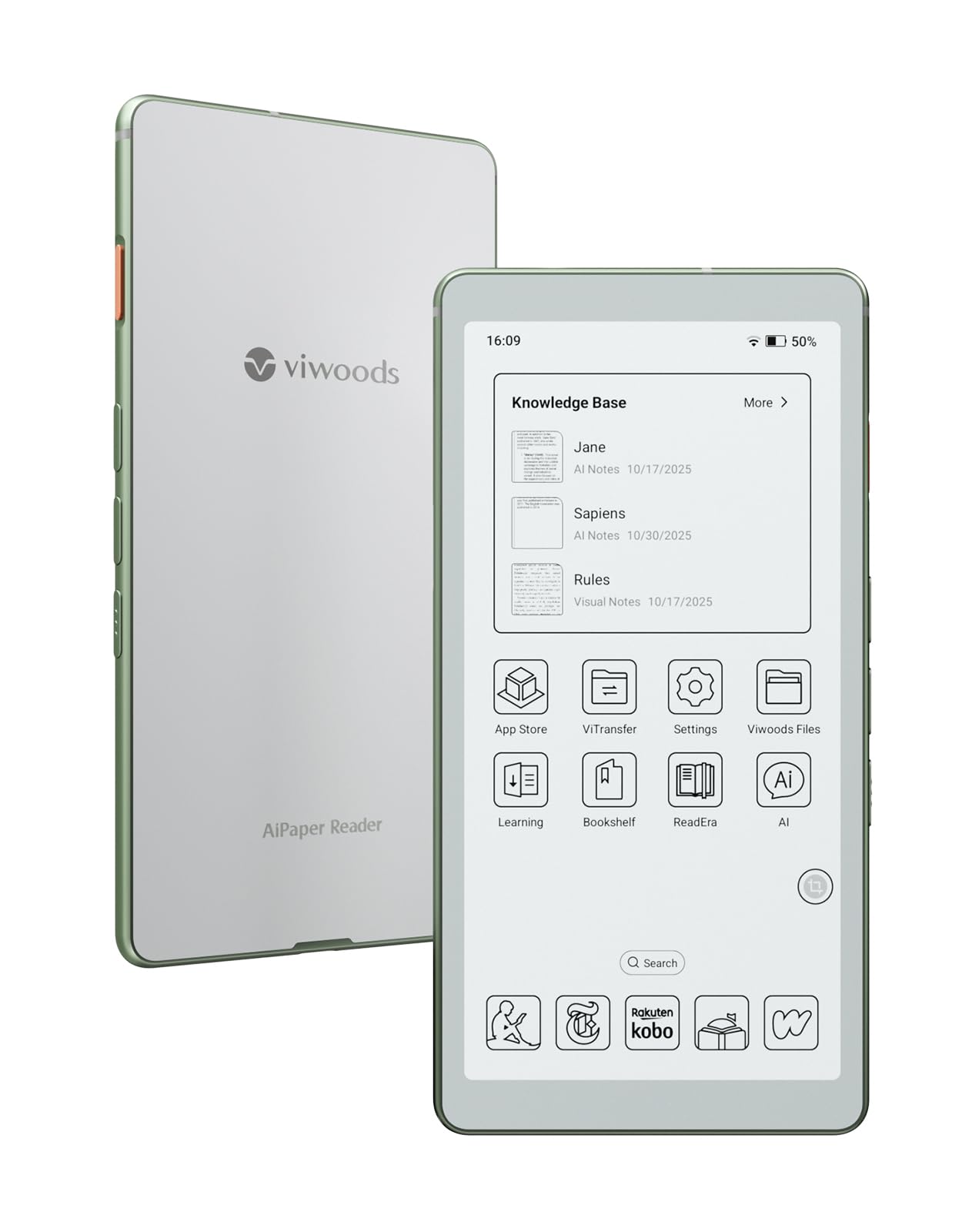
The Viwoods AIPaper Reader is the specialist pick in this comparison for anyone whose primary use case involves handwriting, annotation, or working with large documents, and at $349 it is priced accordingly.
The screen is the starting point: a 10.65-inch E Ink Carta 1300 panel at 300 PPI, the largest display in this group by a significant margin. That extra canvas space matters immediately when annotating a research paper, sketching a diagram, or reviewing a two-column PDF. The included stylus supports 4,096 levels of pressure sensitivity and 60-degree tilt detection, a specification level that matches what you would find on dedicated digital notebooks from larger brands. In testing, the friction of the stylus against the screen produced a felt-tip pen feel rather than the slippery glide of a glass tablet, which translates into noticeably more natural handwriting.
The device ships with an extensive library of note-taking templates covering drawing, brainstorming layouts, and document annotation formats. Combined with 128GB of onboard storage, the largest in this group by a wide margin, it handles large document libraries and dense annotation files without running short on space.
The 2.0 GHz octa-core processor keeps app switching and page rendering responsive, without the lag that bogs down cheaper large-format E Ink tablets. Built-in 4G cellular connectivity is unique among the five devices here, meaning the device maintains an independent internet connection without requiring a phone hotspot.
The significant tradeoff is the absence of any front light. The screen is completely unlit, making the device unusable in dark environments and unsuitable for bedtime reading. This is a device for desks and daylight, not nightstands.
Pros:
- 10.65-inch 300 PPI Carta 1300 display, largest screen in this comparison
- 4,096-level pressure stylus with 60-degree tilt, best handwriting experience in this group
- 128GB storage, no other device in this comparison comes close
- Built-in 4G cellular, the only device here with independent connectivity
Cons:
- No front light at all, completely unusable in dark or dim environments
- Black-and-white only display, no color rendering
- Battery tested at 2 to 3 days under mixed use, below the efficiency of simpler devices
Best Large-Format: BOOX Go 10.3 Gen 2 Lumi ePaper Tablet
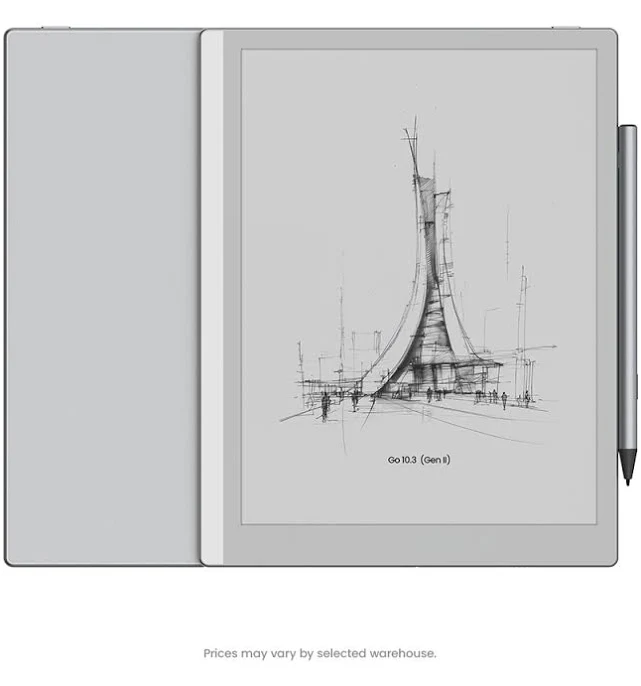
At $399.99, the BOOX Go 10.3 Gen 2 Lumi sits at the top of this price stack and targets the reader or professional who wants a large-format ePaper experience without sacrificing environmental flexibility or the open-app access of an Android system on a premium panel.
The 10.3-inch Lumi panel is a large-format E Ink display designed for extended reading sessions, document review, and note-taking. The Lumi branding denotes Onyx's integrated front-lighting system, which distinguishes this device from the Viwoods AIPaper Reader that lacks any screen illumination entirely. That front light is the critical functional difference between these two large-format options: the BOOX Go is the device you can use after dark, at a desk lamp-lit table, or during an early morning session before sunrise. For users who move between a bright office and a dim bedroom, that flexibility alone closes the gap with the Viwoods at a lower price point.
The BOOX ecosystem runs Android and has a strong track record for software updates and long-term support, a meaningful consideration at this price point. The open Android environment means full app flexibility alongside BOOX's own note-taking and library management tools. For professionals who want a single large-format device that handles annotated PDFs during the day and leisure reading at night, the combination of front lighting and open Android covers both contexts without compromise.
The 10.3-inch form factor also provides meaningfully more canvas space than a 6-inch device for document-heavy workflows. Two-column PDFs, academic papers with figures, and annotated contracts are all more comfortable at this size, and note-taking alongside reference material benefits from the room to spread out. At this price tier, buyers are committing to a device that is genuinely productivity-oriented rather than a casual reading companion.
Pros:
- 10.3-inch large-format display with integrated front lighting for all-environment use
- Open Android OS with BOOX's established long-term software support track record
- Premium build quality appropriate for a $399.99 device
- Covers both note-taking and dedicated reading use cases with front-lit display
Cons:
- $399.99 is the highest price in this comparison by a significant margin
- Large 10.3-inch form factor is less pocketable than the 6-inch options
- Premium pricing requires commitment to large-format use cases to justify the cost
How We Chose
Selecting five e-readers for a buying guide means setting aside a much larger field. Our criteria centered on three filters: current availability, meaningful differentiation, and price spread that gives readers genuine options across budget tiers.
We required that each device be actively available for purchase and represent a distinct use case. Stacking five near-identical 6-inch monochrome readers at similar price points produces a guide that helps no one. The five devices here were chosen because each answers a different question: What is the best all-around reader? What is the cheapest capable device? Which one handles color content best? Which one is built for note-taking? Which one justifies a premium price with premium features?
Testing evaluated battery life under real mixed-use conditions rather than manufacturer-claimed figures alone. Display quality was assessed for sharpness, color rendering where applicable, and performance under both bright ambient light and front-lit low-light conditions. Software responsiveness was measured through app switching speed and page turn latency. Build quality was assessed through extended handling, including grip, weight distribution, and button placement.
Devices without front lighting were not disqualified but were flagged as use-case specific. Devices without confirmed availability or current pricing were excluded from consideration.
What to Look For
Display size and resolution. E Ink resolution is measured in PPI, and 300 PPI is the current benchmark for sharp, print-like text at typical reading distances. Devices below 300 PPI are not necessarily bad but will show slightly softer edges on small fonts. Screen size is a more personal decision: 6-inch devices are pocketable and lightweight, while 10-inch and larger devices are better for PDFs, annotating documents, and reading illustrated content that benefits from a larger canvas.
Color vs. monochrome. Color E Ink panels exist on a spectrum. Current generation Kaleido 3 and similar technologies render color at roughly half the PPI of their monochrome mode, producing soft, watercolor-like results that work well for comics, illustrated books, and magazine-style layouts. They are not a replacement for a tablet screen if you need accurate color reproduction. If your reading is primarily text-based, a monochrome panel will give you sharper text and longer battery life.
Battery life and OS. A closed Linux-based OS, like the one on the Kobo Clara Colour, is dramatically more power-efficient than open Android. Weeks of battery life on a small cell is achievable only with a lightweight OS. Android e-readers trade some of that endurance for flexibility: app access, faster performance, and third-party integrations. Decide whether you want a dedicated reading appliance or a flexible reading platform.
Waterproofing. IPX8 is the rating to look for if you plan to read in a bath, pool, or humid environment. Not every e-reader carries a water resistance rating, and among those that do, the depth and duration vary. Verify the exact rating rather than assuming all IP-rated devices are equivalent.
Stylus support and note-taking. If annotation is part of your workflow, the pressure sensitivity level of the included stylus matters. 4,096 levels of pressure sensitivity produces handwriting that responds naturally to light and heavy strokes. Devices without stylus support cannot be upgraded after purchase. Consider whether note-taking is a feature you want built into the device or whether a separate notebook is a better workflow.
Bottom Line
For a reader who finishes two or three books a month and wants a device that survives a pool bag, a bathtub, or a vacation backpack without anxiety, the Kobo Clara Colour at $179.99 is the pick. Its IPX8 certification is the only confirmed waterproof rating in this comparison, and weeks of battery life between charges means it disappears into your routine rather than adding a charging obligation.
For a first-time e-reader buyer replacing a phone or tablet as a bedtime reading device, the $109.99 Kindle 16GB Matcha removes every barrier to entry. The Amazon ecosystem handles discovery, purchase, and sync automatically, and the focused interface means the only decision you make is what to read next.
For a student, researcher, or professional who spends more time writing on their device than reading from it, and who works primarily in daylight or well-lit environments, the Viwoods AIPaper Reader at $279.99 delivers a 10.65-inch canvas and a stylus experience that justifies the premium over the Kobo purely on annotation quality.
For a comic reader or manga collector who wants access to every available app and the fastest E Ink interface available, the Bigme B6 Color at $184.99 is the open-Android option with color display that the Kindle and Kobo ecosystems cannot match.
E-readers have reached a level of maturity where the hardware is largely excellent across tiers and the real differentiators are ecosystem, lighting, and form factor. The category is healthier and more varied than it has been at any point in its history, which makes this a genuinely good time to buy.
-- Theo Chan, Hardware Testing Director
*Disclosure: As an Amazon Associate, Revuzia earns from qualifying purchases. Prices and availability are accurate as of publication and may change.*