Best Photo Printers: Canon SELPHY, IVY 2 and PRO-1100 Compared
November 11, 2026
If you want a photo print you can hold, the options run from a pocket printer to a 71-pound, 17-inch pigment inkjet. Shoppers can choose between ZINK, dye-sublimation and multi-ink printing, and between small snapshot printers at $156.00 and a pro machine at $1,149.99 or more.
If you want a photo print you can hold, the options run from a pocket printer to a 71-pound, 17-inch pigment inkjet. Shoppers can choose between ZINK, dye-sublimation and multi-ink printing, and between small snapshot printers at $156.00 and a pro machine at $1,149.99 or more. The four Canon models here cover that range, so the right pick depends on what you print, how often, and where.
This guide compares the Canon SELPHY CP1500, Canon IVY 2, Canon SELPHY QX20 and Canon imagePROGRAF PRO-1100. It is for anyone choosing between a snapshot printer for a phone and a serious machine for framed work. Each section covers the specs that matter, the trade-offs, and who should buy. The Bottom Line matches each printer to a specific kind of buyer.
Why You Can Trust This Guide
Revuzia does not take payment for placement, and we do not give favorable coverage in exchange for review units. Every printer is judged against the same checklist: print quality and detail, color accuracy and skin tones, speed per print, running cost per print, portability, connectivity, and print longevity.
Our verdicts come from cross-referencing three kinds of evidence. The first is published independent testing, including timed print runs and side-by-side print comparisons. The second is manufacturer spec sheets and listing data from Canon, which supply resolution, dimensions, weight, ink or paper type, and claimed longevity. The third is the day-to-day experience reported by reviewers and by shoppers, whose ratings cover as few as 98 reviews and as many as 4,500 across these models. When a manufacturer claim and independent testing disagree, we report both.
Spotted an error, or want us to look at a printer we missed? Email editorial@revuzia.com.
Our Top Picks at a Glance
Best Overall: Canon SELPHY CP1500
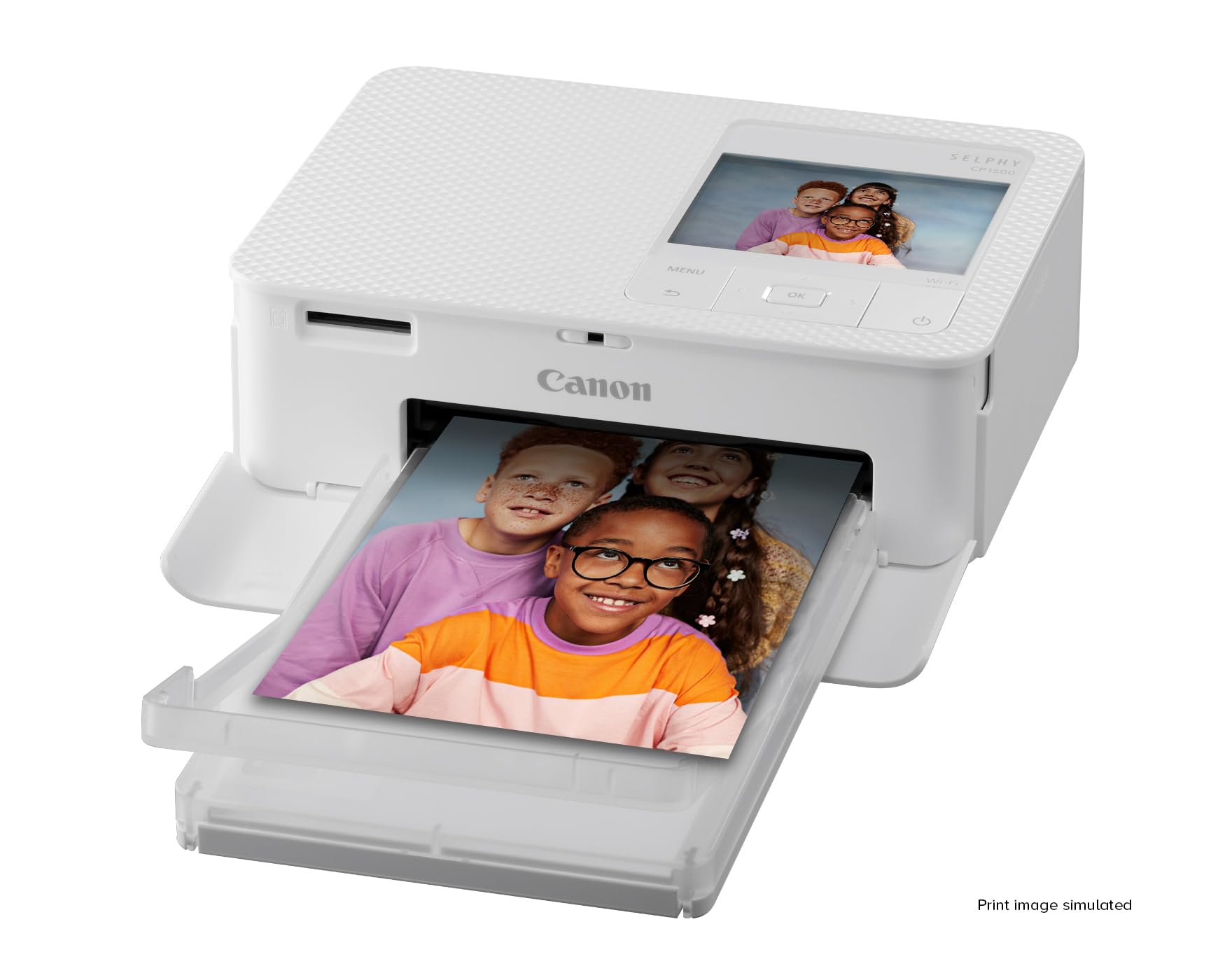
The Canon SELPHY CP1500 wins because it makes true 6x4 inch postcard prints with no visible grain, at a price of $156.00. It also has the strongest shopper record of the four: 4.7 out of 5 across 4,500 reviews, the largest review base in this group.
It is a dye-sublimation printer with a 4-pass process that finishes each print with a protective coat. Resolution is 300x300 dpi, and the maximum print is 10x15 cm (6x4 inches). It does not print on plain paper. It weighs under 1 kg, roughly the size of a hardback book. Wi-Fi works on a home network or in direct mode for Android and iOS.
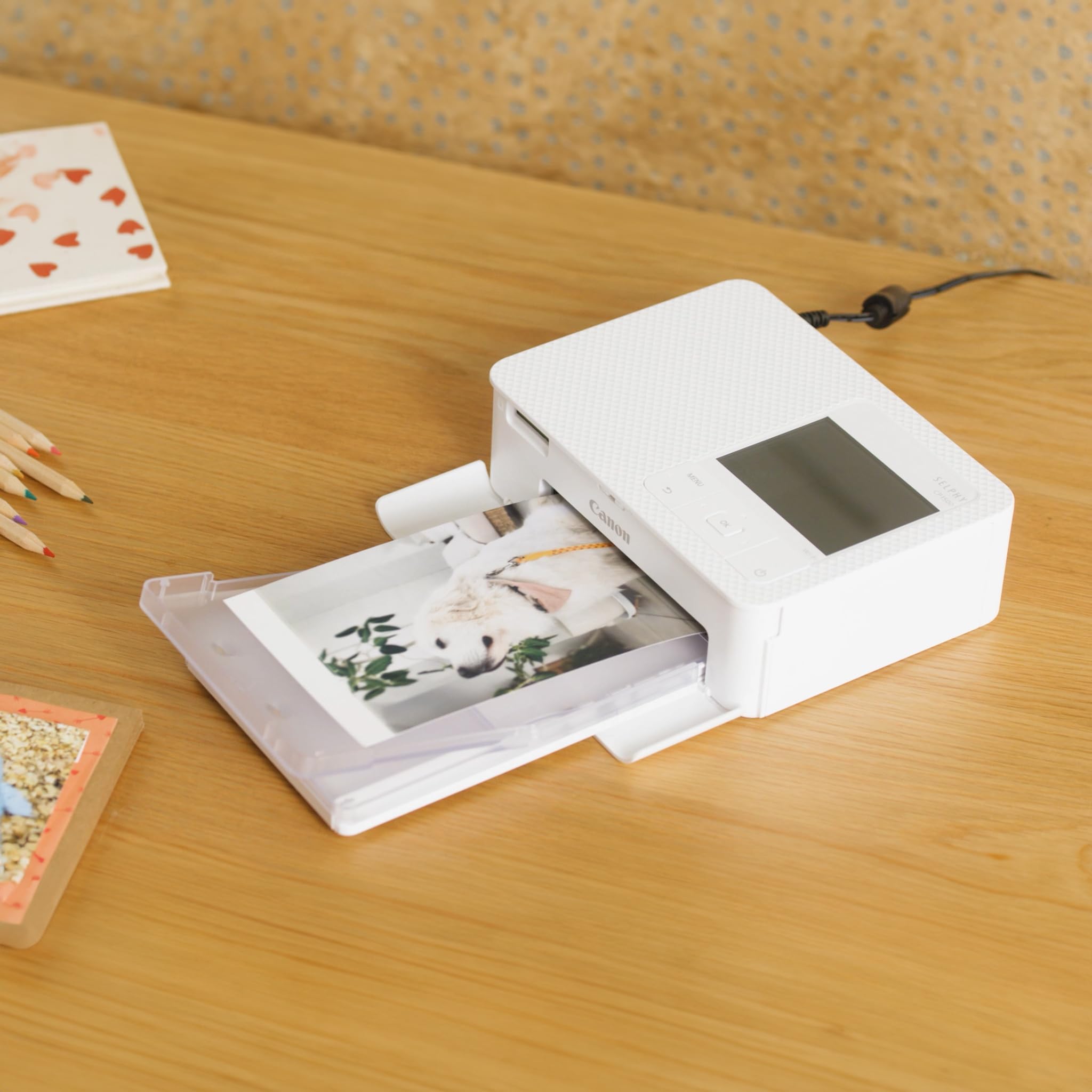
This is the printer for families, travelers, and anyone who wants frequent 4x6 prints without computer drivers or inkjet clogging. Skin tones are accurate, though perhaps a touch light. One caution on value: you are paying for the dye-sub finish and portability, not for general-purpose printing.
Pros
- 6x4 inch prints with no visible grain
- Dye-sublimation finish with a protective coat
- Under 1 kg
- 4.7/5 across 4,500 reviews
Cons
- Faces are slightly softer, and foliage greens and summer skies less intense, than on a good inkjet
- Computer printing works over USB or Wi-Fi on Windows 10 (22H2 or later) or 11 with firmware v1.0.1.0 or later, and on Macs through AirPrint
- The print emerges from the rear, so it cannot sit flat against a wall
- The multi-photo print button is hard to find
Best Budget: Canon IVY 2
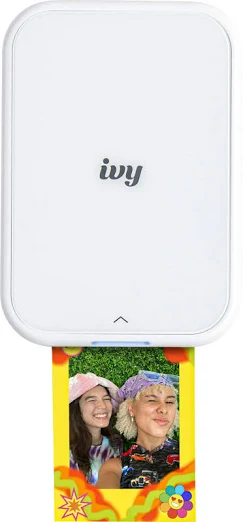
The Canon IVY 2 is the easiest printer here to start with. It uses ZINK (Zero Ink) printing, so there are no cartridges to buy or replace, and it is small enough for a pocket.
Prints are small with a peel-off sticker backing. Connection is Bluetooth, and it charges over USB-C. Setup was called "ridiculously easy," and it worked without a pre-charge. The only controls are power and reset buttons, so everything else happens in the app.
The Canon Mini Print app adds stickers, frames, text, filters and themes, plus collage and tile features. It can pair with multiple phones, which suits a shared household or a group trip.
The honest trade-off is color. Reviewers saw two test photos come out with a harsh orange skin tone, large collages looked "like mush," and the Golden Hour filter looked bad both in the app and in print. Jewel tones looked good, and fine detail such as laugh lines and freckles held up well for the class.
Pros
- No cartridges
- Pocket-sized
- Collage and tile features, sticker-backed prints
Cons
- Harsh orange skin tones on some test photos
- Large collages look muddy
- The Golden Hour filter performed poorly
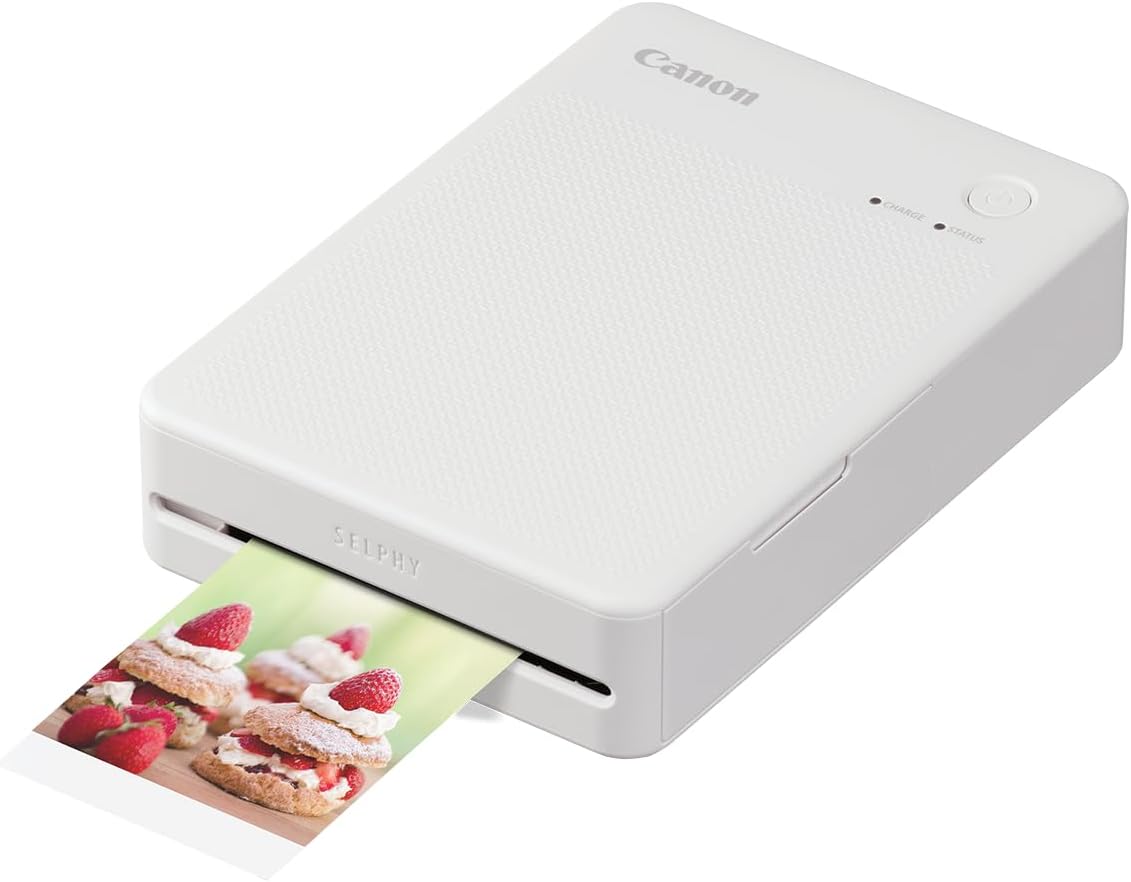
Best for Compact Printing: Canon SELPHY QX20
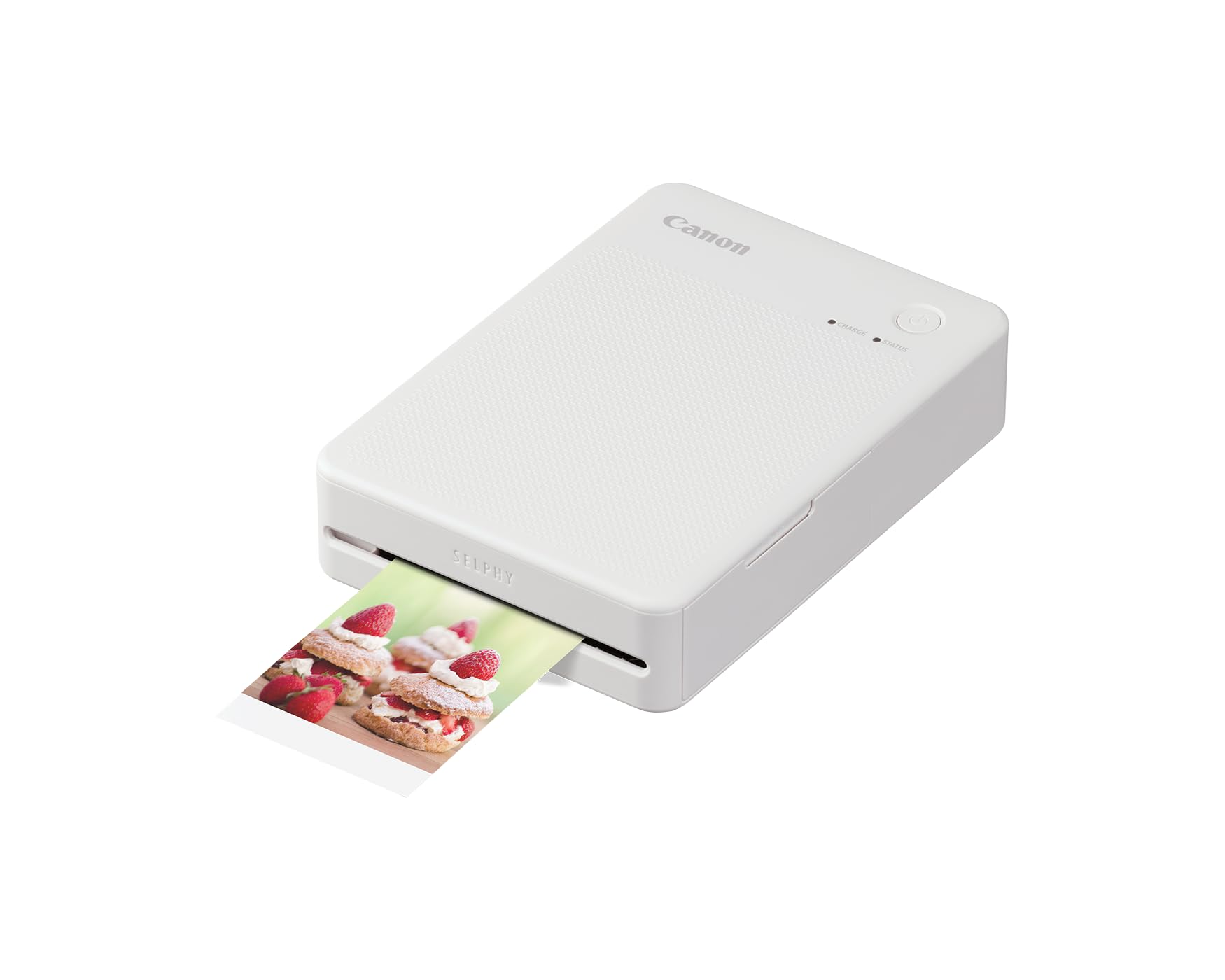
The Canon SELPHY QX20, at $189.00, is the pick if you want dye-sub quality in a printer that fits in a bag. It measures 102x146x33 mm and weighs 455 g, and at about 40 seconds per print, reviewers called it fast for dye-sub, which often takes about a minute.
It uses a 4-pass process (cyan, magenta, yellow, then a protective coat) at 287x287 dpi and 24-bit color depth. Independent testing rated detail, contrast and color as impressive and a bit better than typical dye-sub, though color still trails high-end inkjet. Prints are rated at about 100 years.
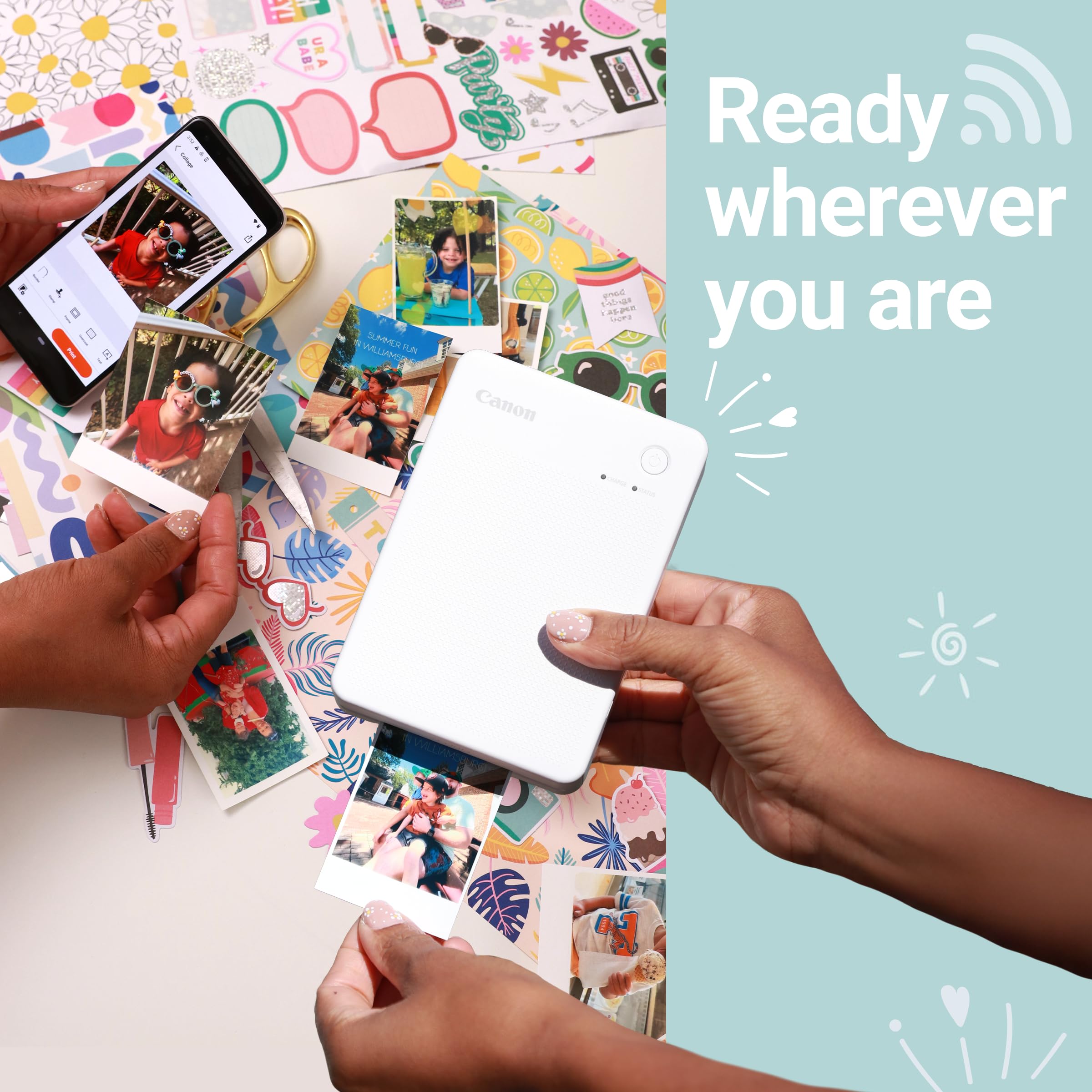
The internal Li-ion battery delivers about 20 prints per charge, which matches one paper and cartridge pack. USB-C is for charging only and supports fast charging; it cannot print from a computer. Printing is Wi-Fi Direct through the free Selphy Photo Layout app on iOS and Android, with collages, frames, filters and stamps. There is no Bluetooth or NFC.
The QX20 prints square (2.7x2.7 inches) or rectangular, a step up from the square-only QX10 it replaces. The rectangular sheet is 2.1x3.4 inches overall, but the actual image area is 2.1x2.8 inches, so budget for that. Prints are self-adhesive with a white caption strip that is not perforated. The printer comes in dark grey, sand white and terracotta red. At about 69c per print, it suits occasional, high-impact prints rather than volume. Street price has also crept up: an early-2025 review quoted about $149, against $189.00 today.
Pros
- About 40 seconds per print
- Square or rectangular output
- Up to about 20 prints per charge, USB-C fast charging
- About 100-year archival rating
Cons
- About 69c per print
- The rectangular image is smaller than the sheet suggests
- Wi-Fi Direct is the only way to print
Best for Pros: Canon imagePROGRAF PRO-1100
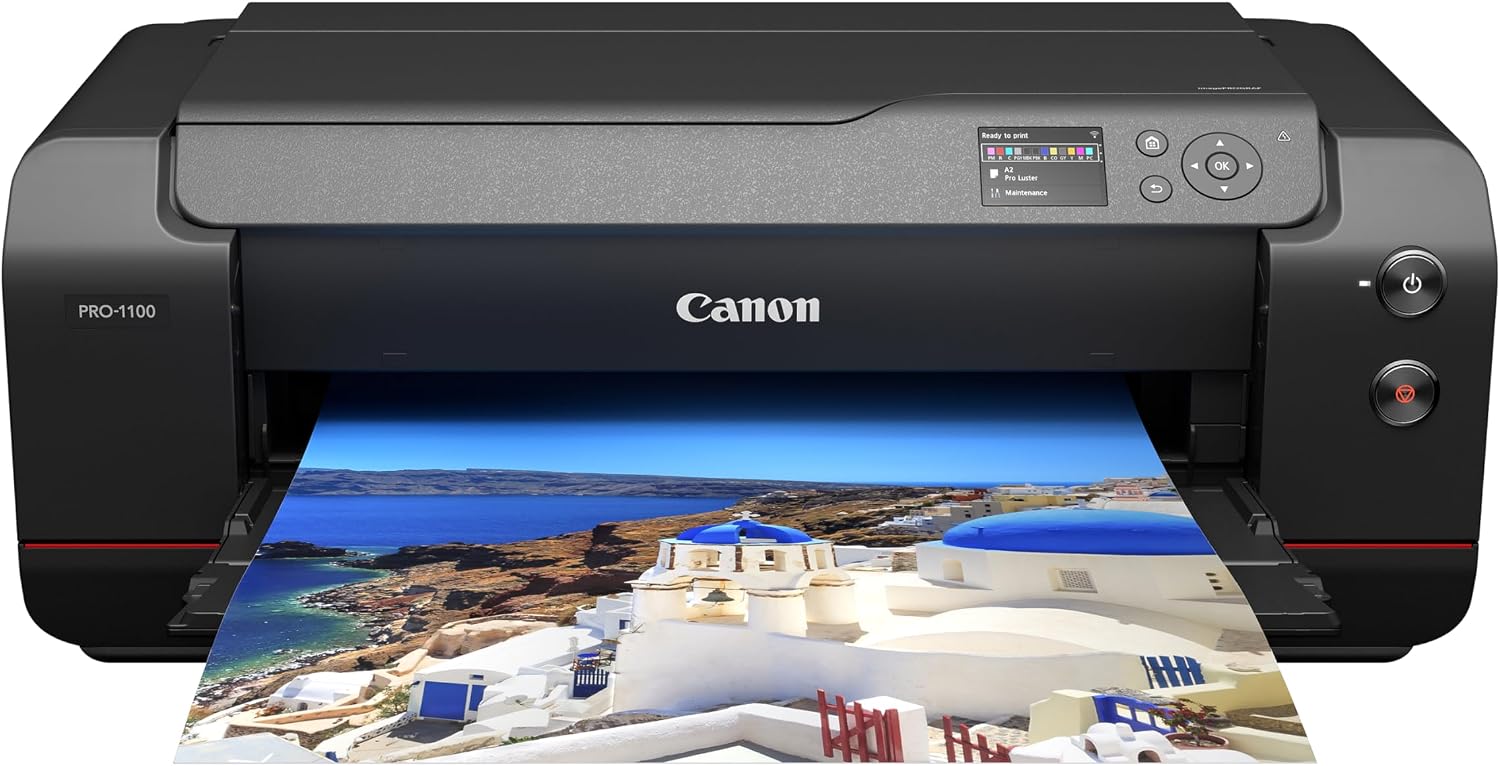
The Canon imagePROGRAF PRO-1100, at $1,149.99 (about $1,300 in one review), is the only printer here that makes gallery-size output. It is a 17-inch pigment inkjet with 12 LUCIA PRO II inks (11 pigments plus a chroma optimizer), 12 x 80 ml cartridges included, and an 18,432-nozzle print head with nozzle substitution if one clogs. Maximum resolution is 2,400x1,200 dpi, with 1 GB of memory.
Independent testing was impressed on every paper type, with consistently sharp detail at A2. Black-and-white and dark images improved with the new inks. Prints are rated at about 200 years. It has twelve inks versus ten on its 17-inch rival, the Epson SureColor P900.
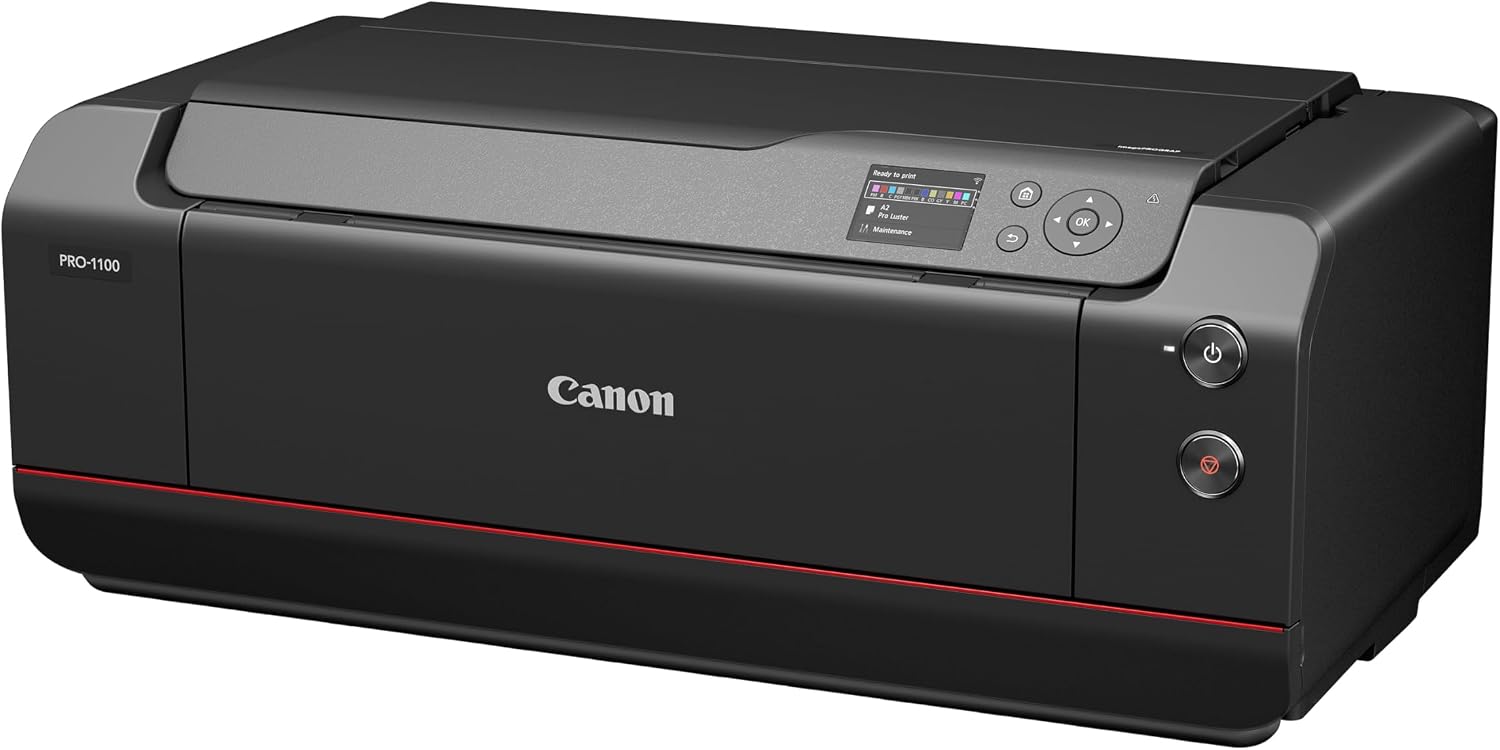
Paper handling is wide. The top tray takes A5 to A2 and holds up to 150 sheets of plain paper. The rear manual tray takes A4 to A2 and stock up to 400 gsm, one sheet at a time. Banners run up to 129 in (3.27 m). Air Feed suction holds paper flat during printing. Connectivity is USB-B, Ethernet and dual-band Wi-Fi (2.4/5 GHz), and a 3-inch LCD handles setup. The print head is replaceable.
It is big: 723x435x285 mm and 32.4 kg (71.4 lb), with a depth of 43 cm closed and 115 cm with the flaps extended. A2 prints take about 6 minutes each, with no speed gain over the previous model.
Pros
- Twelve inks and 18,432 nozzles for a very wide color range
- Sharp A2 prints, 200-year rating
- Heavy-stock support up to 400 gsm
- Dual-band Wi-Fi, replaceable print head
Cons
- About 6 minutes per A2 sheet
- 32.4 kg and 115 cm of depth in use
- 3-inch non-touch LCD, no card slot, no roll feed
- Ink running cost is high
How the Four Compare
Speed. The QX20 is fastest of the dye-sub models at about 40 seconds a print. The PRO-1100 takes about 6 minutes per A2 sheet, which is the price of a print that size. Reviewers timed the CP1500 at about 57 to 59 seconds for a 4x6 print.
Portability. The IVY 2 is the pocket-sized option, then the QX20 at 455 g, then the CP1500 at under 1 kg. The PRO-1100 weighs 32.4 kg and is not going anywhere once it is on your desk.
Price. The CP1500 is $156.00, the QX20 is $189.00, and the PRO-1100 runs from $1,149.99 to about $1,300. Canon launched the IVY 2 at an estimated $129.99, including a 10-sheet paper starter pack.
Print quality. The PRO-1100 wins on color range and detail. Among the small printers, the dye-sub QX20 and CP1500 outclass the ZINK IVY 2.
Standalone printing. The CP1500 is built for printing straight from phones and cards without a computer. The QX20 needs a phone, and the PRO-1100 connects by USB, Ethernet or Wi-Fi.
How We Chose
We weighed six criteria. Print quality and detail came first, followed by color accuracy and skin tones, since faces are what most people print. Speed per print and running cost per print came next, because a cheap printer with expensive paper is not cheap. We also weighed portability and connectivity, and print longevity, using manufacturer ratings where available.
Because the printers span different classes, we compared each against what it is meant to do rather than against each other on one scale. A pocket ZINK printer should not be faulted for lacking A2 output, and a pro inkjet should not be faulted for weighing more than a phone.
Evidence came from independent timing and print comparisons, manufacturer specifications, and shopper ratings. We gave extra weight to products with large review bases, which is why the CP1500's 4,500 reviews counted. No printer was disqualified, but we ranked down products with noticeable color problems (the IVY 2's orange skin tones) and ones with high running costs (the QX20 and PRO-1100).
Two limits are worth stating plainly. Treat cost comparisons as directional, not exact.
What to Look For
Print size. Decide whether small sticker prints, 4x6 inch postcards or A2 posters fit your use. Bigger prints need bigger, heavier machines. The IVY 2 and QX20 are pocketable, the CP1500 is book-sized, and the PRO-1100 needs a desk and 115 cm of depth.
Print technology. ZINK needs no cartridges and keeps things simple, but dye-sublimation, as in the QX20 and CP1500, produces finer detail and a protective coat. Pigment inkjet, as in the PRO-1100, gives the widest color range and longest life.
Cost per print. Check the paper and ribbon pack price, not just the printer. The QX20 costs about 69c per print. If you print often, running cost matters more than the sticker price.
Connectivity. The QX20 uses Wi-Fi Direct, and the IVY 2 uses Bluetooth. The CP1500 supports Wi-Fi on a home network or in direct mode. The PRO-1100 offers USB-B, Ethernet and dual-band Wi-Fi. Pick the one that matches the devices you actually own.
Speed and battery. The QX20 prints in about 40 seconds and manages about 20 prints per charge.
Bottom Line
For a family that prints 4x6 inch holiday photos, pick the Canon SELPHY CP1500 at $156.00: it makes grain-free postcard prints and has the strongest shopper record of the four, at 4.7/5 across 4,500 reviews.
For a first-time buyer who wants social-ready stickers and a printer that fits in a pocket, pick the Canon IVY 2, with no cartridges to replace.
For a frequent traveler who needs fast prints from a 455 g printer, pick the Canon SELPHY QX20, which turns out a print in about 40 seconds and carries about 20 prints per charge.
For a pro-level photographer making A2 exhibition prints on up to 400 gsm stock, pick the Canon imagePROGRAF PRO-1100, whose 12 inks and 200-year rating justify the 32.4 kg footprint.
Photo printing has split into two honest camps: fast, friendly snapshot printers, and slow, serious machines for print-as-art. The best buy is the one that fits how you actually use your photos, not the one with the longest spec sheet.
-- Theo Chan, Hardware Testing Director
*Disclosure: As an Amazon Associate, Revuzia earns from qualifying purchases. Prices and availability are accurate as of publication and may change.*