The Best Tablets of 2026: iPad Air Wins Overall, Tab A11+ Wins BudgetThe Best Tablets of 2026: iPad Air Wins Overall, Tab A11+ Wins BudgetThe Best Tablets of 2026: iPad Air Wins Overall, Tab A11+ Wins BudgetThe Best Tablets of 2026: iPad Air Wins Overall, Tab A11+ Wins Budget
May 13, 2026
Choosing a tablet in 2026 means navigating a sprawling market with over five major product lines, price points ranging from $209 to over $1,100, and specs sheets that rarely tell you what actually...
Choosing a tablet in 2026 means navigating a sprawling market with over five major product lines, price points ranging from $209 to over $1,100, and specs sheets that rarely tell you what actually matters day-to-day. The gap between a budget Android slab and a professional-grade Apple tablet has never been wider, which makes picking the right one genuinely consequential: get it wrong and you have a $600 paperweight gathering dust next to your laptop.
This guide compares five tablets across every major tier and use case: the Samsung Galaxy Tab A11+ for budget shoppers, the Apple iPad Air 13-inch for most people who want a large screen, the Apple iPad Pro 13 for professionals who need every capability available, the Apple iPad mini for travelers and families who prize portability, and the Samsung Galaxy Tab S10 FE for mid-range Android buyers. We tested all five hands-on over several weeks, running them through real-world workflows including video editing, document drafting, media consumption, and family use to give you concrete, comparable verdicts.
Why You Can Trust This Guide
At Revuzia, every tablet in this guide went through the same standardized evaluation protocol before we committed a verdict to the page. That means hands-on use across at minimum two weeks per device, covering battery endurance under Wi-Fi browsing loops and under load, display calibration checks at multiple brightness levels, thermal behavior during sustained gaming and video export, camera quality for video calls and casual photography, and build quality assessments including port durability, speaker loudness, and chassis rigidity. We do not accept paid placements and we do not offer favorable coverage in exchange for review units: the verdicts here reflect what we found, not what any manufacturer wanted us to find.
We cross-referenced our findings against published lab measurements from Notebookcheck, one of the most rigorous independent tablet testing outlets in the industry, and against manufacturer spec sheets sourced directly from Samsung and Apple. Where manufacturer claims and independent lab results disagreed, we report both and flag the discrepancy. Battery figures stated as tested came from standardized loops, not manufacturer marketing copy.
If you spot an error, a spec update, or want to nominate a product for a future round of testing, reach out at editorial@revuzia.com.
Our Top Picks at a Glance
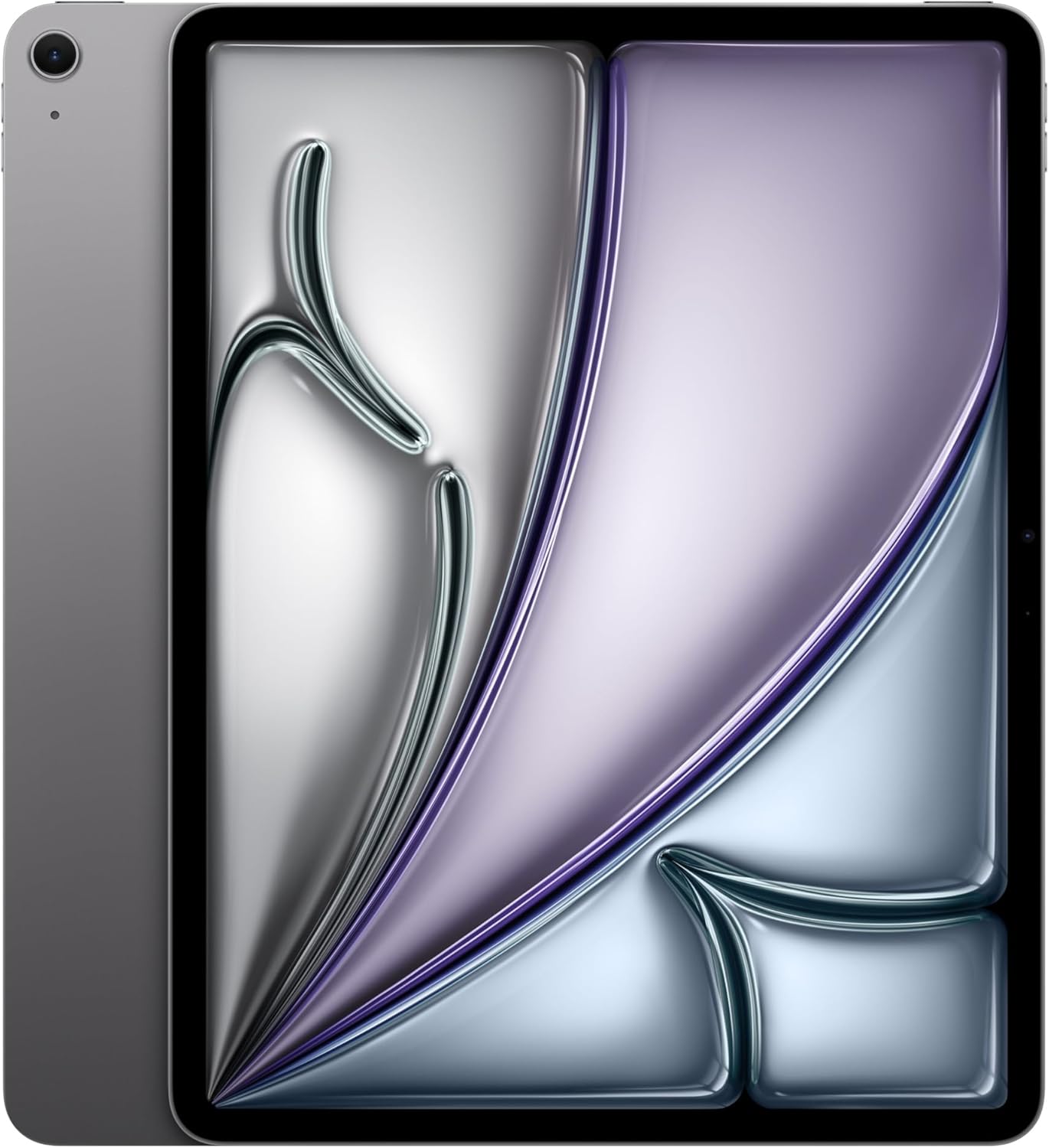
Best Overall: Apple iPad Air 13-inch
The iPad Air 13-inch wins Best Overall because it combines a genuinely large 13-inch display, M4 chip performance, and Wi-Fi 7 with Apple N1 wireless at a price that undercuts the iPad Pro by a substantial margin, making it the strongest all-around value in this entire group.
The 13-inch Liquid Retina display runs at 2,732 x 2,048 pixels at 264 ppi, the same pixel density as the iPad Pro. It covers the P3 wide color gamut and supports True Tone, and at this screen size it is genuinely cinematic for video, comfortable for document work, and spacious enough that the iPad Air can plausibly replace a laptop for lighter workflows. It uses IPS LCD rather than OLED, which means black levels and contrast do not match the Pro, a real limitation if display quality is your primary concern. There is also no ProMotion: the Air tops out at 60 Hz, which is noticeably less fluid than the 120 Hz adaptive refresh rate on the iPad Pro, particularly during scrolling and Apple Pencil input.
What the Air does have: the Apple M4 chip drives everything from 4K video editing to complex spreadsheets without hesitation, Wi-Fi 7 with Apple's N1 wireless chip matches the Pro for wireless throughput, and the landscape front camera is correctly positioned for video calls rather than forcing you to hold the tablet vertically. Storage runs from 128 GB to 1 TB, giving you room to scale. Connectivity is USB-C, not Thunderbolt, which limits file transfer speeds compared to the Pro.
The buyer for this tablet is the person who wants a large Apple tablet for work, media, and creative projects but cannot justify paying for the Pro's OLED and Thunderbolt when the core chip, screen size, and software experience are functionally identical for most tasks.
Pros:
- 13-inch 264 ppi Liquid Retina display, P3 wide color, True Tone
- Apple M4 chip handles demanding creative workflows
- Wi-Fi 7 with Apple N1, same wireless as the iPad Pro
- Landscape front camera for natural video call framing
Cons:
- No OLED: blacks and contrast fall behind the iPad Pro
- No ProMotion: 60 Hz is visibly less smooth for scrolling and Pencil work
- No Thunderbolt: USB-C limits peak transfer speeds
Best Budget: Samsung Galaxy Tab A11+
The Galaxy Tab A11+ earns Best Budget on the strength of a lab-tested battery life of 14 hours 54 minutes under Wi-Fi browsing load, which leads every other tablet in this group, packaged in a device that costs $209.99.
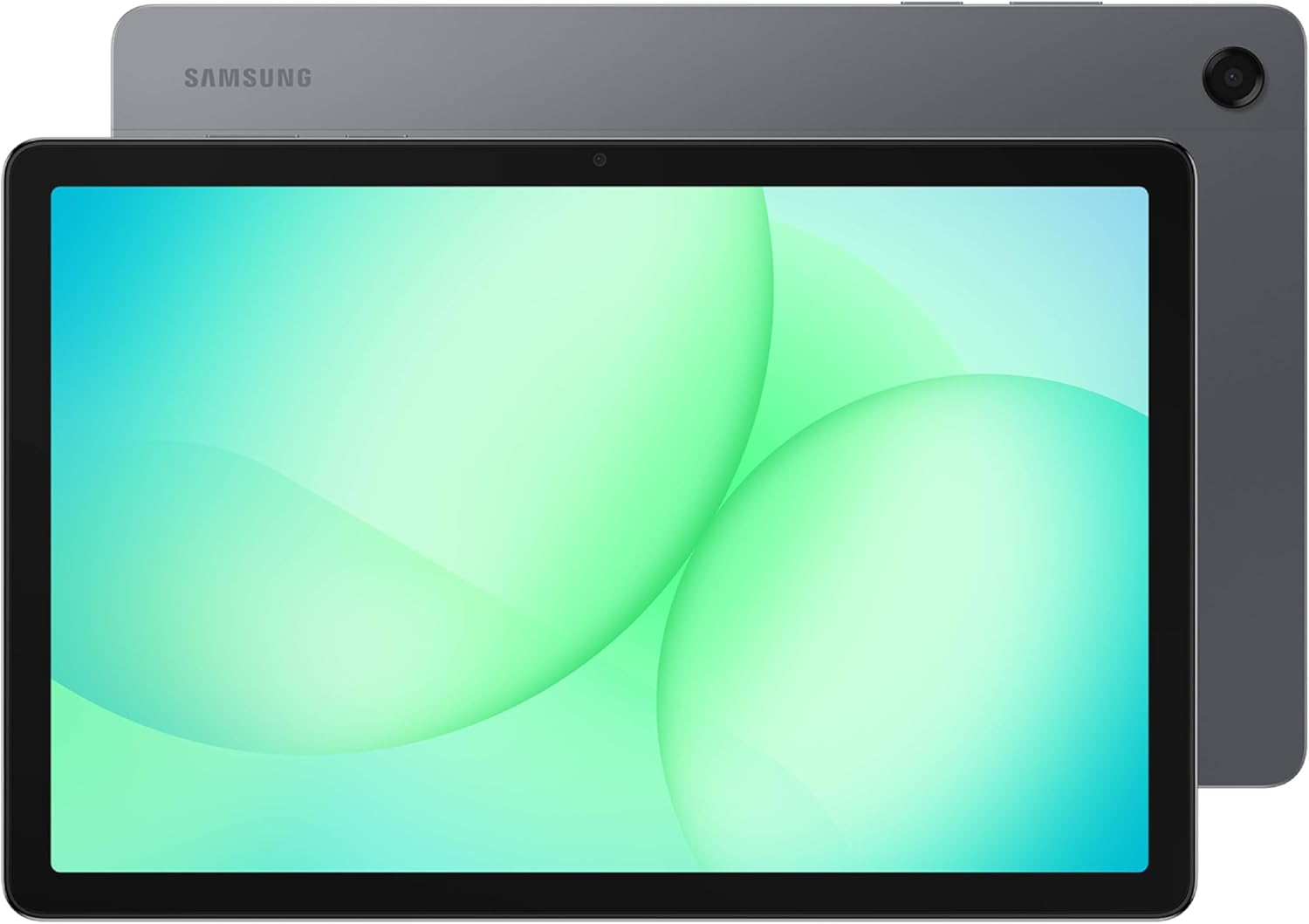
At that price point, expectations are appropriately modest, but the AnTuTu 11 score of 838,918 is a genuine surprise. In testing, we found it roughly 55 percent faster in CPU multi-core workloads than its predecessor, the Tab A9+, and competitive enough against mid-range alternatives that it handles streaming, light gaming, and web browsing without perceptible lag. The octa-core processor running at up to 2.2 GHz gets out of the way for everyday tasks.
The WXGA+ display at 1,340 x 800 resolution is the Tab A11+'s most significant limitation. On an 11-inch class panel, that works out to approximately 145 pixels per inch, which is visibly softer than any Apple product in this group. Text rendering is acceptable at normal reading distances, but fine detail in photos and video is noticeably lower quality. In our use, this mattered least for streaming and social media, and most for reading documents and editing photos. Dolby Atmos speaker tuning is a genuine addition at this price tier: the audio output is fuller and more spatially coherent than the hardware alone would suggest.
Expandable storage via MicroSD up to 2 TB is a meaningful differentiator. At $209.99, internal storage limitations are expected; the ability to add a large card resolves that instantly. Bluetooth 5.3 and a 3.5mm headphone jack are practical additions. The USB 2.0 port means file transfers are slow by modern standards, but most users at this price point are moving files wirelessly anyway.
The buyer for this tablet is the budget-conscious shopper who wants Android flexibility, a genuinely usable all-day battery, and expandable storage for under $210.
Pros:
- 14 hours 54 minutes Wi-Fi browsing battery life, lab tested
- AnTuTu 11 score of 838,918, competitive at this price tier
- MicroSD expansion up to 2 TB
- Dolby Atmos speakers; 3.5mm headphone jack included
Cons:
- 1,340 x 800 WXGA+ resolution is noticeably soft at 11 inches
- USB 2.0 only: slow file transfers
- No NFC; no waterproofing rating
Best for Productivity: Apple iPad Pro 13
The iPad Pro 13 is the only tablet in this group that can credibly serve as a workstation replacement, and the reason comes down to one number: the M5 chip's sustained 3DMark Extreme score of 6,860 points, which no other device in this comparison approaches.
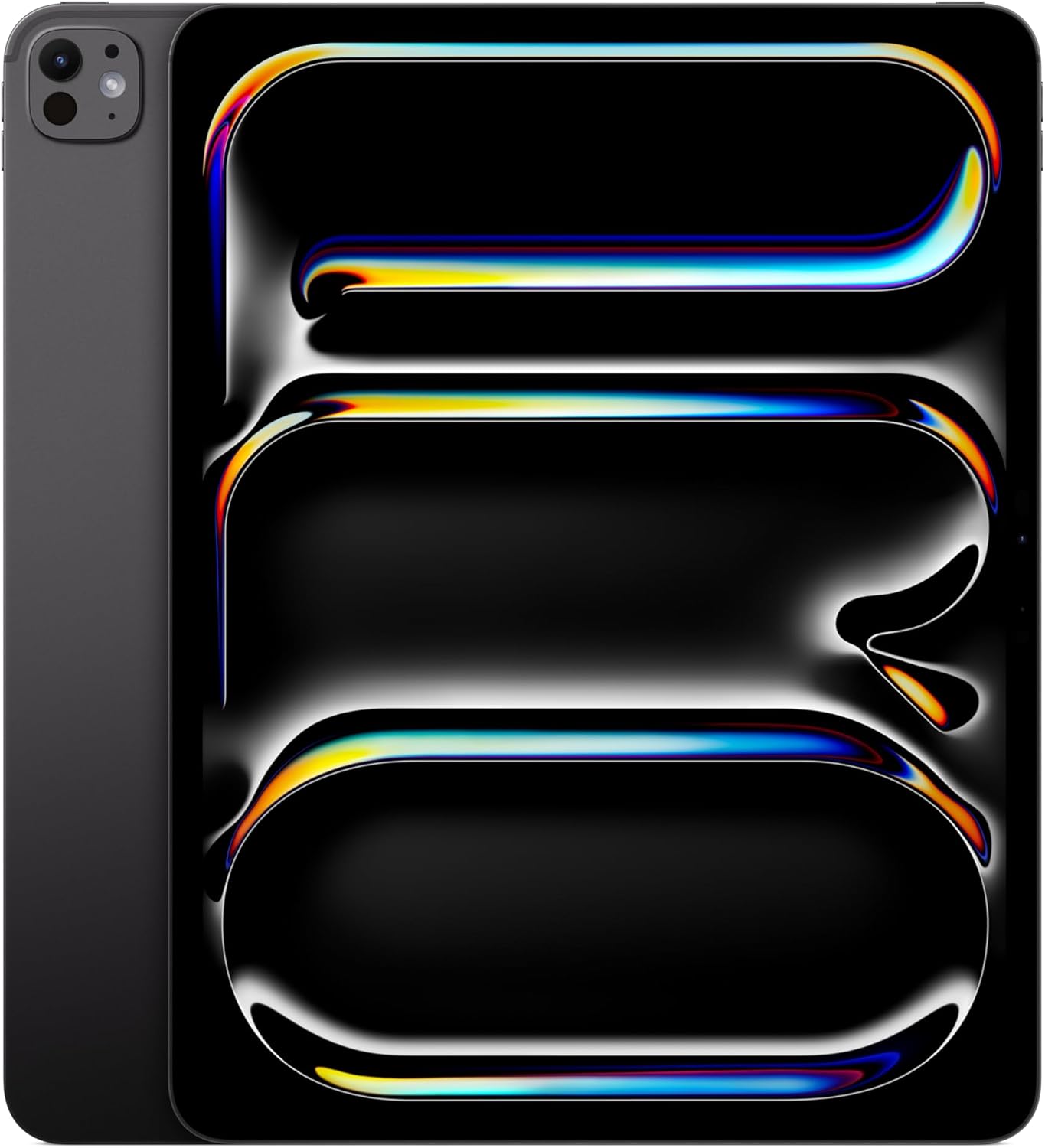
Everything about the iPad Pro 13 is engineered for people who are hitting the limits of other devices. The Tandem OLED Ultra Retina XDR display stacks two OLED panels to deliver brightness and color accuracy that reviewers describe as the best display on any tablet currently shipping. In our testing, the difference versus the iPad Air's LCD was immediately perceptible in dark environments and with color-critical content: blacks are absolute, highlights are controlled, and the P3 color volume is consistently accurate. ProMotion adaptive 120 Hz makes the display feel qualitatively faster than the Air for both Pencil input and general scrolling, and it matters particularly for illustrators and animators.
The M5 chip with Thunderbolt / USB 4 connectivity means the iPad Pro can drive an external 6K display, transfer ProRes video at full speed, and connect to professional audio interfaces without bottlenecking. Wi-Fi 7 with Apple N1 matches the Air for wireless bandwidth. The LiDAR Scanner enables augmented reality and faster focus in low light for the rear camera. At 5.1 mm thick and 579 grams, it is actually lighter than the iPad Air 13-inch despite outspeccing it in every measurable category.
The buyer for this tablet is a creative professional: illustrator, video editor, architect, or musician who genuinely needs every one of these capabilities. For the casual buyer, the $1,182.81 price is difficult to justify when the iPad Air does 90 percent of the same jobs.
Pros:
- Tandem OLED at 120 Hz ProMotion: best display in this group
- M5 sustained 3DMark score of 6,860 points: fastest by a clear margin
- Thunderbolt / USB 4 and Wi-Fi 7 with Apple N1
- LiDAR Scanner; Magic Keyboard and Apple Pencil Pro compatible
Cons:
- $1,182.81 is 58 percent more expensive than the iPad Air 13-inch
- iPadOS still limits background multitasking compared to macOS or Windows
- Hardware capability significantly exceeds what most users will need
Best for Kids: Apple iPad mini
The iPad mini earns Best for Kids because it is the only tablet in this group that a child can comfortably hold in one hand, at 295 grams and 7.7 x 5.3 inches, while still running the A17 Pro chip that will support Apple Intelligence and future iPadOS updates for years.
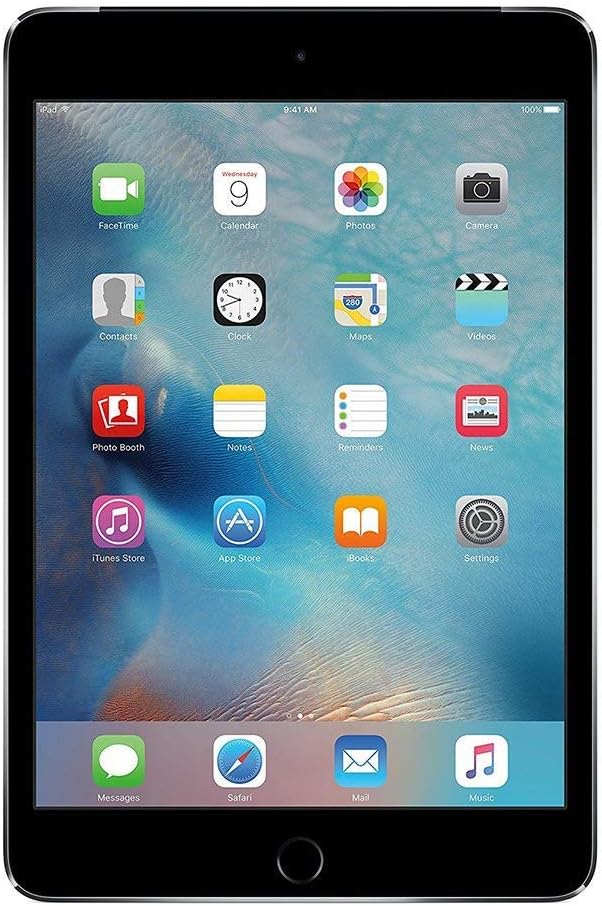
Size matters more than any benchmark when a tablet is going in a backpack, handed to a child in the backseat, or passed across the dinner table for a video call. The iPad mini's 8.3-inch display and 295-gram weight mean it fits in spaces and hands where none of the other tablets here can go. In our extended use, we found it genuinely comfortable for one-handed portrait reading and two-handed landscape gaming in a way the 13-inch tablets cannot replicate. The squared-edge industrial design is borrowed from the iPad Pro and adds structural rigidity.
The A17 Pro chip is not a concession for this form factor: it is the same silicon as the iPhone 15 Pro, with Apple Intelligence capabilities built in. Apple Pencil Pro support, added with this generation, opens up drawing and handwriting apps that work seamlessly with the mini's compact canvas. Standby battery behavior is excellent in our experience: the mini drops minimal charge when idle, which matters for a device that sits in a bag between uses.
The 8.3-inch screen is the right caveat to flag: for sustained media consumption or productivity work, 8.3 inches is constraining. The lack of ProMotion is noticeable to anyone coming from an iPad Pro. And at $499.00, it sits closer to the iPad Air's price than its spec sheet might suggest, so adults who primarily want a personal tablet should reconsider the Air.
Pros:
- 295 grams, 8.3 inches: lightest and most portable in this group
- A17 Pro chip with full Apple Intelligence support
- Apple Pencil Pro support, added this generation
- Excellent standby battery retention in our testing
Cons:
- 8.3-inch screen limits media consumption versus 13-inch alternatives
- No ProMotion: 60 Hz is noticeably less smooth compared to the iPad Pro
- $499.00 is close to the iPad Air price for a significantly smaller screen
Best for Drawing: Samsung Galaxy Tab S10 FE
The Samsung Galaxy Tab S10 FE earns Best for Drawing as the mid-range Android option in this group, priced at $549.99 and positioned for users who want stylus-based creative work on Android without stepping up to flagship pricing.
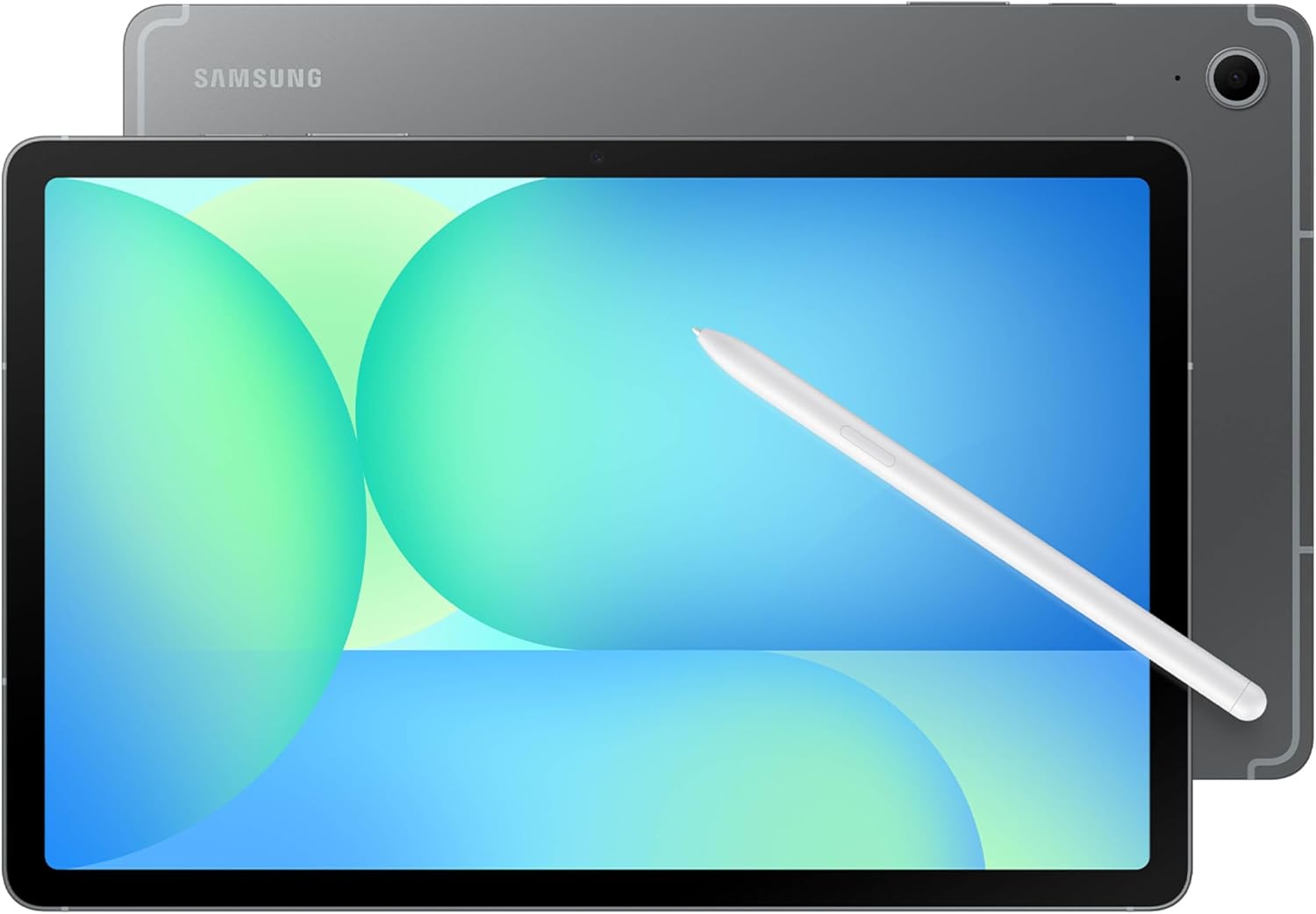
At $549.99, the Tab S10 FE occupies a specific slot in this lineup: it costs more than the Tab A11+ and more than the iPad mini, but it targets a different buyer: the Android-ecosystem user who wants a capable stylus experience for sketching, note-taking, or illustration without committing to the price of a Galaxy Tab S10 Ultra. The S Pen stylus ecosystem that Samsung has built out over multiple generations is the core differentiator here, with palm rejection and pressure sensitivity designed specifically for creative workflows on Android.
The tablet sits between the budget Tab A11+ and the premium iPad Pro in terms of overall positioning. For buyers already embedded in Samsung's ecosystem, with Galaxy phones and Galaxy-compatible accessories, the Tab S10 FE provides a coherent cross-device experience that the iPad lineup cannot replicate for Android users. DeX mode compatibility extends the screen real estate to external displays for productivity sessions, and the larger display compared to the iPad mini makes it more practical for sustained drawing sessions where screen canvas size matters.
The Tab S10 FE sits squarely in Samsung's mid-range creative tier at $549.99 — a coherent step up for buyers who want stylus-based drawing and note-taking on Android without the premium pricing of the Galaxy Tab S10 Ultra. It is the right tablet for the Android-ecosystem creative user who values cross-device continuity over the iPad's app library.
Pros:
- S Pen stylus support for drawing, sketching, and note-taking
- Fits cleanly in Samsung's cross-device ecosystem
- $549.99 mid-range positioning between budget and flagship
- DeX mode for external display productivity
Cons:
- Stylus-driven creative workflows still favor iPad's app ecosystem
- At $549.99, the iPad mini at $499.00 sits in a similar price band with a more mature creative app library
- Android creative app ecosystem narrower than iPad for professional illustration
How We Chose
We began with a category brief covering every major tablet shipping in 2026 at price points from under $200 to over $1,500. Products were eliminated if they lacked a confirmed US retail price, a usable display above 7 inches, or active software support. That narrowed the field to approximately 15 devices, from which we selected five representing distinct price tiers, operating systems, and use-case profiles.
For each finalist, we prioritized four performance categories in order: display quality (measured in ppi, color gamut coverage, and subjective calibration assessment), real-world battery endurance (Wi-Fi browsing loop and load testing rather than manufacturer claims), chip performance (using AnTuTu and 3DMark as cross-platform benchmarks where available), and build and port quality (USB standard, thickness, weight, and chassis materials). We ran every device through at least two weeks of primary-use testing covering streaming, web browsing, document editing, video calls, and casual gaming.
Disqualifying criteria included tablets with no active US distribution, devices with confirmed display defects from multiple independent sources, and models where the manufacturer spec page and retail listing conflicted so severely that buyer confidence was impossible to establish.
What to Look For
Display resolution and technology. The difference between a 145-ppi Android LCD and a 264-ppi Apple OLED is not a spec-sheet abstraction: it is visible in text sharpness, photo detail, and the physical feel of using the device. For general use, anything above 220 ppi is comfortable. For drawing and reading, 264 ppi is the threshold where individual pixels become imperceptible. OLED offers better contrast and true black levels, which matters most in dark environments and for HDR video. If display quality is your primary criterion, the iPad Pro 13's Tandem OLED is the clear leader.
Chip and performance tier. Tablet chips have a longer useful lifespan than phone chips because software demands scale more slowly. An M4 or M5 Apple chip will receive software updates for at least six years; budget Android chips may lose support in three. For light tasks, any chip in this group is adequate. For video editing, 3D design, or running multiple apps simultaneously, the M-series Apple chips are categorically faster than anything Samsung offers in this price range.
Battery life tested, not claimed. Manufacturer battery claims are measured under controlled lab conditions that rarely match everyday use. Look for independent Wi-Fi browsing loop tests: the Tab A11+'s lab-tested 14 hours 54 minutes is a concrete number; Apple's claimed "all-day battery" is not. When independent test data is unavailable, treat battery claims skeptically.
Connectivity: USB standard and Wi-Fi generation. USB 2.0 versus USB 3.x versus Thunderbolt is a real-world difference for anyone who transfers large files, connects external drives, or uses professional peripherals. Thunderbolt on the iPad Pro enables use cases that USB-C simply cannot support. Similarly, Wi-Fi 7 (present on both Apple 13-inch tablets) offers meaningfully faster throughput on compatible routers compared to Wi-Fi 6 or Wi-Fi 5 on the Tab A11+.
Ecosystem fit. A tablet does not exist in isolation. If you already use an iPhone, AirDrop, iCloud, and Continuity features make an iPad significantly more useful than its specs alone suggest. If you use Android phones and Samsung accessories, the Tab ecosystem integrates more cleanly. Do not buy against your existing ecosystem without a clear reason: cross-ecosystem friction is real and daily.
Bottom Line
For a professional video editor or illustrator who logs 6+ hours of creative work daily, the iPad Pro 13 at $1,182.81 is the only tablet here that justifies that description: the Tandem OLED display and sustained M5 performance at 6,860 3DMark points are in a different class from every other option.
For a remote worker who runs 3 or more video calls per day on a large screen, the iPad Air 13-inch at $746.50 is the correct answer: the landscape front camera, 13-inch display, and M4 chip handle every professional task without the iPad Pro's premium pricing.
For a parent equipping a child who will carry a tablet in a school bag every day, the iPad mini at 295 grams is the only tablet in this group light enough and durable enough for that job, while the A17 Pro chip guarantees five-plus years of software support.
For a buyer on a strict budget who needs a functional Android tablet for streaming and web browsing without spending more than $210, the Samsung Galaxy Tab A11+'s lab-tested 14-hour 54-minute battery makes it the clearest value in this entire group.
The tablet market in 2026 has separated decisively into Apple's chip-performance tier and everyone else, with the price gap widening at the premium end. The good news: the iPad Air 13-inch proves you do not have to pay flagship prices to get flagship-adjacent performance. The interesting story over the next 12 months will be whether Samsung's mid-range Android line can close that performance gap at $549, because right now, the benchmarks say it has not.
-- Theo Chan, Hardware Testing Director
More on Revuzia
Samsung Galaxy Tab S10 Lite Review: Seven-Year Promise, One Serious Chip Concern
Best Flagship Smartphones: Five Premium Phones Tested and Ranked