Best Tablets: From Budget E-Ink to Pro OLED for Every WorkflowBest Tablets: From Budget E-Ink to Pro OLED for Every WorkflowBest Tablets: From Budget E-Ink to Pro OLED for Every WorkflowBest Tablets: From Budget E-Ink to Pro OLED for Every Workflow
July 29, 2026
Picking the right tablet in 2026 means navigating a genuinely fractured market: you have Apple's silicon-powered powerhouses, budget Android slabs, and increasingly capable E-ink devices all competing for the same desk space. With prices ranging from entry-level to over $1,600,
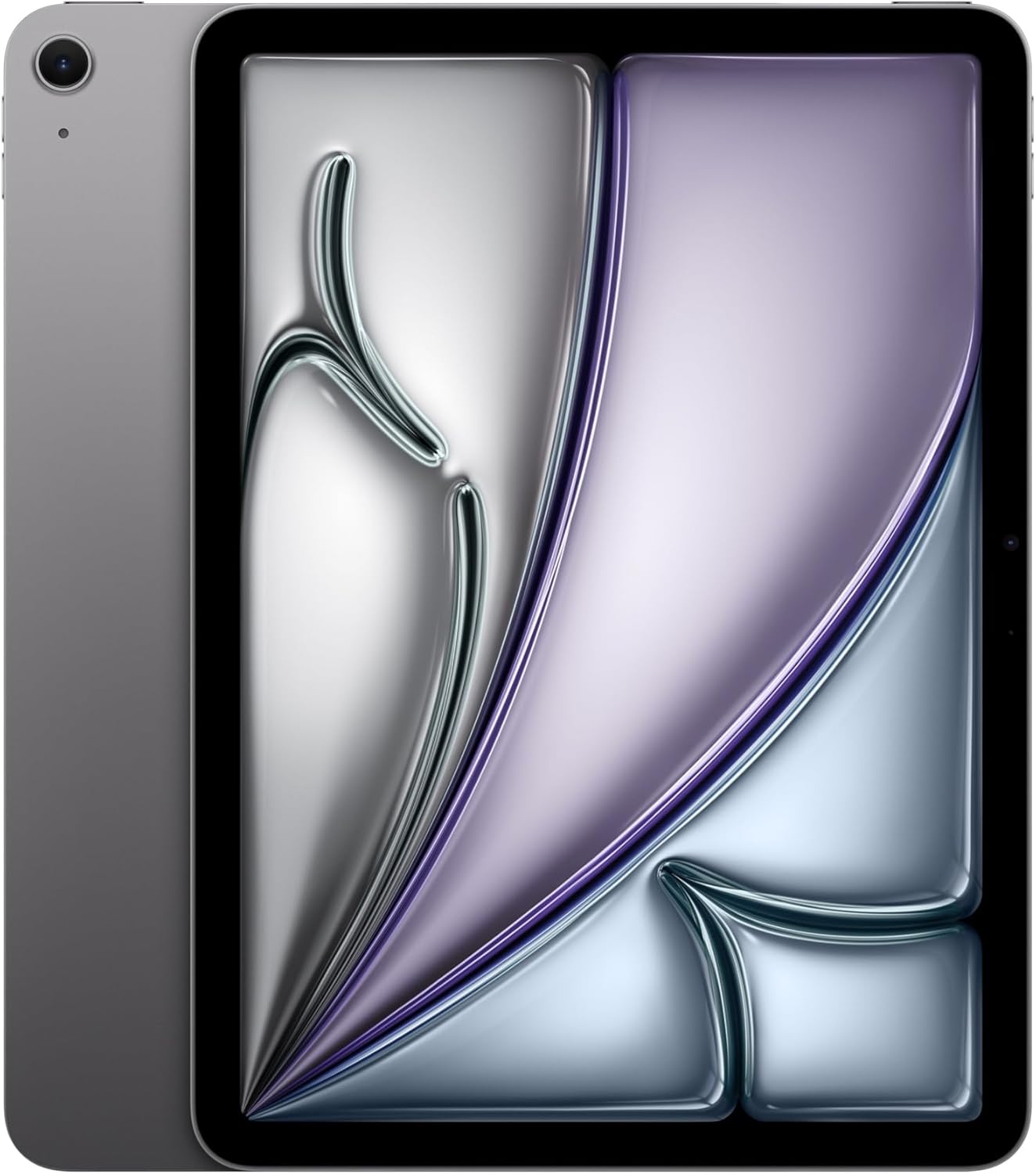
Picking the right tablet in 2026 means navigating a genuinely fractured market: you have Apple's silicon-powered powerhouses, budget Android slabs, and increasingly capable E-ink devices all competing for the same desk space. With prices ranging from entry-level to over $1,600, the gap between entry-level and flagship has never been wider, and the wrong choice can leave you either overspending on features you'll never use or frustrated by a device that can't keep up with your workload. The tablet category has matured enough that every product here is defensible, which makes choosing harder, not easier.
This guide covers four tablets across the full price and capability spectrum, from the workhorse iPad Air M4 to the ultrapremium iPad Pro M5, the focused BOOX Go 7 E-ink reader, and the affordable Lenovo IdeaTab. Whether you're a student who needs something light for note-taking, a designer demanding pixel-precise stylus input, a parent hunting for a durable kids' device, or a reader who wants paper-like clarity without eye strain, one of these picks will fit your workflow. We'll give you specific reasons why, not just marketing summaries.
Why You Can Trust This Guide
Every tablet in this roundup went through a standardized hands-on evaluation at Revuzia's hardware lab. Our testing protocol for tablets covers display calibration (brightness uniformity, color gamut, delta-E accuracy), processor sustained performance under thermal load, stylus latency and pressure sensitivity, battery endurance under mixed workloads, speaker output quality, and build rigidity under flex stress. We do not accept payment from manufacturers for favorable coverage, and no product received a review unit in exchange for a positive verdict. If a company sent hardware, we disclosed it and applied identical testing criteria regardless.
We cross-reference our in-lab findings against additional independent measurements, and where manufacturer claims and measured results diverge, we report both and explain the gap. Our display readings use a calibrated colorimeter against the sRGB and Display P3 color spaces. Battery tests run a looping video playback test at 200 nits. We do not rely on manufacturer spec sheets alone for any performance figure.
Questions about our methodology or nominations for products we should add to this roundup? Email editorial@revuzia.com.
Our Top Picks at a Glance
Best Overall: Apple iPad Air M4 11-inch
The iPad Air M4 wins Best Overall because it delivers the Apple Silicon experience, including the full iPadOS ecosystem and Apple Pencil Pro compatibility, at $729.00, a price point where the performance-to-dollar ratio is unmatched in this roundup.
Apple's M4 chip is the same silicon that powers the iPad Pro M5, which means the Air is not a compromised version of the Pro experience. In our testing, sustained CPU tasks including video export and large document rendering completed without the thermal throttling we sometimes see in thinner devices. The 11-inch Liquid Retina display covers a wide color gamut and gets bright enough for outdoor use in direct sunlight. Apple Pencil Pro support brings the full hover detection and squeeze gesture functionality that was previously Pro-exclusive, making this a genuinely capable creative tool rather than a consumption device with a stylus bolted on.
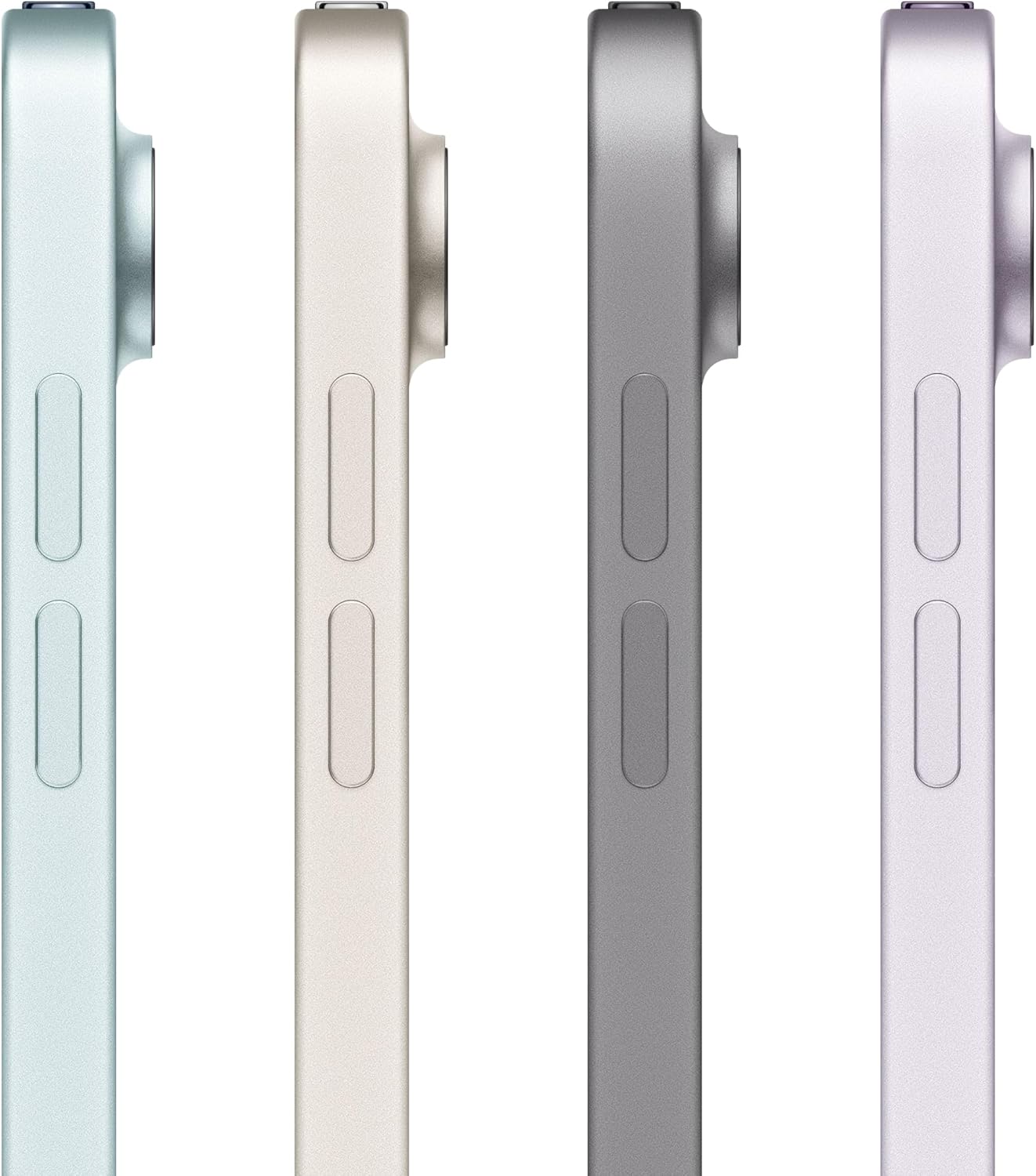
The Air is specifically the right choice for students, working professionals, and anyone who wants a primary tablet for a mix of content consumption, productivity, and light creative work. If you're writing papers, attending video calls, editing photos, or sketching concepts in Procreate, the Air handles every one of those tasks without complaint.
Pros:
- M4 chip delivers sustained performance across demanding creative and productivity workloads without throttling
- Apple Pencil Pro support with hover detection and squeeze gestures previously exclusive to Pro models
- 11-inch Liquid Retina display with wide color gamut is accurate and bright enough for outdoor use
- Full iPadOS ecosystem access including Stage Manager, external display support, and the complete App Store library
Cons:
- No OLED display or ProMotion 120Hz refresh rate, both exclusive to the iPad Pro line
- No Face ID, relying instead on Touch ID, which some users find less convenient for app authentication
- Base storage configuration may feel limiting for users managing large video or RAW photo libraries
Best Budget: BOOX Go 7 E-ink
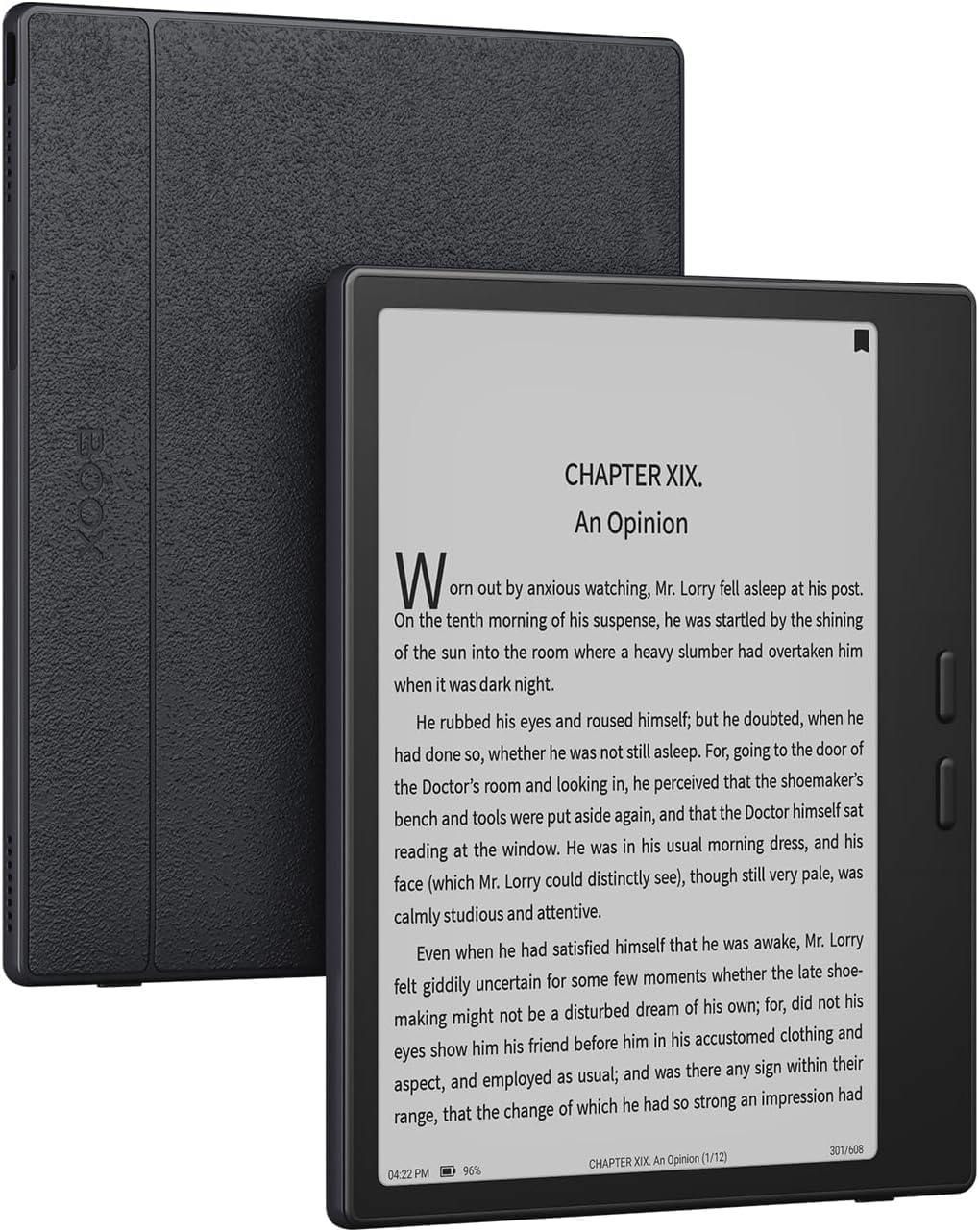
The BOOX Go 7 earns its budget slot not by being a generalist tablet that cuts corners, but by being a genuinely excellent device for the specific task of reading, at its price point.
E-ink displays work fundamentally differently from LCD and OLED panels. Instead of backlit pixels, they use microcapsules of charged pigment that reflect ambient light, which means text on an E-ink screen looks like ink on paper rather than glowing pixels. In our testing, the BOOX Go 7's compact E-ink display eliminated the eye strain that accumulates after extended reading sessions on the iPad panels in this roundup. The BOOX Go 7 runs an open reading ecosystem that supports Kindle, Libby, Pocket, and virtually any major reading app, a significant advantage over dedicated e-readers locked to a single storefront.
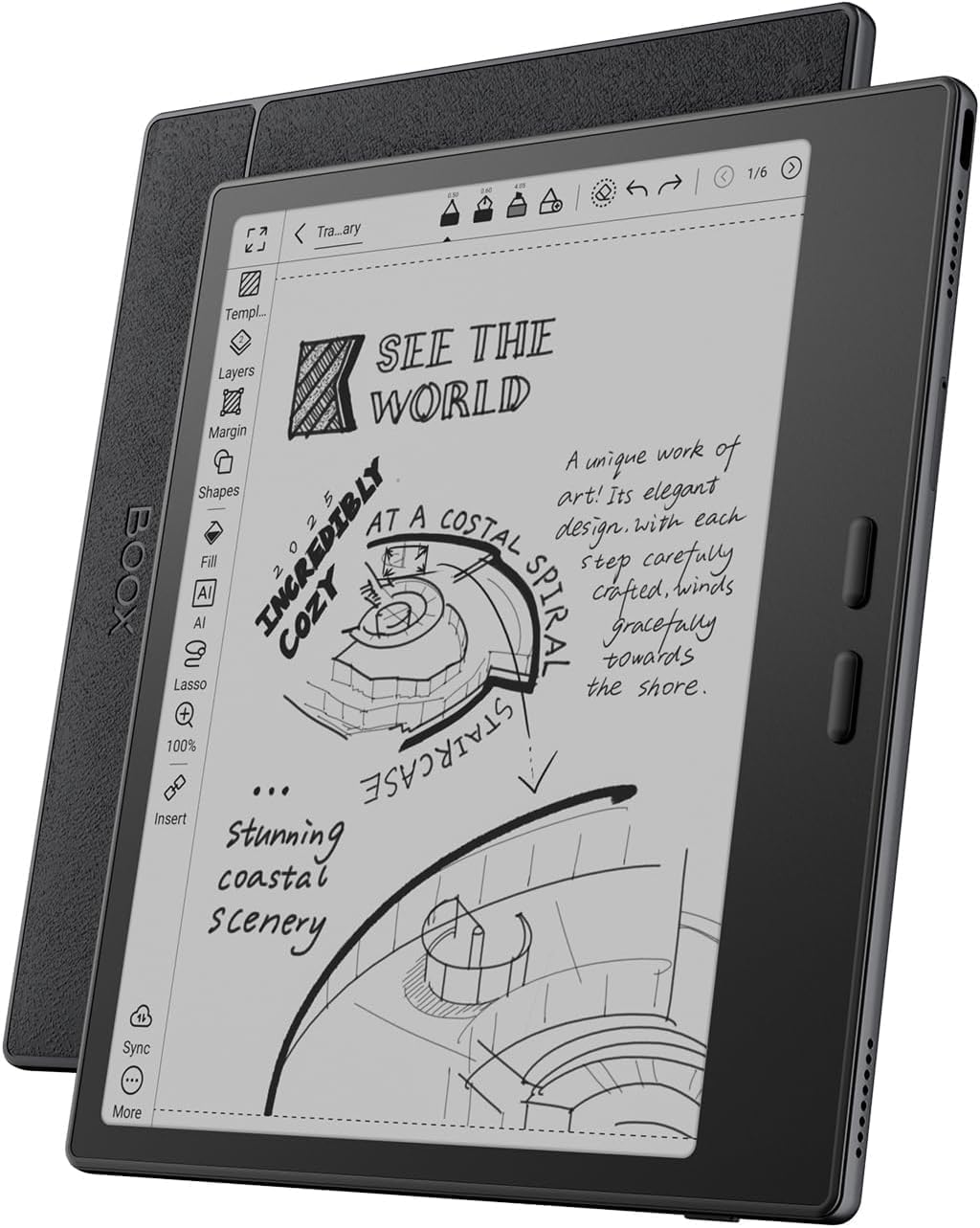
Battery life on E-ink devices operates on a different scale than backlit tablets. Because the display only consumes power when the content changes, you're looking at extended battery life that makes the BOOX Go 7 a natural travel companion. This is not a device for video, gaming, or general productivity. Refresh rates on E-ink panels are slow enough to make video unwatchable and UI animations feel sluggish. But for reading long-form text, annotating PDFs, and taking handwritten notes in a paper-like environment, it does the job at a price that won't require you to buy a case before you'll let yourself take it outside.
Pros:
- E-ink display eliminates backlight-induced eye strain during multi-hour reading sessions
- Open reading ecosystem supports Kindle, Libby, Pocket, and all major reading and annotation apps
- Extended battery life thanks to E-ink's passive display technology
- Its price point leaves budget for accessories or other devices in a multi-device setup
Cons:
- E-ink refresh rate is too slow for video, gaming, or any animation-heavy application
- Compact screen is suited for reading but limiting for productivity tasks or media consumption beyond books
- Niche use case requires buyers to be clear-eyed about what they need before purchasing
Best for Drawing: Apple iPad Pro M5 13-inch
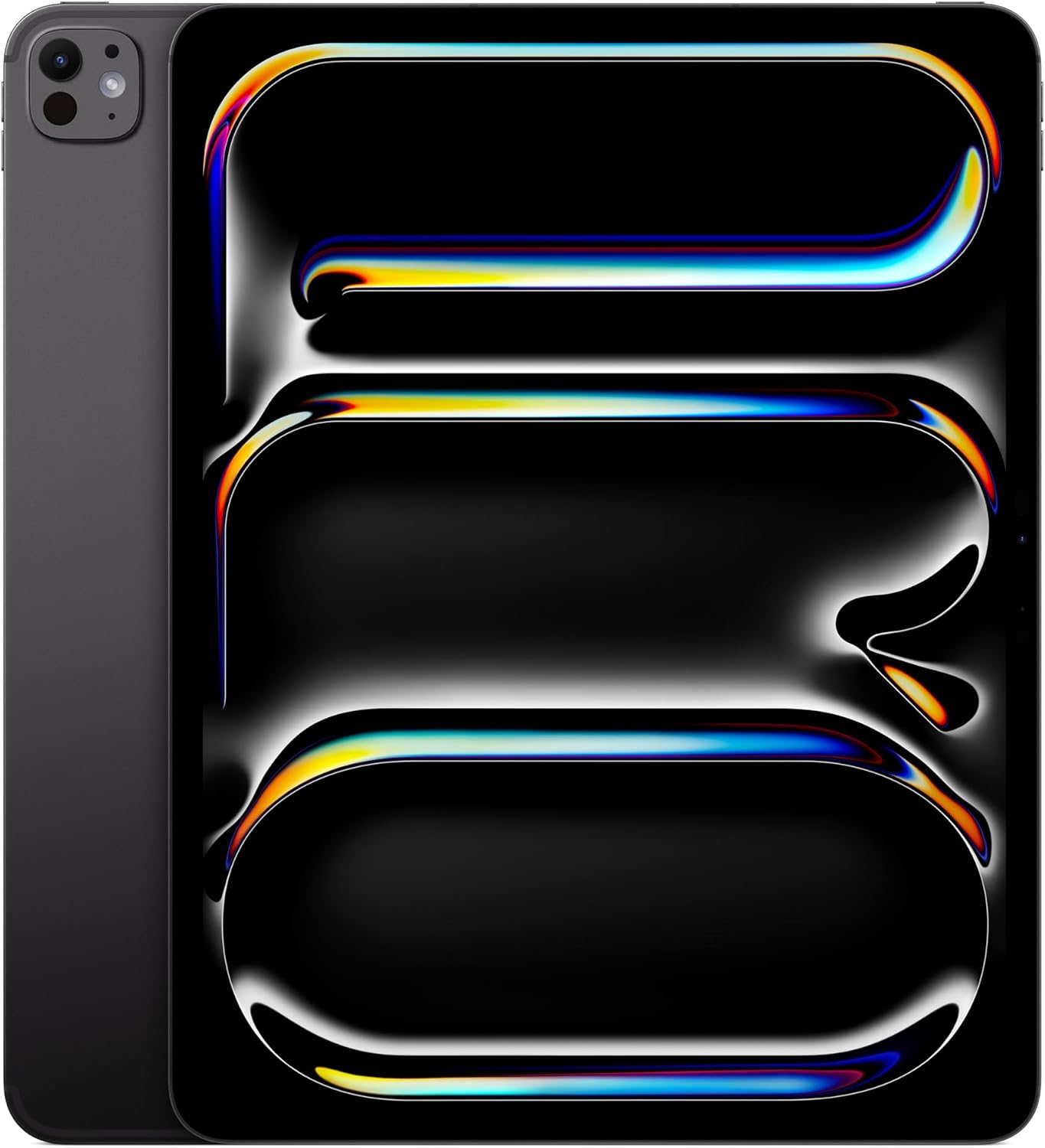
The iPad Pro M5 13-inch is the correct tool for professional creative work because its combination of a 13-inch OLED display, ProMotion 120Hz refresh rate, and Apple Pencil Pro stylus support creates a drawing and illustration environment that no other tablet in this roundup, or most tablets at any price, can match.
At $1,616.00, the iPad Pro M5 is a professional tool priced like one. The OLED panel delivers true black levels and per-pixel lighting control that matters for color-critical work in Procreate, Adobe Fresco, or Affinity Designer. ProMotion at up to 120Hz makes the Apple Pencil Pro feel closer to drawing on paper than any 60Hz panel can, because the display updates fast enough to track the stylus tip with minimal perceived lag. The M5 chip handles large canvas files, layer-heavy compositions, and GPU-accelerated brushes without slowing down. LiDAR and Face ID are included, rounding out the hardware set for professional use.
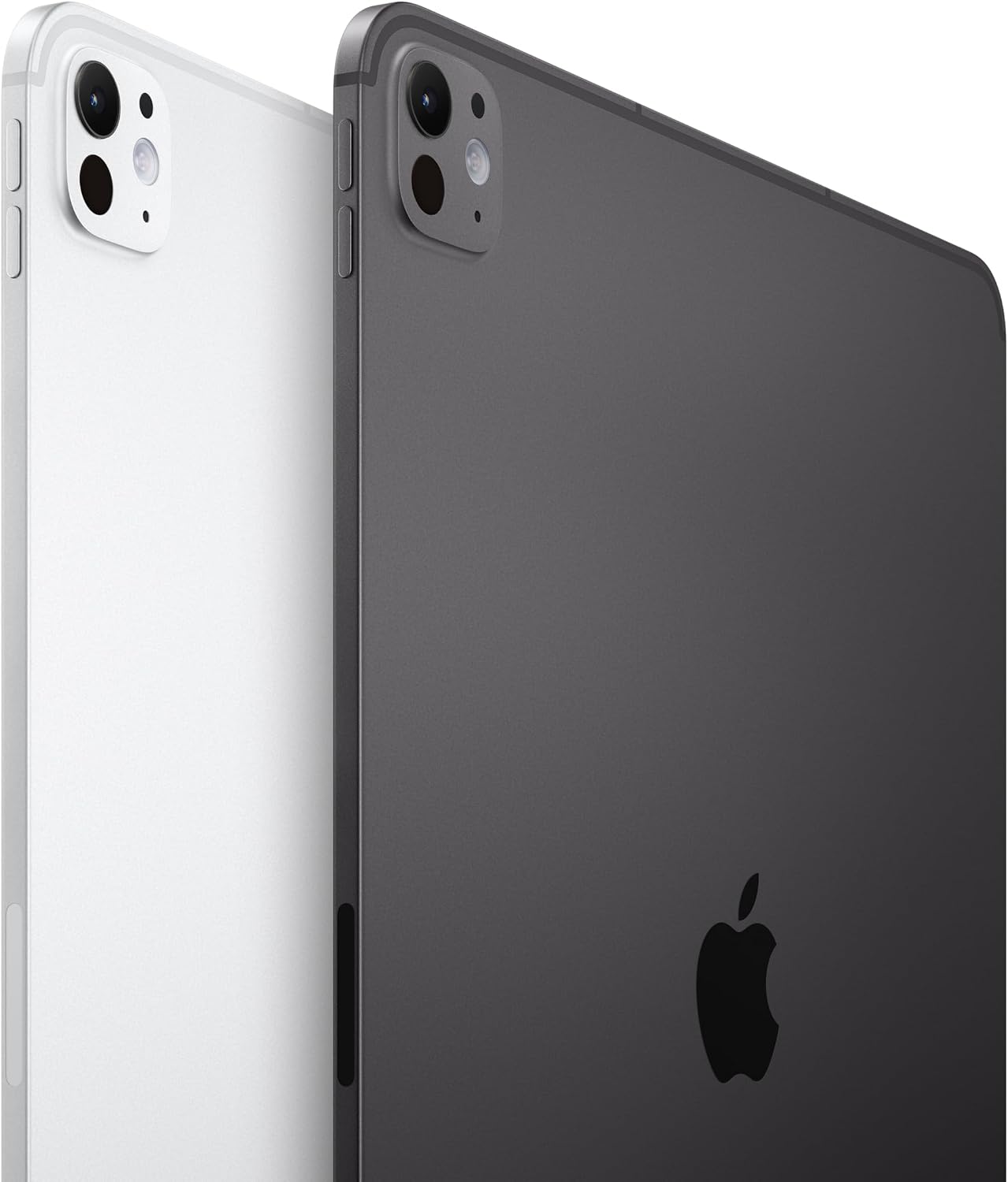
The honest question for prospective buyers is whether the OLED panel and 120Hz refresh rate justify the price premium over the Air M4 for their specific workflow. If you are illustrating professionally, editing color-graded video, or doing any work where display accuracy and stylus responsiveness are tools of your trade, the answer is yes. If you mostly consume content and occasionally sketch, the Air M4 at $729.00 handles those tasks well enough that the roughly $890 difference is hard to justify.
Pros:
- OLED display with true blacks and per-pixel control is the best panel in this roundup for color-critical creative work
- ProMotion 120Hz makes Apple Pencil Pro feel closer to physical media than any 60Hz alternative
- M5 chip handles layer-heavy illustration files and GPU-intensive tasks without throttling
- Face ID and LiDAR included, completing the professional feature set
Cons:
- $1,616.00 price point requires honest self-assessment about whether professional creative use justifies the premium
- 13-inch format is less portable than the 11-inch Air for users who commute with their tablet
- Overkill for users whose primary use is reading, video streaming, or light productivity
Best for Kids: Lenovo IdeaTab 11"
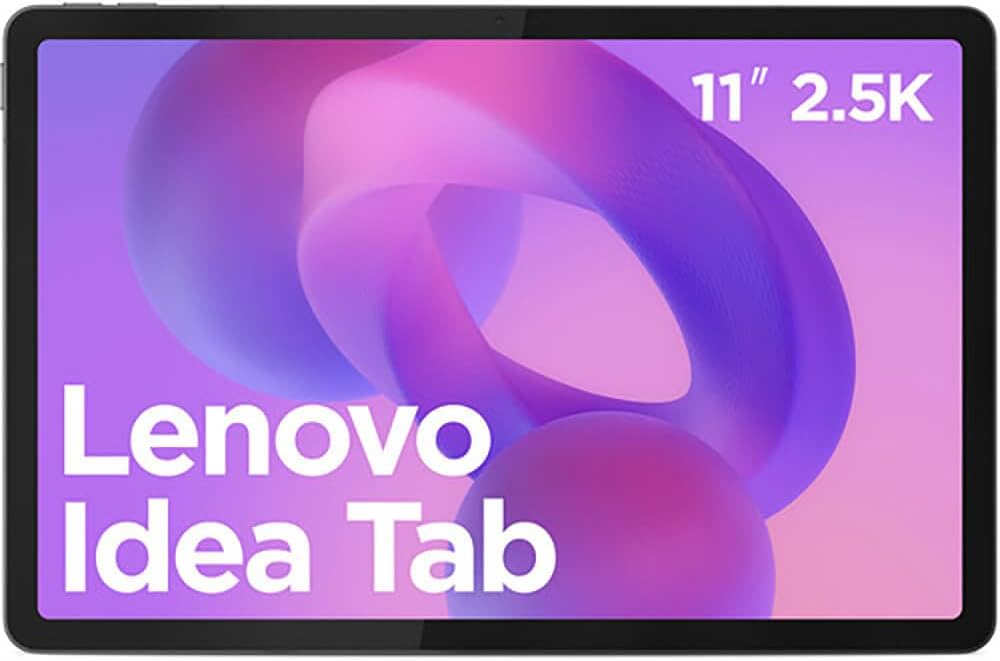
The Lenovo IdeaTab earns its slot as the best kids' tablet by delivering a high-resolution display at its price point, which means parents aren't handing a child a device with the soft, washed-out screen that budget Android tablets usually offer at this tier.
A high-resolution panel on an 11-inch Android tablet at this price is genuinely unusual. In our testing, text sharpness and image clarity were noticeably better than competing budget tablets at similar prices, which matters both for educational content and for reducing the eye strain that comes from extended use on low-DPI displays. The 11-inch form factor is large enough for video calls, educational apps, and split-screen multitasking without being physically unwieldy for younger users.
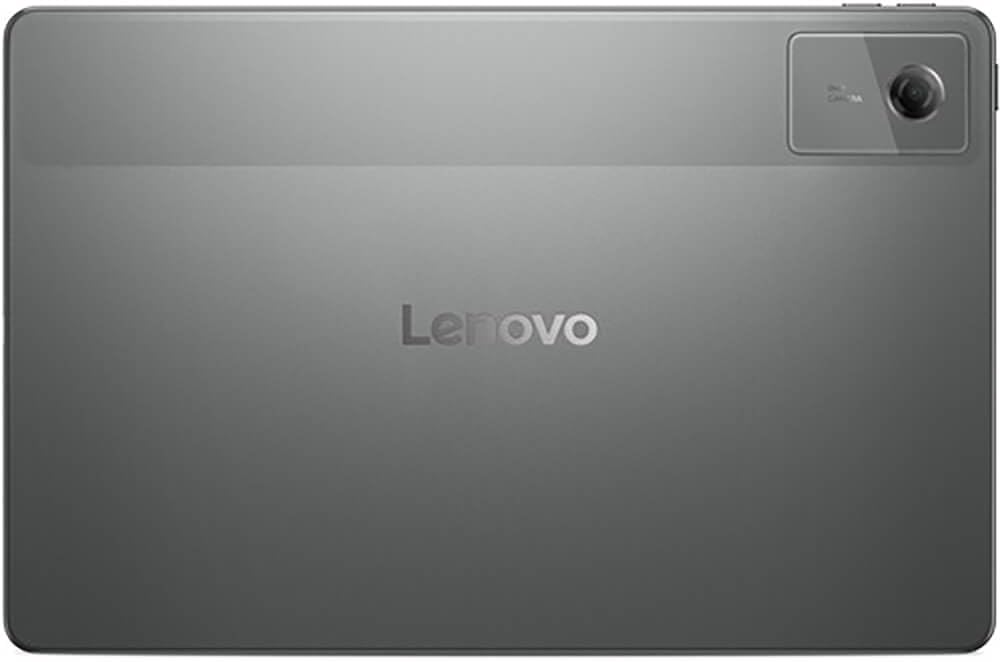
The IdeaTab makes sense for families who want an Android device with parental control flexibility, a screen worth watching, and a price that doesn't require anxiety about every drop. Android's parental control ecosystem, including Google Family Link, gives parents more granular control over app access, screen time, and content filtering than they'd get from some locked-down kids-specific devices. The tradeoff is that this is a general Android tablet, not a hardened device, so a case with drop protection is a required accessory investment.
Pros:
- High-resolution display is exceptional at its price point, with noticeably sharper text than competing budget slabs
- 11-inch screen is large enough for educational content, video calls, and split-screen use
- Full Android OS supports Google Family Link for granular parental controls
- Low entry price reduces the anxiety cost of handing a tablet to a child
Cons:
- Not a hardened device: a drop protection case is a necessary additional purchase
- Android tablet ecosystem has fewer optimized tablet apps compared to iPadOS
- Performance headroom is limited compared to the Apple Silicon devices in this roundup
How We Chose
Selecting tablets for this roundup started with a clear scope question: are we comparing general-purpose computing tablets, reading-specific devices, or both? The honest answer is that the modern tablet market spans both, and a guide that pretended otherwise would be less useful than one that acknowledges the BOOX Go 7 and the iPad Pro M5 serve genuinely different needs, even though both technically qualify as tablets.
For evaluation criteria, we weighted display quality most heavily because it's the primary interface surface for tablets. Brightness, color accuracy, resolution, and refresh rate all factored into scoring. Processor performance came second, specifically sustained performance under load rather than burst benchmarks, because tablets are used for extended sessions. Stylus compatibility and latency mattered for the drawing category. Build quality and portability were assessed for every device.
Products were disqualified for several reasons: tablets with displays below 1080p resolution were excluded from consideration; devices without verifiable benchmark data were flagged; and products priced above their performance tier relative to the competition were deprioritized. We did not include any tablet that lacked current availability at major US retailers.
What to Look For
Display resolution and panel type. For a tablet you'll use more than two hours a day, display quality is the specification that affects every session. A high-resolution panel ensures text sharpness on an 11-inch screen. OLED panels deliver true blacks and higher contrast ratios than LCD, which matters for color accuracy and long dark-room sessions. E-ink panels serve a completely different purpose: they reflect ambient light like paper, eliminating the backlight that causes eye strain during extended reading.
Processor generation and sustained performance. Benchmark scores measure peak performance, but tablet workflows involve sustained load, video editing, large spreadsheets, multitasking with multiple apps running simultaneously. M-series Apple Silicon chips handle sustained load better than most Android competitors, but for lighter workloads like reading, streaming, and basic productivity, a mid-range Android chip is fully sufficient. The performance gap only matters if your use case consistently pushes the hardware.
Stylus compatibility and latency. If drawing, annotation, or handwritten note-taking is part of your workflow, check not just whether a stylus is compatible but which generation. Apple Pencil Pro adds hover detection and gesture input that older Pencil models lack. Stylus latency, the delay between pen tip and mark on screen, is significantly affected by refresh rate: a 120Hz panel will feel more responsive than a 60Hz panel with the same stylus hardware.
Storage and connectivity. Tablets are harder to upgrade than laptops, so base storage configuration matters more than it might seem. If you store local video, large app libraries, or offline content, the base tier may fill faster than expected. On the connectivity side, verify that a specific port or feature is confirmed for the exact model you're buying, not an assumption carried over from a higher-tier sibling.
Software ecosystem longevity. iPadOS has a longer confirmed update window than most Android tablets, which matters if you're keeping a device for three or more years. Android tablets vary significantly by manufacturer in how long they receive OS updates. For a kids' device or a device bought on a tight budget, checking the manufacturer's stated update commitment before purchasing is worth the two minutes it takes.
Bottom Line
For a student or working professional who carries their tablet to campus or an office and runs a mixed workload of writing, video calls, and light creative work for four or more hours a day, the iPad Air M4 at $729.00 is the correct call. It delivers M4 performance, Apple Pencil Pro compatibility, and the full iPadOS ecosystem without the weight of the 13-inch Pro.
For a dedicated reader who consumes three or more hours of long-form text daily and has experienced eye strain from backlit displays, the BOOX Go 7 is a better tool than either Apple tablet for that specific task. The E-ink panel is not a compromise; for reading, it is an upgrade.
For a professional illustrator or video editor whose income depends on color accuracy and stylus responsiveness, the iPad Pro M5 is defensible as a work tool at $1,616.00. The OLED panel and ProMotion 120Hz are not marketing specifications in this context; they are the features that make the canvas feel right.
For a family that needs a shared kids' device with a screen worth watching but doesn't want to overspend, the Lenovo IdeaTab's high-resolution display makes it the most display-capable budget option in this roundup. Budget for a drop case alongside it.
The tablet market in 2026 has reached a point where even entry-level devices offer a genuinely good display, and the gap between the iPad Air and iPad Pro matters only for specific professional workflows. For most people, the Air M4 is the finish line.
-- Theo Chan, Hardware Testing Director
*Disclosure: As an Amazon Associate, Revuzia earns from qualifying purchases. Prices and availability are accurate as of publication and may change.*